

AI can replace a significant share of repetitive office work by automating intake, document handling, routine communications and data updates. In 2026, the main change is faster, more consistent execution of low-discretion tasks paired with tighter oversight for higher-risk decisions. That combination reduces manual load while keeping accountability where it belongs.
Repetitive office work is changing quickly as automation moves from single-task scripts to systems that can read, write, sort and route information. In 2026, many teams will see AI take over more routine tasks, yet most roles will still need human judgment, context and accountability. The practical question is where AI reliably reduces manual effort and where it creates new risks that require oversight.

This guide breaks down what repetitive office work means now, what AI can automate, which jobs feel the impact first and how employees can stay valuable. It focuses on predictable office workflows such as data entry, reporting, scheduling, document handling and customer operations.
What Is Repetitive Office Work In 2026?
Repetitive office work refers to tasks with stable inputs, clear rules and frequent repetition across days or weeks. The work often involves copying data between systems, applying templates, checking boxes against a policy, or sending routine updates to the right person. These tasks usually live inside email, spreadsheets, forms, ticketing queues and line-of-business apps.
In 2026, the category also includes digital work that looks complex but follows patterns, such as updating CRM records, creating standard reports, tagging documents and triaging inbound requests. The work is measurable, time-consuming and sensitive to small errors, which is why it is targeted for automation.
Common characteristics of repetitive office work include:
- High volume. Many similar items processed each day, such as invoices, tickets, or approvals.
- Defined rules. Clear decision criteria, even if they are spread across a policy document.
- Structured tools. Reliance on forms, fields, templates and standard reports.
- Frequent context switching. Jumping between email, spreadsheets, chat and web portals.
Those traits make it a strong match for AI-assisted workflow automation, especially when paired with integrations and validation checks.
How AI Is Currently Automating Routine Office Tasks?
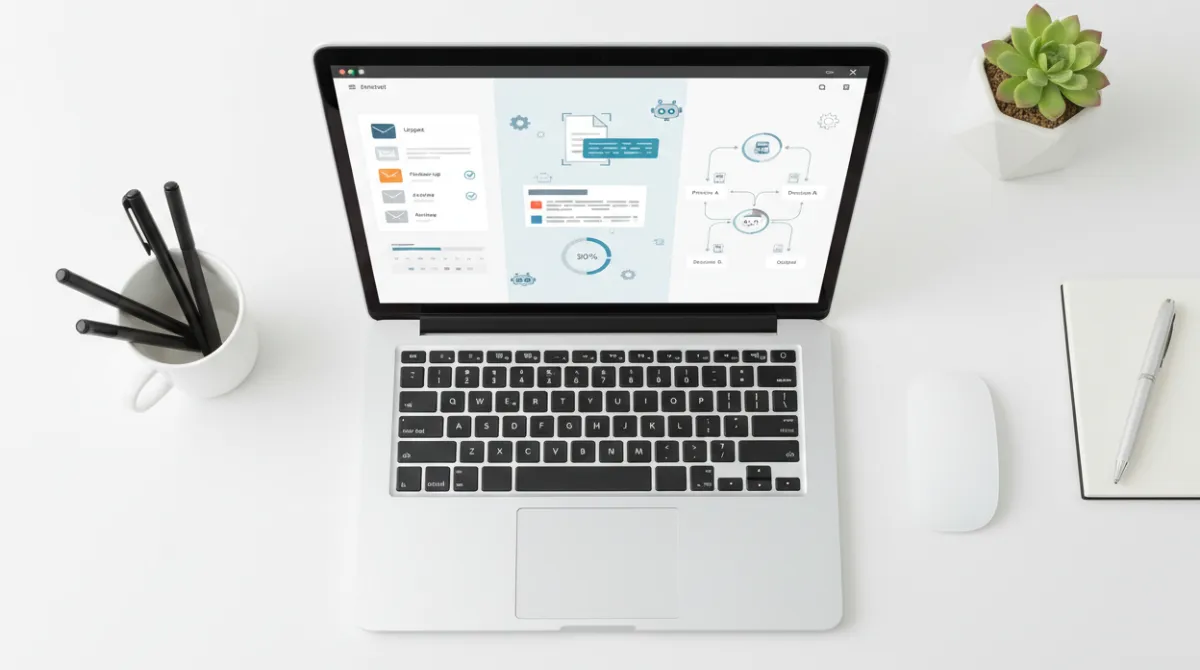
AI automation in offices typically combines three layers: understanding information, deciding what to do next and executing actions across systems. Natural language processing helps with emails, chat messages and documents. Machine learning and rules engines help classify items and route them to the right workflow. Automation platforms then create records, update fields and trigger approvals.
Many organizations use AI to reduce the time spent on administrative coordination. That includes meeting scheduling, summarizing long threads, drafting routine responses and extracting key fields from PDFs. When paired with guardrails, AI can standardize outputs and reduce rework.
Routine office tasks AI often automates include:
- Email and message triage. Sorting, tagging and suggesting replies based on intent and priority.
- Document processing. Extracting invoice totals, vendor names, dates and line items for review.
- Data cleanup. Detecting duplicates, filling missing fields and normalizing formats across databases.
- Reporting support. Refreshing dashboards, generating narratives and flagging anomalies for humans.
- Ticket routing. Assigning requests to the correct queue and collecting missing details automatically.
As AI capabilities improve, the biggest shift is less about single tasks and more about end-to-end flow, where a request moves from intake to resolution with fewer manual handoffs.
Key Office Jobs Most Affected By AI Automation
AI affects roles based on task composition, not job titles alone. Positions with a large share of standardized processing, frequent documentation and predictable communications tend to see the earliest impact. Roles that require negotiation, nuanced decision-making, or relationship management generally shift toward oversight and exception handling.
Office functions most exposed to automation pressure include:
- Administrative support. Calendar coordination, travel booking workflows and document preparation.
- Accounts payable and receivable operations. Invoice intake, matching, reminders and reconciliation support.
- Customer support and service desks. First-line responses, categorization and knowledge-base guidance.
- HR operations. Onboarding checklists, policy Q&A and routine employee requests.
- Sales operations. CRM updates, lead routing and quote document assembly.
- Compliance and audit support. Evidence collection, control testing assistance and documentation review.
In most cases, AI reduces time spent on low-discretion work while increasing the need for quality control, stakeholder communication and process ownership.
AI Tools Replacing Manual Workflows In Businesses
Businesses rarely rely on a single AI tool. They use a mix of assistants embedded in productivity suites, workflow automation platforms, document intelligence and customer support automation. The value comes from connecting systems so AI can act, not only suggest.
These tool categories are commonly used to replace manual workflows:
- AI writing and drafting assistants. Create first drafts of emails, policies, summaries and standard operating procedures.
- Intelligent document processing. Extract fields from PDFs, scan forms and validate against business rules.
- Robotic process automation with AI. Operate legacy interfaces, move data between apps and handle exceptions better.
- Customer service automation. Suggest replies, surface knowledge articles and complete simple requests.
- Analytics copilots. Translate questions into queries, generate insights and highlight risk signals.
Choosing the right stack depends on data sensitivity, integration needs and how often the process changes. The best results come from clear workflow mapping and a strict review loop for high-impact actions.
Benefits Of Using AI For Repetitive Tasks

The strongest benefits show up when AI removes manual copying, reduces waiting time between handoffs and enforces consistency across outputs. When processes are stable, AI can shorten cycle time and improve service levels. It can also free experienced staff to focus on improvement work rather than constant task execution.
Key benefits include:
- Faster throughput. Routine tasks complete in minutes instead of hours when intake, routing and drafting are automated.
- Fewer preventable errors. Validation checks and standardized templates reduce common mistakes and missing fields.
- Better consistency. Outputs follow policy language, formatting rules and brand tone more reliably.
- Improved visibility. Automated logs and status updates create clearer audit trails and workload reporting.
- More resilient operations. Coverage improves during peaks, absences and seasonal cycles.
Those gains are most durable when the team also simplifies the workflow, removes redundant approvals and defines clear ownership for exceptions.
Limitations Of AI In Office Environments
AI is not a universal replacement for office work because real business processes include ambiguity, conflicting goals and incomplete information. AI systems can produce plausible output that is wrong, or apply a pattern that does not fit a special case. In regulated environments, even small errors can create outsized risk.
Key limitations to plan for include:
- Context gaps. AI may miss unwritten norms, stakeholder history, or contractual nuance.
- Data quality dependence. Poorly labeled fields, inconsistent naming and outdated records reduce accuracy.
- Security and privacy constraints. Sensitive data may require strict controls, on-prem options, or redaction.
- Integration friction. Many workflows break at system boundaries without reliable APIs and governance.
- Accountability. Someone must own approvals, policy decisions and final sign-off.
These limits mean AI often works best as an assistant that prepares work, flags issues and executes low-risk actions while humans handle exceptions and final decisions.
Will AI Fully Replace Human Office Workers

Full replacement is unlikely across most office functions because organizations need humans for judgment, relationship work and responsibility for outcomes. AI can absorb a large share of repetitive office work, but even highly automated workflows require people to define goals, manage tradeoffs and handle edge cases. Many tasks also involve ethics, empathy, or negotiation, which cannot be reduced to pattern matching without consequences.
A more realistic shift is job redesign. Teams will spend less time on routine execution and more time on quality management, process improvement, vendor coordination and cross-functional decision-making. Some roles will shrink in headcount, while others will expand around governance, data operations and AI enablement.
The table below summarizes where AI tends to fit best and where humans remain essential.
| Work Type | AI Strength | Human Value |
|---|---|---|
| High-volume data handling | Fast extraction, classification and routing | Designing rules and resolving exceptions |
| Routine communications | Drafting and tone consistency | Stakeholder judgment and relationship impact |
| Policy-driven decisions | Applying checklists and control logic | Interpreting nuance and approving outcomes |
| Knowledge work support | Summaries, search and first-pass analysis | Critical thinking and accountable conclusions |
This balance is why AI adoption changes what office workers do more than it eliminates the need for them entirely.
How Employees Can Adapt To AI In The Workplace?
Adaptation is less about becoming a technical specialist and more about becoming effective at supervising automated work. Employees who learn how to structure requests, verify outputs and improve workflows tend to gain leverage. The most durable skills are domain knowledge, communication and process ownership, strengthened by AI literacy.
Practical ways to adapt include:
- Map your recurring work. Identify tasks that repeat weekly and note inputs, outputs and decision points.
- Standardize templates and checklists. Clear structure improves AI accuracy and makes reviews faster.
- Learn verification habits. Spot-check sources, validate numbers and confirm policy alignment before sending.
- Own the exception path. Build expertise in edge cases where automation fails and value is highest.
- Document process changes. Keep procedures current so automation stays aligned with reality.
These habits turn AI into a productivity multiplier while protecting quality, compliance and trust with stakeholders.
Future Outlook AI And The Evolution Of Office Work

Office work is moving toward systems that are proactive, integrated and measurable. AI will increasingly handle intake, classification, drafting and routine updates across departments. The biggest improvements will come from redesigning workflows, not only adding tools, so that data flows cleanly and approvals are intentional.
Teams that succeed will treat AI as part of operations management. They will define where automation is allowed, where human review is required and how to audit outcomes. As AI becomes more common, differentiators will include strong governance, high-quality data and employees who can manage automated systems with confidence.
Conclusion
AI can replace a significant share of repetitive office work by automating intake, document handling, routine communications and data updates. In 2026, the main change is faster, more consistent execution of low-discretion tasks paired with tighter oversight for higher-risk decisions. That combination reduces manual load while keeping accountability where it belongs.
The best approach is practical and balanced. Automate stable processes, add validation and audit trails and keep humans focused on exceptions, relationships and judgment. With the right guardrails, AI becomes a reliable partner for routine work rather than a risky black box.