
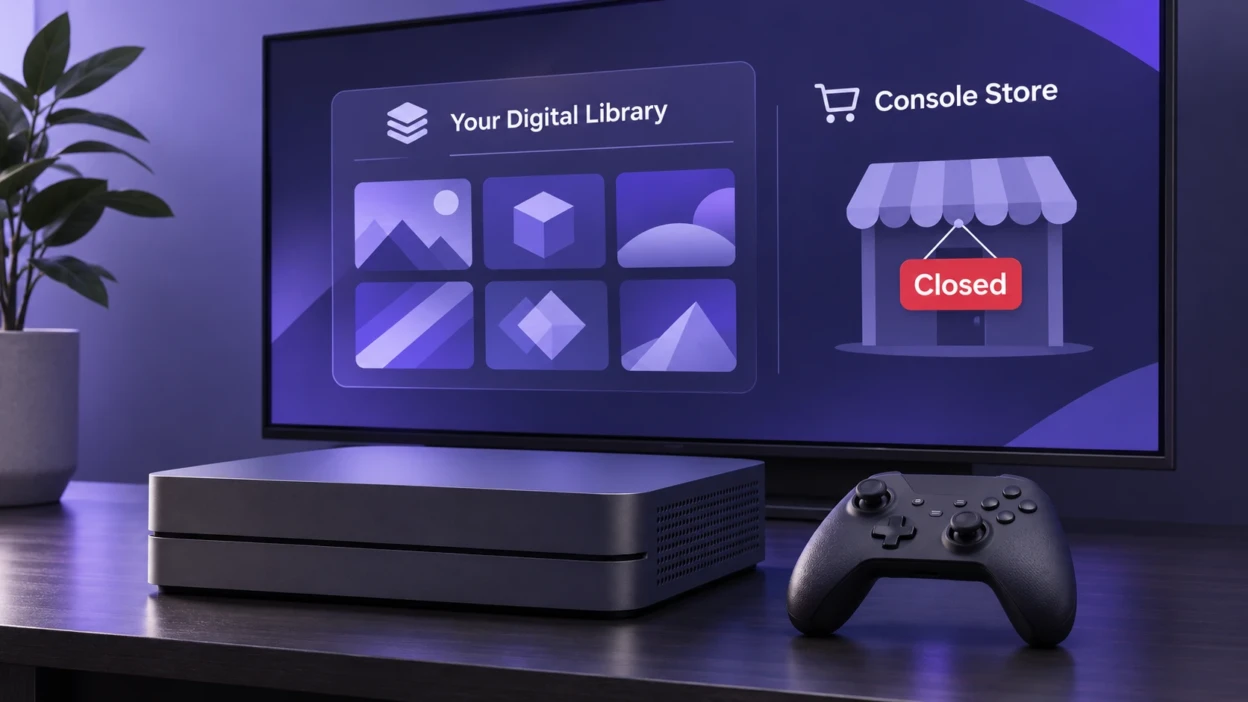
When a console’s digital store closes, you do not automatically lose every game you have purchased. Previously downloaded games may continue working, and the platform may still allow you to download earlier purchases. However, access depends on the game’s license, compatible hardware and the services that remain operational.
The biggest distinction is between closing a store and shutting down the technology that delivers or runs its games. A console manufacturer can stop selling games while continuing to support existing downloads. It can also discontinue multiplayer services without removing purchased single-player games.
Understanding these differences can help you protect your digital game collection before an older console loses more of its online services.
What Does a Console Store Closure Actually Mean?
A digital game store performs several functions. It sells new games, records purchases and provides access to downloadable content. Other connected platform services may handle license verification, software updates and online gameplay.
These functions do not necessarily stop working on the same date.
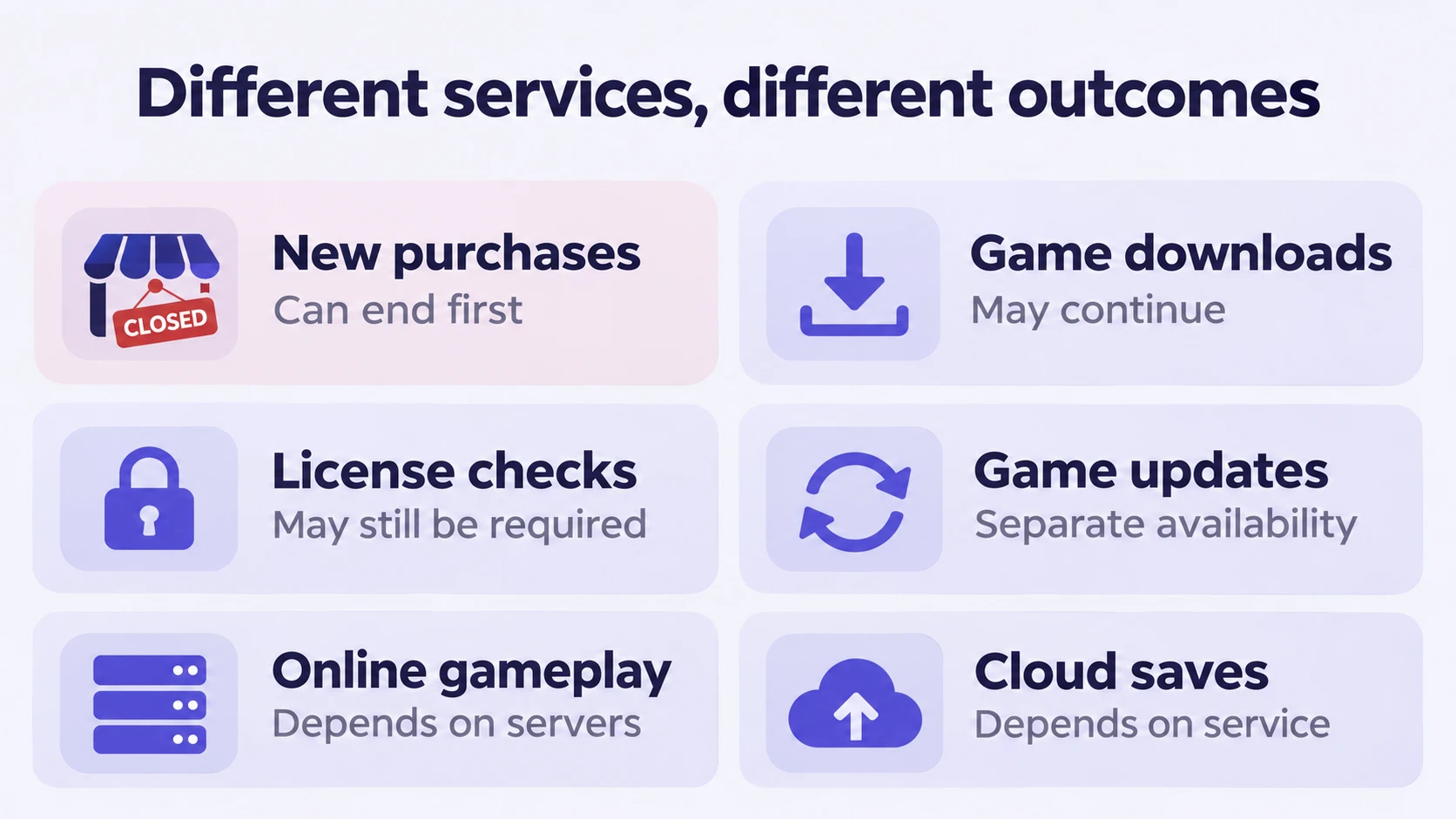
| Service or Function | What Happens If It Ends? |
|---|---|
| New game purchases | You can no longer buy new games through the affected storefront. |
| Game downloads | You may lose the ability to reinstall previously purchased games. |
| License verification | Games requiring unavailable verification services may fail to launch. |
| Software updates | Missing patches and additional files may become unavailable. |
| Online game servers | Multiplayer and other server-dependent features may stop working. |
| Cloud saving | Access to remotely stored progress or synchronization may be affected. |
A closure announcement should therefore be read as a description of specific services being retired, rather than a statement that the entire console will stop functioning.
Individual game delistings are also different from store closures. A publisher may remove a particular game from sale while the wider storefront continues operating. Whether previous buyers retain download access depends on the applicable policy.
What Happened With Nintendo, Xbox and PlayStation Stores?
Several console manufacturers have retired older digital storefronts while maintaining certain services for existing customers.
Nintendo 3DS and Wii U
Nintendo stopped accepting new digital purchases on its Wii U and Nintendo 3DS eShops on March 27, 2023.
According to Nintendo’s eShop discontinuation guidance, previously purchased games and downloadable content remain available to download, alongside existing software updates, for the foreseeable future.
Nintendo subsequently ended most online communication services for these systems on April 8, 2024. Its separate online service discontinuation notice explains that offline game modes can continue working where they do not depend on those services.
Xbox 360 Store
Microsoft closed the Xbox 360 Store to new purchases on July 29, 2024. The change also affected the Xbox 360 Marketplace.
Microsoft’s official Xbox 360 Store closure announcement confirms that existing customers can continue playing and redownloading previously purchased games.
Multiplayer remains dependent on whether publishers maintain the necessary online services. Supported backward-compatible Xbox 360 titles can also remain available through newer Xbox storefronts.
PlayStation 3 and PS Vita
On July 1, 2026, Sony announced a phased closure of the PlayStation Store for PS3 and PS Vita systems.
The announced schedule begins with PS3 storefront closures in selected markets during 2026, followed by wider PS3 and PS Vita closures in July 2027.
Sony says existing customers will retain the ability to download previously purchased content for an unspecified period after their storefront closes. Its PlayStation service notices also explain that continued gameplay depends on the availability of each game’s required services.
Players should consult the official notice for their account region rather than assume that every country follows the same closure schedule.
How These Store Closures Compare?
| Console Store | End of New Purchases | Policy for Previous Purchases |
|---|---|---|
| Nintendo 3DS and Wii U eShop | March 27, 2023 | Continued downloads and existing updates for the foreseeable future |
| Xbox 360 Store | July 29, 2024 | Continued playback and redownload access, subject to relevant service requirements |
| PS3 and PS Vita Store | Phased schedule during 2026 and 2027 | Continued access to previously purchased downloads for the foreseeable future |
These examples demonstrate that a store can stop accepting payments without immediately ending access to purchased software. However, none establishes a universal guarantee of permanent digital game availability.
Do You Really Own Your Digital Games?
Buying a digital game generally gives you a license to use the software under the platform’s applicable terms. It does not necessarily give you an independently transferable copy that can be installed on any device.
For example, the PlayStation terms of service describe digital purchases as personal licenses that are generally non-transferable, subject to applicable law.
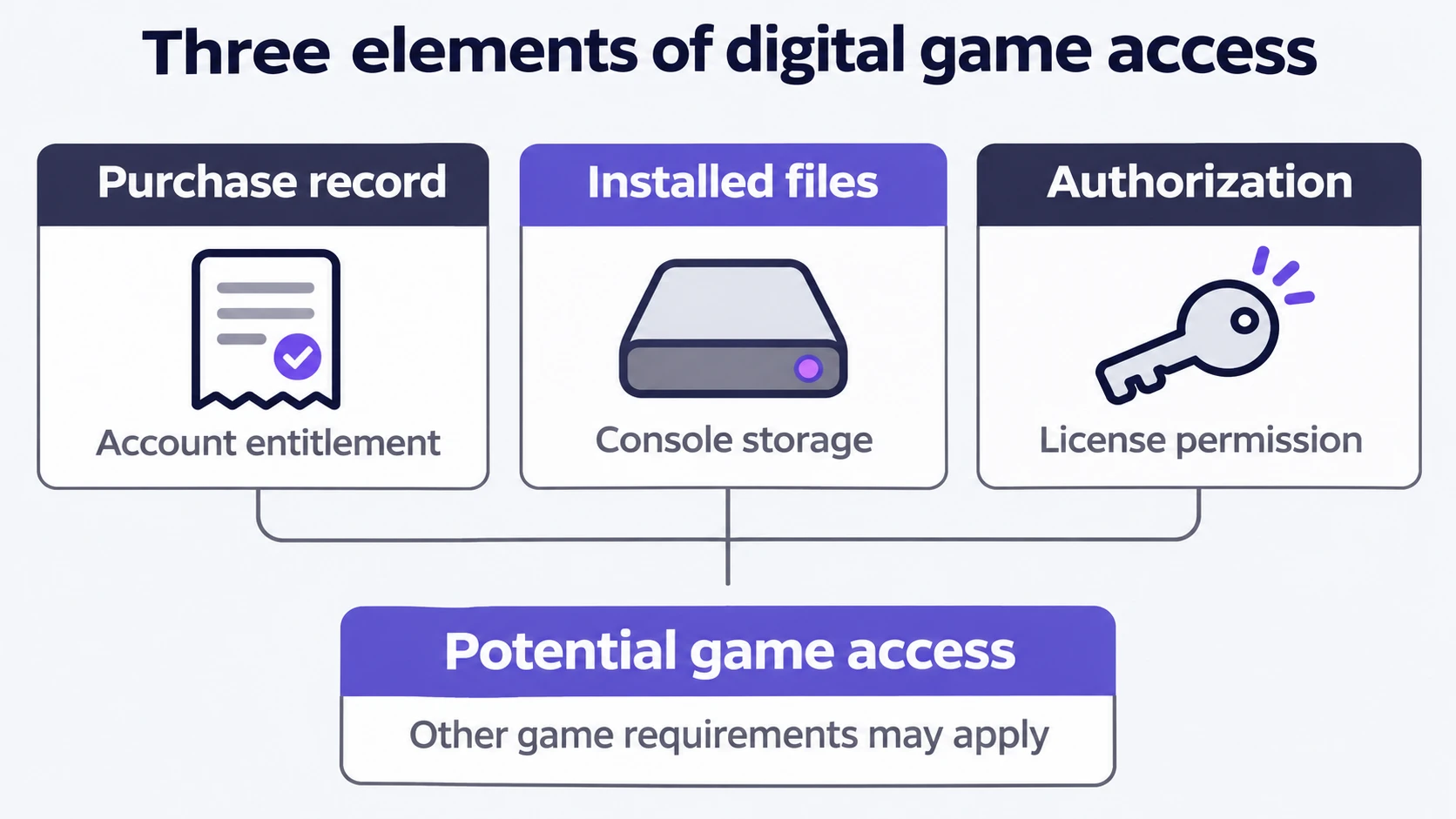
In practice, access to a digital game may involve three separate elements:
- Purchase entitlement: The platform’s record that your account acquired the game.
- Installed game files: The software stored on your console or supported storage device.
- License authorization: The permission required to launch and use the software.
Having one of these elements does not necessarily mean the others will remain available. A game can appear in your purchase history even when you no longer have a working installation.
These restrictions are part of the wider debate over digital game ownership, particularly as consoles increasingly rely on downloadable software.
Purchased Games vs Subscription Games
Games accessed through a subscription are different from games purchased individually.
Microsoft’s Xbox Game Pass guidance explains that catalog access can end when a subscription expires or a game leaves the service.
Installing a subscription game does not turn it into a separately purchased title. Different subscription benefits may also have different access conditions, so check how each game was acquired before treating it as part of your permanent collection.
Can You Redownload Games After a Store Closes?
You may still be able to download a purchased game if the manufacturer continues operating its download service and recognizes your original purchase.
Typically, you need the original purchasing account, compatible hardware, sufficient storage and a functioning download service. The exact account and download requirements vary by console.
When companies promise continued downloads for the foreseeable future, they are not specifying a permanent availability period. Nintendo’s Wii Shop Channel discontinuation notice illustrates this distinction. It identifies January 30, 2019, as the final software purchase date and separately states that redownload services will eventually be retired.
Important: Do not delete an important digital game, format its storage or factory-reset an older console merely to check whether you can download the game again. If the required download or authorization service is no longer available, you could lose access to your existing installation.
Will Installed Digital Games Still Work Offline?
Some digital games can continue working without internet access, provided their files are installed and their applicable license requirements have been satisfied.
Other games depend on online authentication, publisher accounts, streamed content or remote servers. These dependencies may exist even in games marketed around single-player experiences.
Offline Console Authorization
Modern consoles offer different options for authorizing offline play. For example, Sony’s PS5 Console Sharing and Offline Play feature supports offline access to eligible downloaded purchases on one enabled PS5 console at a time.
This is a feature of the PS5 platform, not a guarantee that every PlayStation console or game follows the same rules.
Before relying on offline access, finish any active save or download operation, close the game normally and temporarily disconnect the console from the internet. Launch the game and try loading an existing offline mode without changing or deleting any data.
Reconnect the console afterward. A successful offline launch demonstrates that the tested configuration works at that moment, but it does not prove that future license checks or service changes will never affect it.
Online-Only and Multiplayer Games
An installed online-only game may become unusable when its required servers shut down, even if the game files remain on your console.
For games with separate online and offline modes, the outcome may be less severe. An offline campaign could remain playable while matchmaking, online events, leaderboards or other network features disappear.
Always check the publisher’s notice for the individual game. The availability of a console’s digital store is not proof that a particular game’s servers are still operating.
What Happens to DLC, Updates and Saved Progress?
Preserving the base game is only one part of maintaining a digital collection. Additional content, patches and saved progress may rely on different systems.
Downloadable Content
Purchased downloadable content, or DLC, may remain available after a store stops accepting new purchases. Nintendo and Microsoft’s closure policies provide examples of continued access to previously acquired game content.
However, having the base game does not mean you can acquire expansions that you never purchased. A game may also require a separate license or additional files for its DLC.
Check that the expansions you care about are both recorded in your account and installed where supported.
Game Updates and Patches
Game updates may remain downloadable after new sales end, but update delivery is a separate service whose long-term availability cannot be assumed.
Some games depend on patches for important bug fixes, additional content or compatibility. Install relevant supported updates while they remain available, especially if the original release has known problems.
Saved Game Progress
Game installation files and saved progress are separate forms of data. Downloading a game again does not automatically restore your campaign progress, characters or settings.
Depending on the platform and title, saved progress may exist in console storage, a supported cloud-saving service or a publisher-managed account.
Use the console’s official backup or transfer options where available. If your progress is already missing, our guide to recovering lost game progress from cloud and local saves explains why you should identify the correct save before attempting restoration.
What If Your Console Breaks or You Replace It?
A working game on an original console does not guarantee that the same game will work on replacement hardware.
Moving to another device may require a fresh download, account sign-in, license authorization or an officially supported transfer. Some console generations also lack backward compatibility with particular older games.
For example, imagine that you purchased a digital-only game, installed it on an older console and continued playing it after the store closed. If that console later fails, recovering the game on a replacement device could depend on whether its download and authorization services still exist.
Even if you have backed up the game files, the backup may remain tied to the original device or account. A storage copy should not be treated as an independently usable installer unless the platform explicitly supports that use.
Keeping access to compatible hardware, account recovery options and supported backups is therefore an important part of long-term game preservation.
Are Physical Games Safer Than Digital Games?
Physical game discs and cartridges can reduce dependence on a digital storefront when they contain the required playable software. However, they do not remove every dependency on online services.
Some physical releases require additional downloads, activation, updates or server connections. A physical copy of an online-only game may become unusable if the necessary servers disappear.
| Factor | Digital Games | Physical Games |
|---|---|---|
| Reinstallation | May depend on download availability and supported backups | May be possible from the disc or cartridge if required files are present |
| License requirements | Often tied to an account or authorized console | May use the physical media as proof of access, with possible additional checks |
| Hardware failure | Recovery depends on supported downloads, transfers and authorization | Requires working compatible hardware and readable media |
| Online service shutdown | Can lose server-dependent features | Can lose the same server-dependent features |
A complete, offline-capable physical edition can offer greater independence from download servers. Nevertheless, the actual long-term usability of any game depends on its technical requirements and the hardware available to run it.
How to Protect Your Digital Game Library?
When a console manufacturer announces a store closure, you do not necessarily need to download every game immediately. Start by identifying the purchases that would be hardest to replace or recover.
Prioritize the Games You Want to Keep
| Priority | Games to Consider | Reason |
|---|---|---|
| High | Digital-only exclusives and difficult-to-replace purchased games | Alternative legitimate editions may be unavailable. |
| High | Purchased expansions and games with important local saves | Additional content or progress may require separate preservation. |
| Conditional | Online-only games | Keeping installed files alone cannot preserve required servers. |
| Lower | Games with accessible, compatible alternative editions | Other legitimate ways to play may remain available, although repurchase could be necessary. |
This priority framework is a planning tool rather than a guarantee that particular games will survive a service shutdown.
Digital Game Preservation Checklist
- Read the official closure notice. Identify which services are ending and the deadlines that apply to your region.
- Review your purchase history. Confirm the account that owns each important game, expansion and edition.
- Secure your account. Maintain access to your recovery email, supported authentication methods and recovery information.
- Check available storage. Use storage devices supported by your specific console.
- Download priority games and DLC. Confirm installations finish successfully rather than relying on library listings alone.
- Install relevant updates. Check for supported patches required by the games you intend to keep.
- Preserve saved progress separately. Use supported local backups, cloud-saving or transfer features where available.
- Check offline gameplay. Test eligible installed games without altering licenses, deleting files or resetting the console.
- Keep compatible hardware and purchase records. Store your equipment safely and retain receipts where possible.
- Review publisher-specific service notices. Check whether individual games require servers that are scheduled to close.
For a large library, consider keeping a simple inventory with the game title, purchasing account, installation status, DLC status, save backup status and offline play requirements. This makes it easier to identify gaps before services disappear.
What Should You Do After a Store Has Closed?
If a previously purchased game is missing or will not launch, first determine whether the problem affects its files, license or required online services.
- Check that you are using the original purchasing account and the correct console profile.
- Review the platform’s current redownload policy and your purchase history.
- Check whether a supported license restoration or console authorization feature is available.
- Determine whether the game requires a discontinued publisher service.
- Contact official platform support before deleting a working installation or changing its account association.
For example, Sony provides license restoration instructions for PS4 and PS5 that may help with missing purchases or locked games. These procedures are not a solution for every discontinued service and should only be used on the supported platform.
If official downloads have ended, another authorized edition or compatible re-release may be an alternative. Do not assume that purchasing a game on one console automatically grants access to its newer editions.
Refund eligibility also depends on the platform’s policies, the circumstances of the service retirement and applicable consumer law. A store closure does not establish one universal refund entitlement.
Conclusion
When a console store closes, the immediate change may be the loss of new purchases rather than the disappearance of your existing digital game library. Nintendo, Xbox and PlayStation have all established policies that separate storefront closures from continued access to previously acquired content.
However, long-term access depends on more than purchase history. Download availability, license authorization, compatible hardware, saved data and publisher-operated services can each affect whether a game remains playable.
The most practical approach is to protect the games you value while the necessary services still work. Verify your purchases, install important content, preserve your saves and understand each game’s offline requirements. A digital purchase can provide years of enjoyment, but a working game library requires more than a list of owned titles.

Tech Bonafide is the editorial identity of TechBonafide, an independent technology publication covering AI, software, cybersecurity, gadgets, and emerging technology.