If you’re looking for a way to improve how your storage works either for speed, data protection or both two of the most common options are RAID 5 and RAID 10. These systems use multiple hard drives working together in specific ways to offer different benefits.
What Is RAID?
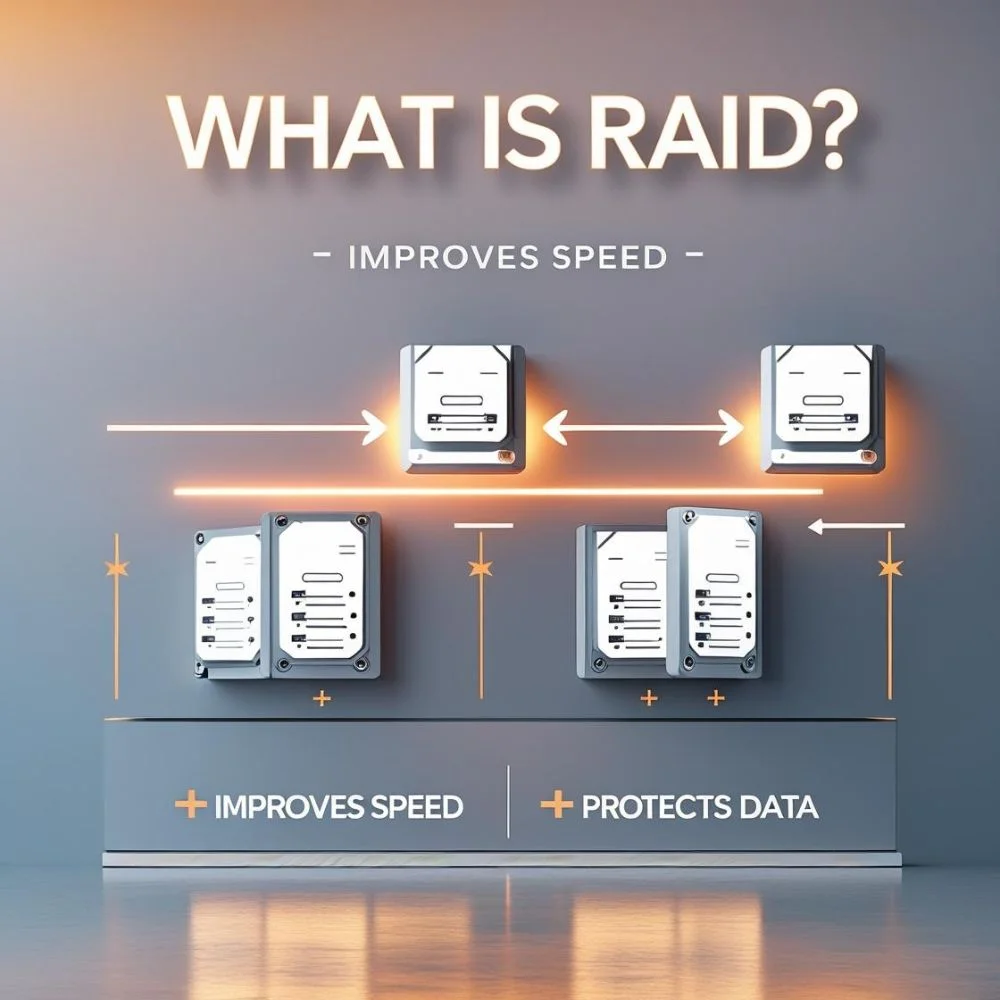
RAID is short for “Redundant Array of Independent Disks.” It’s a technique used to link two or more storage drives together. This setup improves either the speed of data access, adds a safety net against hardware failure or both, depending on the type of RAID used.
Just remember RAID isn’t a replacement for backups. It helps with hardware problems like a drive failure, but it won’t save your data if you delete something by mistake or get hit by a virus. Always back up separately.
RAID 5
RAID 5 spreads your data across multiple disks and includes something called parity. Parity is like a built-in error checker that allows the system to rebuild lost data if one drive stops working.
Here’s what to know:
- Requires at least three drives to function.
- The equivalent storage of one drive is reserved for parity, no matter how many drives part of the group are.
- Read speeds are typically high since information can be retrieved from multiple drives at once.
- Writing data is slower due to the overhead of generating and managing parity information.
If a single drive stops working, RAID 5 continues running and can restore the missing data using parity. But if another drive fails while recovering the first, all information may be lost. Larger drives increase the time it takes to rebuild, which raises the risk window.
Ideal use: Systems where you want decent protection and maximum storage space, such as file servers or data archives.
RAID 10
RAID 10 is a hybrid of two approaches. It combines disk mirroring (which creates identical copies) and striping (which splits data across drives) to create a setup that offers both high speed and solid protection.
Here’s how it works:
- Needs a minimum of four drives.
- Only half of your total storage is usable because each drive has a mirrored partner.
- Delivers excellent read/write performance as there’s no parity calculation involved.
- Tolerates multiple drive failures as long as mirrored pairs aren’t lost together.
Because it skips parity, RAID 10 doesn’t slow down during data recovery. If a drive crashes, its exact copy is ready for use immediately, which means you can recover data quickly with less pressure on the system.
Best for: Fast-paced environments like virtual servers, financial systems, or critical databases were uptime and speed matter most.
Performance and Risk: Key Differences
1. Speed Comparison
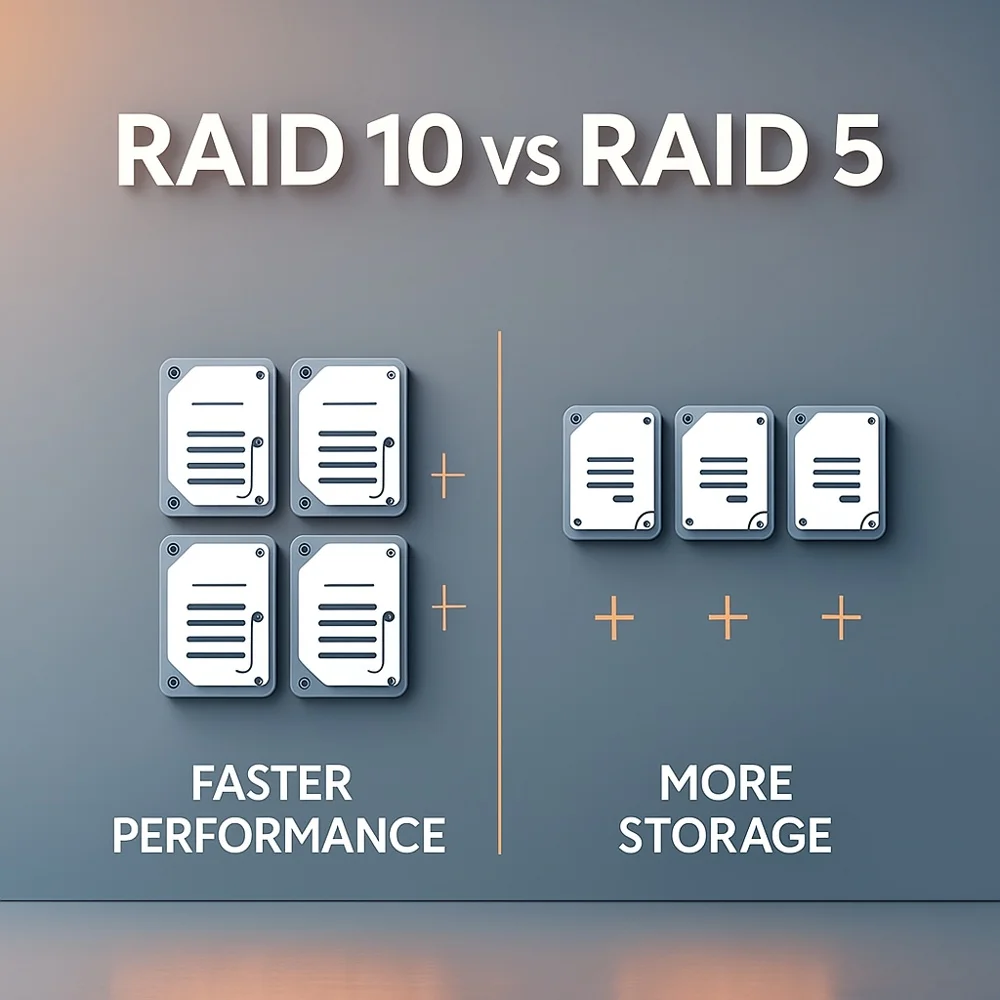
RAID 5 performs well when reading because it can fetch data from multiple sources. But it’s slower when writing since it has to calculate and store parity each time. RAID 10 is fast at both reading and writing because it doesn’t require any of those calculations.
2. Risk During Recovery
RAID 5 becomes vulnerable during disk recovery. The rebuild process is demanding, requiring data to be reconstructed using remaining drives and parity, which puts a load on the system and takes a long time. If something else fails in that window, data loss can occur.
RAID 10 handles recovery by simply copying data from the unaffected mirror drive. It’s faster and much safer, minimizing the time your system stays at risk.
What People Experience in Real Setups?
Many users report that RAID 5 can become problematic with large drives. The rebuild time increases so much that the risk of losing another drive before it finishes becomes a real concern. On the other hand, RAID 10 usually completes recovery quickly and keeps performance stable even during that time.
In situations where system uptime and reliability are crucial, users tend to favor RAID 10 because it avoids the lengthy recovery periods and pressure on remaining drives that RAID 5 struggles with.
Which RAID Setup Should You Pick?
Choose RAID 5 if
- You want to maximize your total storage space.
- Your primary need is strong read performance rather than frequent data writing.
- You’re okay with longer recovery times as long as proper backups are in place.
Choose RAID 10 if
- Your system needs high-speed performance, especially with writing data.
- You prefer quick, low-risk recovery from hardware failures.
- You’re handling critical services where downtime isn’t an option.
A Few Extra Tips
- Software or Hardware: RAID 10 is more straightforward to run in software environments because it lacks parity calculations. RAID 5 runs more smoothly with hardware controllers designed to manage parity efficiently.
- Larger Drives Increase Risk: As drives get bigger, the time to restore a failed disk also increases. RAID 5 is more exposed during this process, while RAID 10 avoids the issue by simply mirroring data.
- Other RAID Options: If you want more flexibility or safety, there are also RAID 6, RAID 50 and RAID 60, which blend features from other levels, but they are more complex and suited for advanced setups.
FAQ
1. What happens if two drives fail?
RAID 5 cannot survive that situation data will be lost. RAID 10 can still function if each failed drive belongs to a different mirror pair.
2. Which setup offers more usable storage?
RAID 5 gives more usable space because it only sacrifices one drive’s worth. RAID 10 mirrors everything, so you get half the usable capacity.
3. Can RAID replace backups?
Not at all. RAID guards against drive failure but doesn’t protect from things like accidental deletions, software errors, or viruses. A good backup strategy is still essential.
Final Thoughts
Both RAID 5 and RAID 10 have their advantages. RAID 5 is better when you want to use your drive space efficiently and you’re working in a low-risk environment. RAID 10 is the stronger choice when speed and data protection are a higher priority.
Before choosing, think about what matters most to you: cost, storage capacity, performance or safety. And no matter what RAID level you use, always back up your data somewhere else. That’s the best way to stay protected.