


Amazon Guide 2026 brings together shopping, entertainment, smart home tools and cloud services under one account. The brand is best known for its online marketplace, where Amazon sells products directly and also hosts third-party sellers.
Beyond retail, Amazon operates subscription services, streaming platforms, voice assistants and one of the largest cloud computing businesses. Learning how these pieces fit helps you spend less time troubleshooting and more time getting value.
Amazon Prime Membership
Amazon Prime is a paid membership that bundles delivery benefits with digital services. The exact perks can vary by region, but the core value is convenience and a smoother checkout experience.
Before subscribing, review which benefits you will actually use, since entertainment and shipping savings matter differently for each household. It also helps to check how many people can share benefits through household features, where available.
Prime benefits commonly include faster delivery options, member-only deals, and access to Amazon entertainment services. Some perks are easy to miss unless you turn them on in your account settings. If you want more control over your order history and privacy, learning how to archive Amazon orders? can help keep past purchases out of everyday view.
- Shipping Benefits: Faster delivery options on eligible items and simpler delivery tracking within your account.
- Deal Access: Member-only discounts that can reduce the cost of frequently purchased household items.
- Account Tools: Easier management for addresses, payment methods and subscription-based deliveries.
Once you know which benefits matter most, you can use Prime more intentionally and avoid paying for features that never get used.
Prime Video Streaming Service
Prime Video is Amazon’s streaming service that comes with many Prime memberships, with some titles offered as rentals or purchases. It also supports add-on channels in many regions, which can increase your monthly spend if you do not monitor them. To make better use of the service without overspending, it helps to know what to watch on Amazon Prime? and which titles are included with your membership.
Start by reviewing your Prime Video settings and profiles so recommendations and watch history stay accurate for each viewer. If you share devices, set up separate profiles and consider restricting purchases.
Playback quality depends on your internet connection and device settings. If video stutters, check your Wi-Fi signal, reduce other heavy network activity, and confirm your device is updated.
- Manage Subscriptions: Review add-on channels regularly to prevent unwanted recurring charges.
- Control Purchases: Use purchase restrictions and device locks to reduce accidental rentals.
- Improve Streaming: Keep apps updated, restart the device when performance drops and confirm your TV input supports the best resolution available.
These small adjustments keep Prime Video predictable, especially in shared households with multiple devices.
Amazon Devices Overview
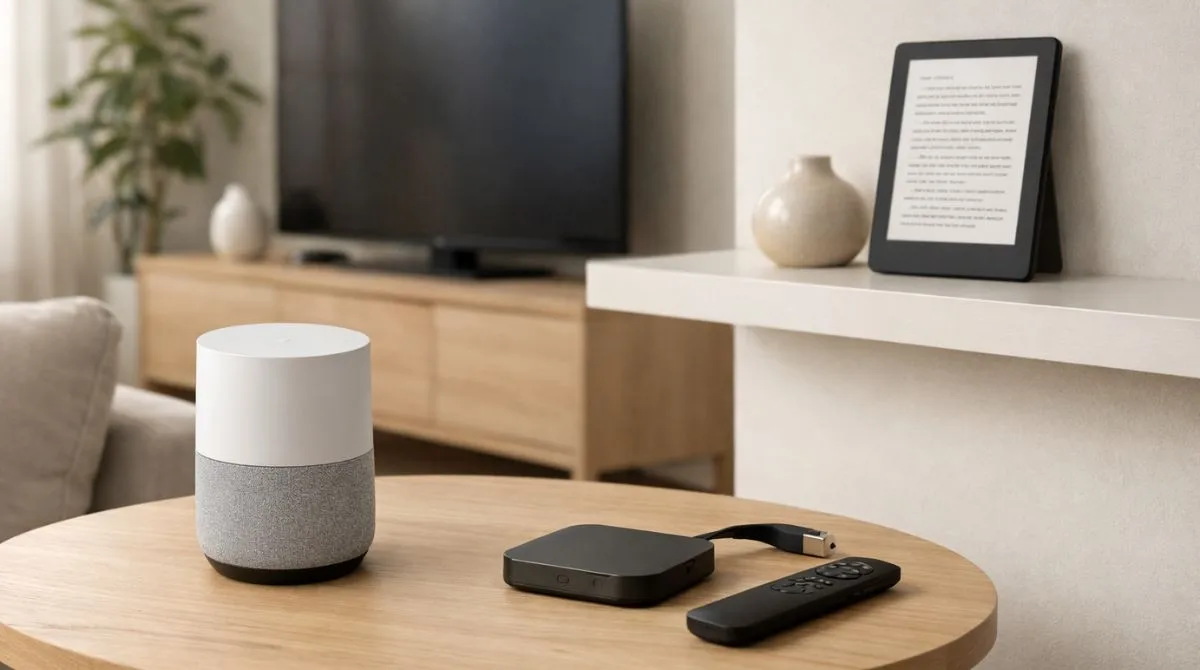
Amazon Devices include Echo speakers, Fire TV streaming devices, Kindle e-readers and related accessories. Many of these products work best when tied to a single Amazon account that has clear security and purchasing controls.
When setting up a new device, update its software immediately and confirm it is connected to a secure home network. This lowers the risk of bugs, improves performance and adds the latest security fixes.
Device settings often include options for notifications, shopping permissions and content controls. Taking a few minutes to tune these settings reduces accidental purchases and improves the experience for kids and guests.
- Echo And Smart Home: Assign devices to rooms, name them clearly and review skills you have enabled.
- Fire TV: Disable unnecessary autoplay features, control app permissions and keep storage clean for better performance.
- Kindle: Adjust reading settings, manage cloud library organization and secure your account if you travel often.
With a tighter setup, Amazon Devices become easier to manage as your household adds more screens and smart home gear.
Alexa Settings and Voice Controls
Alexa settings shape how voice control behaves across Echo and other Alexa-enabled hardware. The most important setup choices involve voice recognition, household profiles and how Alexa handles shopping and smart home actions.
Start with voice profiles so Alexa can better recognize different speakers. Then review wake word and device location settings, since these affect smart home routines and local information.
If you use Alexa for shopping, tighten purchase controls and set up a confirmation requirement. This is especially useful in homes with kids or frequent guests.
- Create Voice Profiles. Train voice recognition for each main user so responses and calendars stay personalized.
- Review Purchase Controls. Turn on voice purchasing limits or confirmation requirements to reduce unwanted orders.
- Manage Skills and Permissions. Disable unused skills and check what data each skill can access within the Alexa app.
- Set Up Routines Carefully. Keep routines simple and limit actions that change locks, alarms or payments without confirmation.
After these changes, Alexa becomes more consistent and less likely to trigger actions you did not intend.
Amazon Privacy and Security
Privacy and security on Amazon depend on both account protections and device-level controls. The foundation is a strong password, multi-factor authentication and careful oversight of what is connected to your account.
Check your account for unknown devices, unfamiliar logins and old payment methods. Remove anything you do not recognize and update your credentials right away if something looks off.
Voice assistants and streaming apps can store history that you may want to review periodically. Clear voice recordings where appropriate and keep microphones muted when privacy is a priority.
- Account Security: Enable multi-factor authentication and avoid reusing passwords from other sites.
- Device Review: Remove old phones, tablets, and TVs from your account to reduce attack surface.
- Data Controls: Check voice history and app permissions and disable features you do not use.
These habits lower risk while keeping everyday Amazon features convenient.
AWS Basics Explained
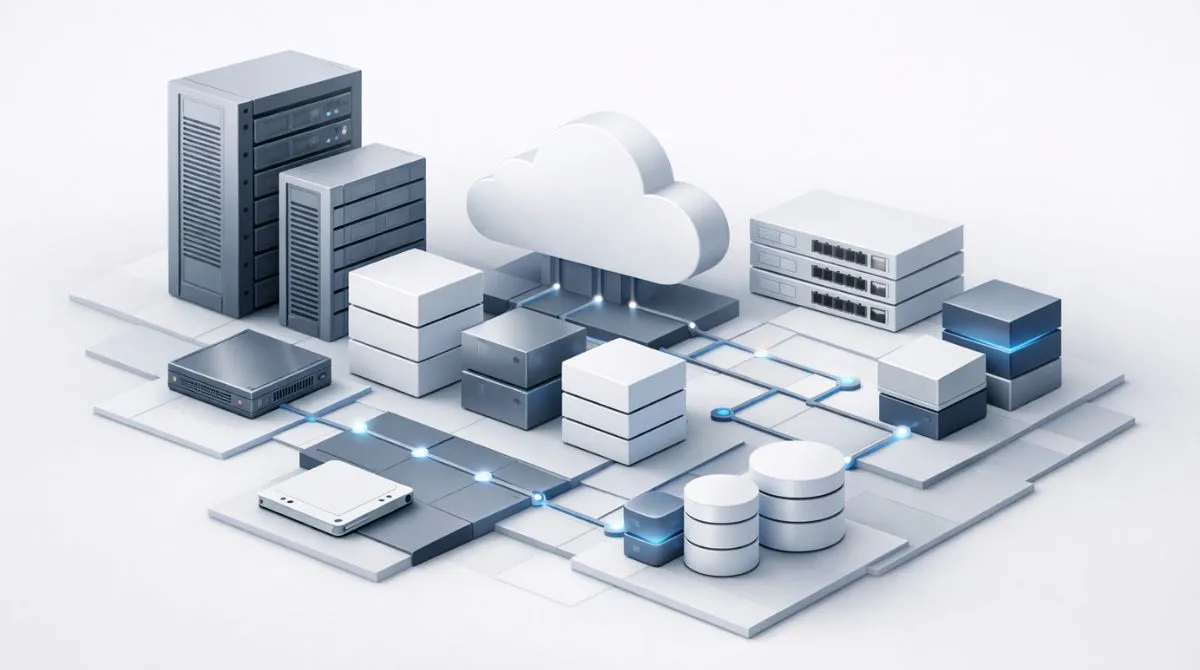
AWS Basics cover the core building blocks of Amazon Web Services, Amazon’s cloud platform for hosting, storage, databases and networking. It is used by startups, enterprises and public sector organizations that need reliable infrastructure without owning physical servers.
The simplest mental model is that AWS offers services you can combine like Lego pieces. You pick what you need, configure access and pay for what you use, which makes cost control a key skill.
If you are just starting, learn a few foundational terms and what they do. You do not need to master every service to understand how AWS is typically used.
- Compute: Virtual servers and managed compute that run applications without buying hardware.
- Storage: Object storage and file storage for backups, media and application data.
- Networking: Cloud networks, firewalls and routing that control how systems communicate.
- Identity And Access: Permissions that restrict who can access what, which is critical for trust and compliance.
Once these concepts are clear, it becomes easier to understand AWS pricing, security responsibilities and basic architecture decisions.
Buying Tech Safely on Amazon
Buying tech safely on Amazon means verifying what you are purchasing before you pay. Marketplaces can be convenient, but they require extra attention to seller identity, condition notes and warranty coverage.
Start with the product page details, including model numbers, compatibility lists and included accessories. Then confirm who is selling and fulfilling the item, since fulfillment method can affect shipping reliability and return handling.
Be cautious with listings that are missing key specifications, have unclear photos, or show unusual variations of the same model. Checking return terms before purchase helps avoid surprises with electronics and accessories.
| Checkpoint | What to Verify | Why it Matters |
|---|---|---|
| Seller and Fulfillment | Seller identity, fulfillment method and store feedback | Reduces counterfeit risk and improves delivery and support outcomes |
| Model and Compatibility | Exact model number, region locks and supported standards | Avoids mismatches with chargers, bands, apps and accessories |
| Condition and Inclusions | New vs refurbished, missing cables and packaging notes | Prevents hidden replacement costs and setup delays |
| Warranty and Returns | Manufacturer warranty eligibility and return window details | Protects you if the device fails or arrives not as described |
Using a consistent checklist makes tech purchases faster and cuts down on avoidable returns.

Amazon Returns and Refunds
Returns and refunds are easiest when you keep packaging and document the product condition right away. Most problems are resolved faster when you act early and follow the return steps shown in your account.
Before starting a return, confirm the return window, the required condition and whether you need to include accessories. Refund timing can vary by payment method, carrier scan events and item type.
- Confirm Eligibility. Check the return window and item condition requirements in your order details.
- Choose the Correct Reason. Select the return reason that matches the issue so support and refunds process smoothly.
- Package Securely. Include all accessories and use protective padding to prevent damage during transit.
- Track the Return. Save drop-off receipts and monitor tracking until the return is received and processed.
If a refund is delayed, review tracking and order status first, then contact support with your order information and drop-off proof.
Final Thoughts on Using Amazon in 2026
This Amazon Guide 2026 approach works best when you treat your account like a hub with clear controls. Prime and Prime Video deliver convenience when subscriptions and profiles are managed intentionally. Amazon Devices and Alexa settings become more reliable with careful setup, while privacy and security practices reduce long-term risk. Add AWS basics for a clearer view of Amazon beyond shopping and you will make better decisions across the whole ecosystem.