

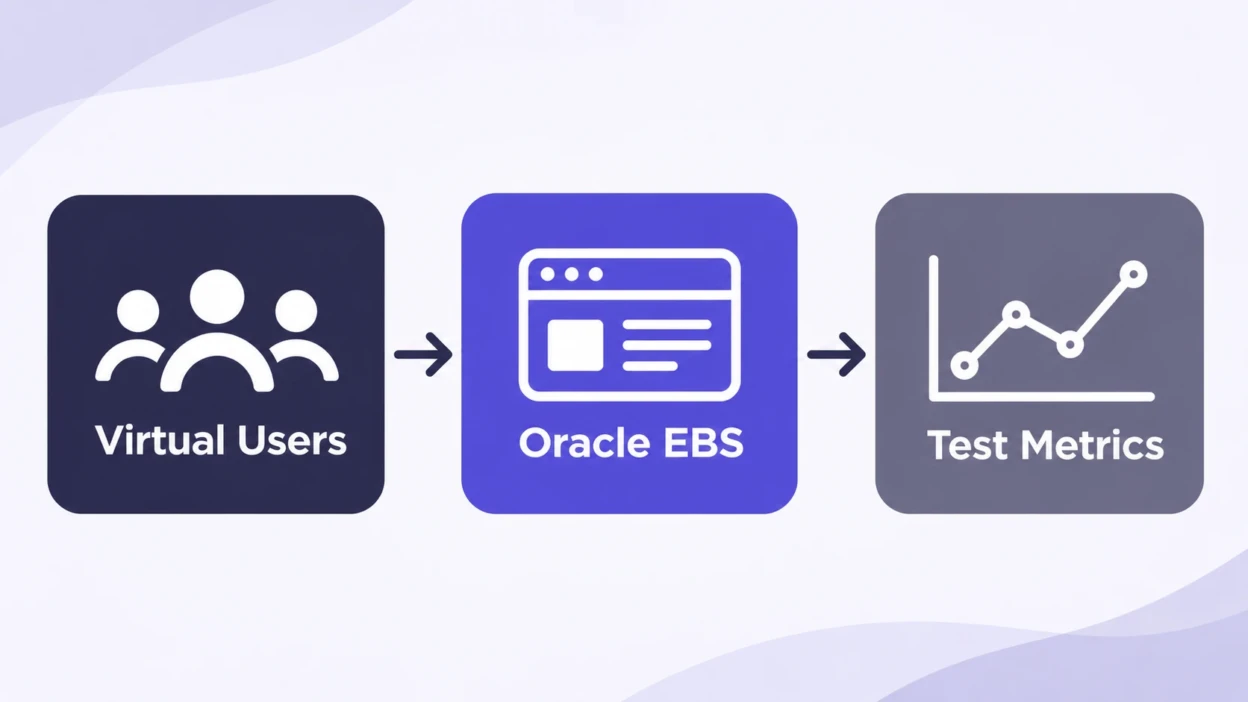
Oracle Load Testing is the performance-testing tool in Oracle Application Testing Suite. Teams that use Oracle E-Business Suite (EBS) can run recorded business workflows with virtual users and measure response times, throughput and failures as demand increases. The tool helps show where an application struggles under load. It does not automatically repair slow queries, application code or infrastructure.
A useful EBS load test answers a specific question: can important tasks, such as submitting an order or approving an invoice, still meet agreed performance targets during a busy period? This guide explains what Oracle Load Testing can measure, how to plan a responsible test and what to check before relying on the results.
What Oracle Load Testing Does?
Oracle Load Testing runs scenarios made from virtual-user profiles. A profile defines a recorded activity, its settings and the users assigned to it. Teams can increase the number of active virtual users, observe the application during the run and review reports afterward. Oracle documents these features in the Application Testing Suite guide.
Oracle OpenScript is used to create scripts. Its EBS/Forms load-test module supports recording workflows that use HTTP and Oracle Forms protocols. A script must replay successfully and handle changing session data before its timing results can be trusted. Oracle describes the relevant script type in its OpenScript documentation.
Oracle Load Testing’s Advantages in EBS
- Check performance targets. Measure whether priority workflows meet agreed response-time and error thresholds at the planned workload, rather than relying on how fast a page feels to one user.
- Locate possible bottlenecks. Compare slow or failed transactions with application, database and infrastructure measurements. The test can reveal symptoms, while additional diagnosis is needed to establish their cause.
- Estimate capacity. Increase workload in controlled stages to see when response times deteriorate, failures rise or resource limits become visible. Results apply to the tested environment and workload, not every possible production condition.
- Check stability. Run representative workloads long enough to notice problems that may not appear in a brief functional test, such as resource pressure or transactions that stop completing correctly.
Before You Run a Test
Choose a test environment that resembles the relevant production configuration, including the application release, database setup, integrations and realistic data volumes. Record what differs, because a small test environment may reach limits that a larger production deployment would not. Confirm the installed Oracle Application Testing Suite version, licensed features and applicable operating system and browser requirements with your administrators.
Agree with business owners on the workflows, expected traffic, acceptable response times, failure limits, test duration and stopping conditions. Test accounts must have appropriate access, and sensitive information should not be copied into logs or published reports.
Important: A load test can create real records, trigger notifications and put heavy pressure on shared systems. Use an approved test environment, controlled data and a clear stop plan. Do not run a high-volume test against live EBS services without explicit authorization and safeguards.
Oracle Load Testing Best Practices
- Choose meaningful transactions. Select a small set of business-critical flows, such as signing in, searching for an item and submitting an approved test transaction. Define what counts as a correct result for each flow.
- Record and verify scripts. Create an appropriate OpenScript load script, replay it with one user and confirm that the intended steps complete. Handle changing identifiers and test data; a script that only appears to run is not enough.
- Model user behavior. Set realistic transaction mixes, pauses between actions and data variation. Separate the number of virtual users from the rate of completed business transactions, since the two are not equivalent.
- Build a scenario and ramp up gradually. Use the scenario’s virtual-user profiles and ramp settings to progress from a baseline workload toward an agreed peak. Oracle’s documentation describes the Composer profiles and ramp controls. Avoid assuming that an arbitrary virtual-user number represents real demand.
- Monitor the systems involved. Configure ServerStats and any approved application or database monitoring needed to correlate transaction delays with resource use. Oracle documents ServerStats configuration and testing.
- Investigate, change and repeat. Compare results with the acceptance criteria, identify a plausible cause, change one relevant factor where practical and rerun the same scenario. Keep the workload and environment comparable so the result can be interpreted.
How to Read the Results?
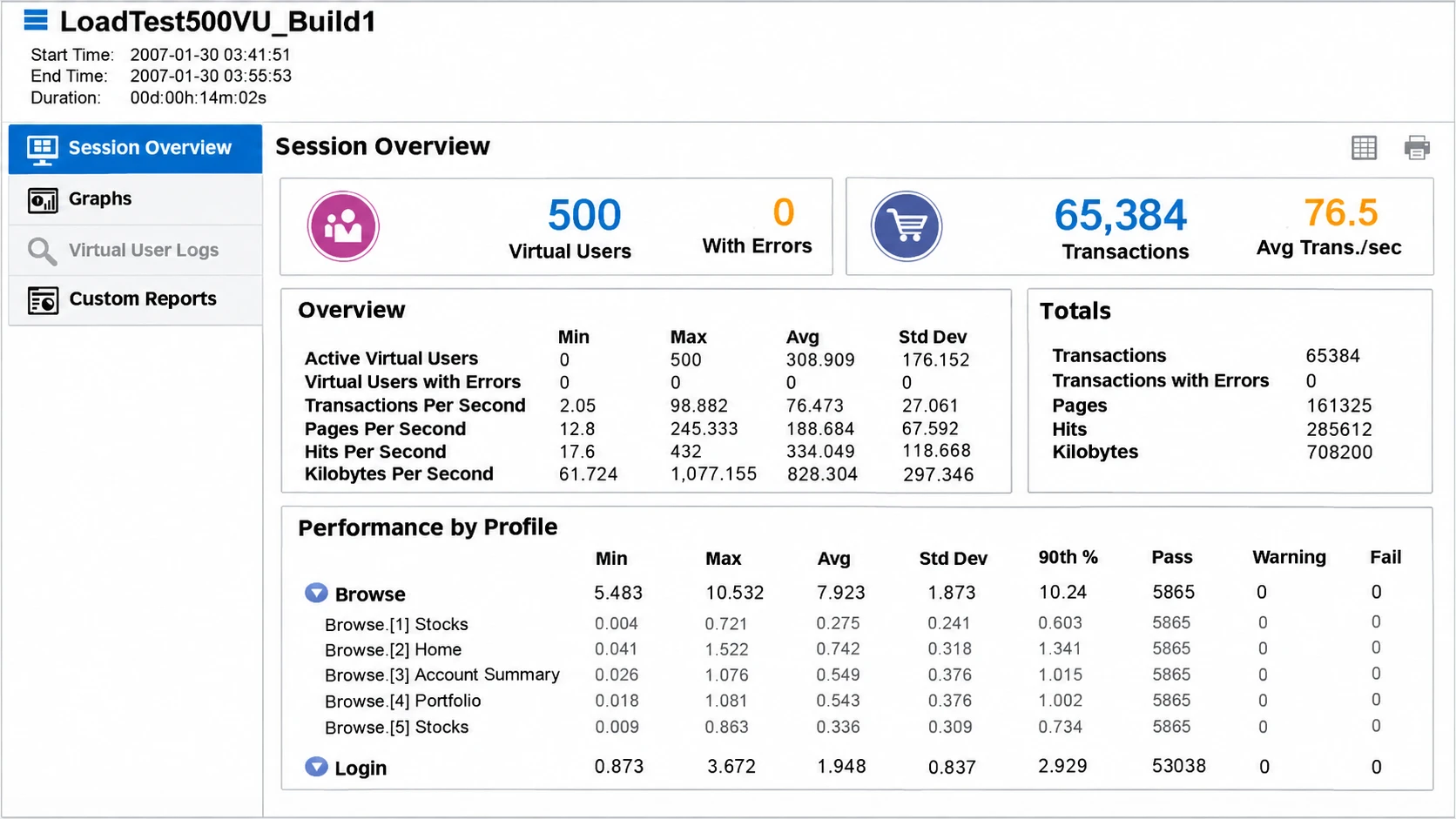
Oracle Load Testing provides session details, graphs, virtual-user logs and reports. Look at the business transaction and the system together. A faster average response time is not a success if many users still experience long delays or transactions fail. The Oracle Load Testing interface guide describes its session and reporting areas.
| Measure | What it helps you understand | What to check |
|---|---|---|
| Transaction response time | How long a defined workflow takes under load | Typical and slower-user timings, plus the agreed target |
| Successful transaction rate | How much useful work the application completes | Completed business transactions per time period, excluding failed attempts |
| Failures and script errors | Whether requests or workflows stop working correctly | Application errors, failed validations and script or agent problems |
| System resource and database metrics | Where server or database pressure may be building | Relevant configured monitors, database waits and application logs |
Be careful with the source of each figure. An agent failure, a faulty script or a test-data problem can make application performance look worse than it is. Likewise, a run that finishes without errors does not prove the system can handle a different workload or a longer peak.
Keep a simple record of the scenario, software version, environment, data set, duration, workload, response times, transaction outcomes and any configuration changes. Compare like with like before claiming an optimization worked.
Product Support, Patches and Limitations
Oracle’s Application Testing Suite download page lists release 13.3.0.1. Oracle’s February 2021 statement of direction says continued investment after June 2022 is focused on customers testing E-Business Suite. That statement is a product-direction document, not proof that every installation has an active support entitlement.
Security patching is a separate check from the release number. For example, Oracle’s October 2026 Critical Patch Update identifies OpenScript vulnerabilities affecting Application Testing Suite 13.3.0.1. Administrators should use Oracle’s security advisory index and their My Oracle Support information to identify the applicable fixes, prerequisites and patch status for their environment.
Before recording or replaying an EBS/Forms workflow, also check the supported browser, Java runtime and Forms requirements for the installed configuration. Oracle’s release notes describe environment-dependent recording limitations. Do not assume a script recorded on an older client configuration will work unchanged on a newer one.
When Another Tool Might Fit Better
Oracle Load Testing may be a reasonable option for an organization that already uses EBS and has the necessary tools, expertise and support arrangements. It should not be the default recommendation for every website or cloud application. Oracle’s product-direction statement advises customers testing applications other than EBS to consider alternative tools.
It is also important to separate types of testing. Functional test automation checks whether a workflow behaves correctly; load testing examines how that workflow performs under simultaneous demand. Opkey is a separate third-party automation vendor, not another name for Oracle Load Testing. Compare any alternative against the actual EBS interfaces, protocols, licensing, maintenance and performance-reporting needs rather than marketing claims.
Conclusion
Oracle Load Testing can help an EBS team evaluate important transactions under realistic demand, investigate slowdowns and judge whether an environment meets agreed targets. Its value comes from sound scripts, representative traffic, useful monitoring and repeatable comparisons, not from a guarantee that testing alone improves performance.
Start with one critical workflow, validate the script at low load, define measurable success criteria and expand only with authorization and monitoring in place. Review the installed product’s patch and support position before treating any test environment as ready for wider use.

Tech Bonafide is the editorial identity of TechBonafide, an independent technology publication covering AI, software, cybersecurity, gadgets, and emerging technology.