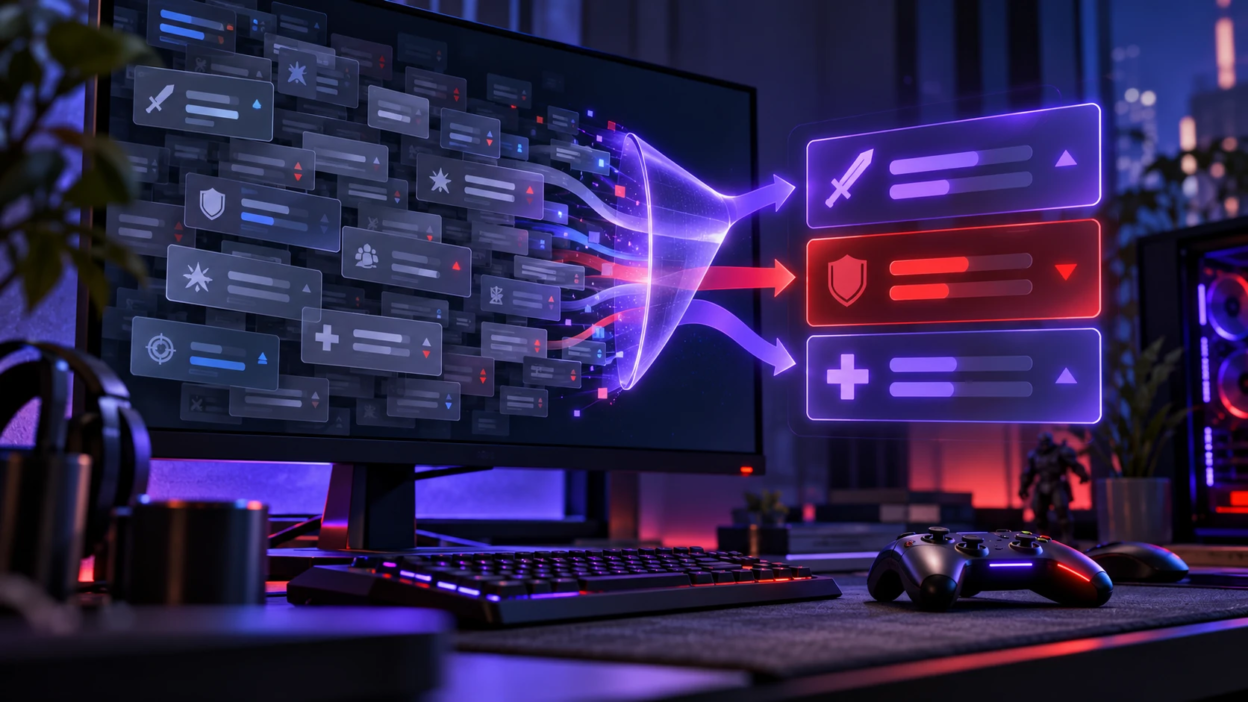
Patch notes can be difficult to understand when they contain long lists of balance changes, bug fixes, technical terms, and gameplay adjustments. However, you do not need to read every line to understand how an update affects your game.
This guide explains how to read game patch notes step by step, identify important buffs and nerfs, understand numerical changes, and decide what to test before your next match. You will also learn how to separate major gameplay changes from minor updates so you can save time and adjust your strategy with confidence.
Why Patch Notes Feel Overwhelming?
Patch notes mix different kinds of information in one place. Balance changes, bug fixes, known issues, and quality of life updates often sit side by side, even though they have very different impact on your play.
They also use internal language like ability IDs, system names, and technical constraints. That can hide the practical meaning of a change, especially when you skim quickly.
Start With Your Goal Before You Read
Reading without a goal turns every line into a distraction. Decide what you need from the patch so your brain can filter details automatically.
Common goals include understanding what changed for your main character, what alters the current meta, and what affects competitive integrity like matchmaking and netcode.
- Main Focus: Identify updates tied to your role, loadout, or preferred mode.
- Meta Impact: Spot changes that shift what is strong or weak across the roster or weapon pool.
- Stability and Fixes: Note crash fixes, desync fixes, and anything that changes input or responsiveness.
Once your goal is set, the rest of the document becomes easier to triage.
Check the Official Patch Version and Platform
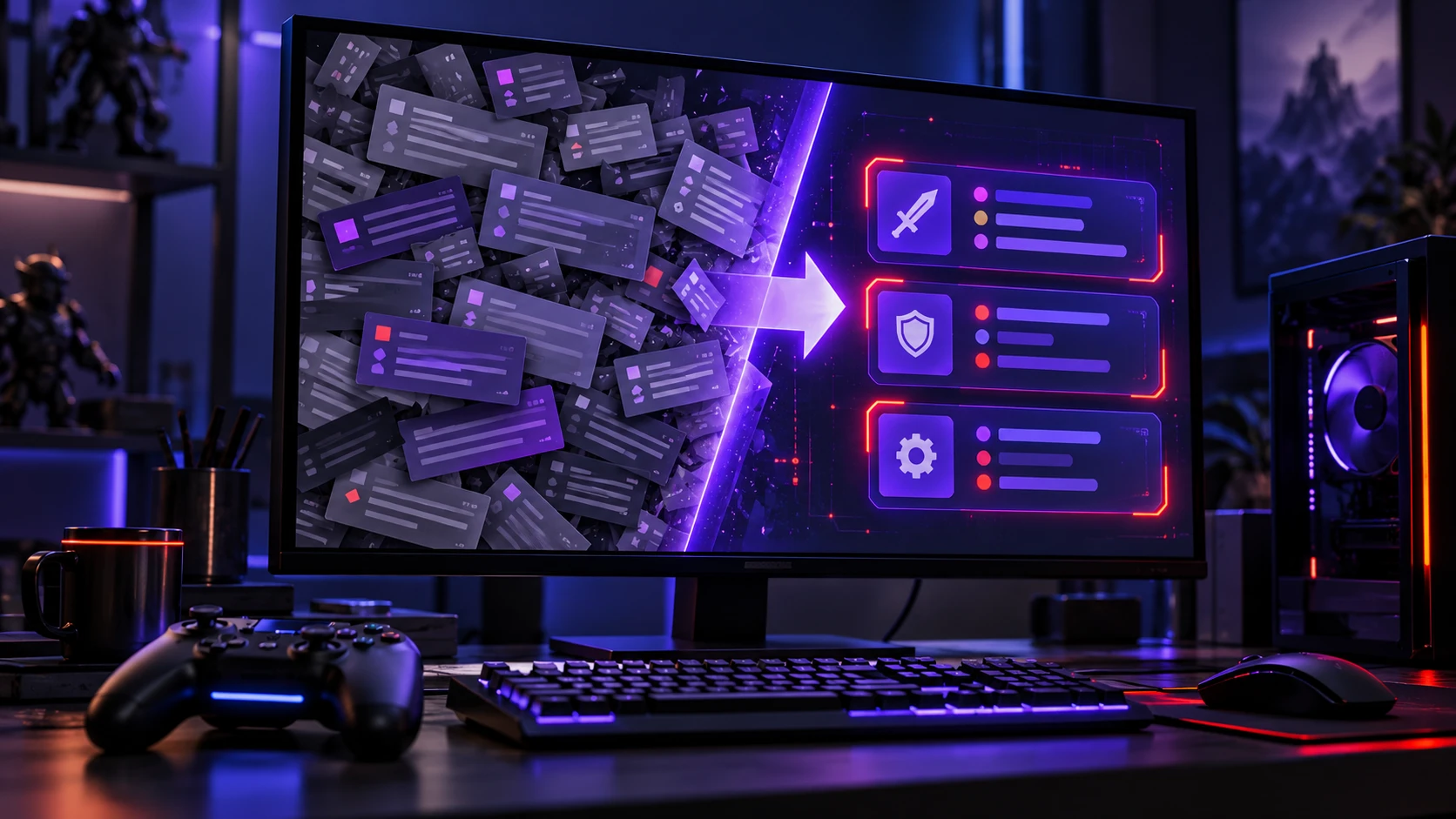
Before analyzing gameplay changes, confirm that you are reading the correct patch notes for your game. Developers sometimes publish separate updates for different platforms, regions, game modes, or test environments. A change mentioned in an older patch may also have been adjusted by a later hotfix.
Start with the developer’s official website or update page. For example, Riot Games maintains an official VALORANT patch notes archive where players can review published updates and compare changes across versions.
Check these details before continuing:
- Patch Number: Confirm the update version so you do not confuse older and newer changes.
- Release Date: Check whether the update has already been released or is still planned.
- Platform Availability: Verify whether changes apply to PC, PlayStation, Xbox, Nintendo Switch, or another supported platform.
- Game Mode: Identify changes limited to ranked, casual, competitive, or special modes.
- Hotfixes and Follow-Up Updates: Look for later corrections that modify or reverse earlier changes.
If you are reading a community summary, compare important claims with the original developer announcement. This helps prevent mistakes caused by outdated information, incomplete summaries, or changes that are not yet live.
Know the Standard Patch Note Sections
Patch-note layouts differ between games, but many developers organize updates around familiar categories such as gameplay balance, system changes, bug fixes, and known issues. Recognizing these categories helps you locate important information without reading every line. You can see how these changes are presented in the official Overwatch patch notes, which document gameplay adjustments and fixes across game updates.
Balance updates and system changes typically matter most for moment-to-moment performance. Bug fixes and quality of life changes matter most when they remove a recurring frustration or exploit.
- Gameplay Balance: Changes to damage, cooldowns, recoil, economy, or character kits.
- Systems and Matchmaking: Updates to ranked rules, MMR tuning, queue restrictions, or anti-cheat.
- Maps and Modes: Rotations, objective timing, spawn logic, and environment adjustments.
- Bug Fixes: Corrections to unintended behavior, exploits, or UI issues.
- Known Issues: Current problems the developer acknowledges but has not fixed yet.
With this mental map, you can scan patch notes in a predictable order and quickly identify the sections most relevant to your gameplay. For a practical example of how an update can introduce new features, gameplay fixes, and platform-specific changes, read TechBonafide’s Mortal Kombat Legacy Kollection update summary. It provides an example of how several types of updates can be explained together in a shorter news report.
Scan First Then Read Deep Only Where Needed
A fast scan prevents you from getting stuck on low impact lines. Treat your first pass as a way to mark what deserves a closer look.
During the scan, highlight changes that touch core systems or widely used items. Save niche bug fixes for later unless they affect your main content.
- Skim Headings: Note which sections exist and which are missing.
- Find Your Keywords: Search for your main, weapon names, map names, and role terms.
- Circle Big Levers: Look for resource costs, cooldowns, global rules, and tuning to baseline stats.
- Flag Confusing Lines: Mark anything technical that needs a second read.
After that pass, you can slow down only for the flagged lines.
Translate Changes Into Player Meaning
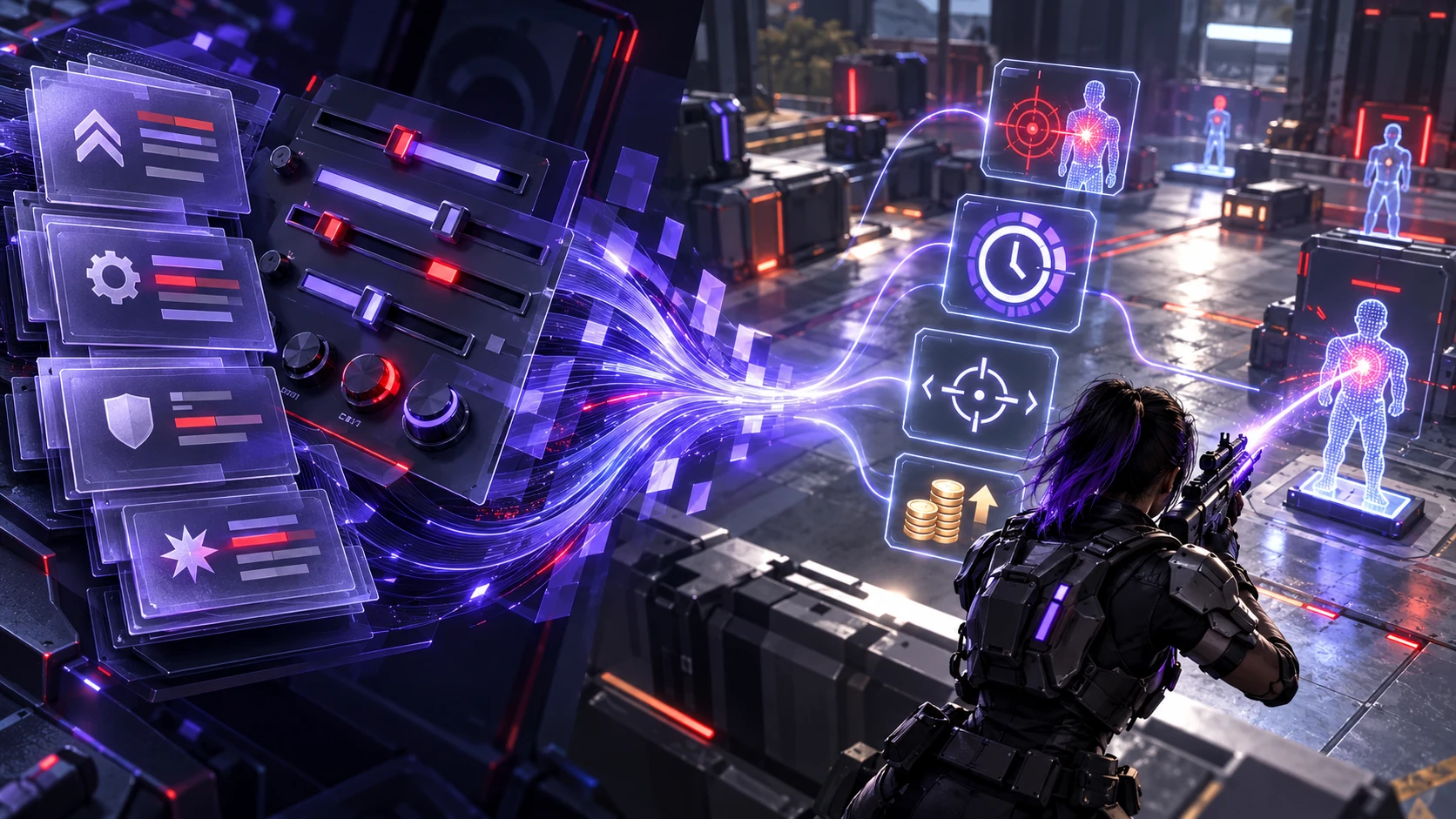
The key to reading patch notes without getting lost is translation. You are converting developer language into a small set of gameplay consequences you can test.
Focus on how a change affects decision-making. A small stat tweak can be huge if it crosses a threshold that changes breakpoints, time to kill, or combo routes.
- Breakpoints: Determine whether damage changes alter the number of hits required to secure a takedown.
- Uptime: Cooldown and duration changes affect how often you can force fights or escape them.
- Reliability: Spread, recoil, and consistency buffs can matter more than raw damage.
- Economy Pressure: Cost changes reshape buy patterns and mid-game pacing.
This translation step turns raw notes into a short list of things to verify in game.
Use A Simple Impact Filter
Not every update deserves equal attention. An impact filter helps you decide what to practice today and what to file away for later.
| Patch Change Type | Possible Gameplay Impact | Recommended Player Action |
|---|---|---|
| Character or Weapon Buff | May improve damage, ability uptime, or survivability | Test updated abilities, damage thresholds, and loadouts |
| Character or Weapon Nerf | May reduce effectiveness in certain situations | Reconsider builds, positioning, and ability timing |
| System or Ranked Rule Update | Can affect matchmaking, economy, objectives, or match pacing | Review the new rules before competitive play |
| Gameplay Bug Fix | May change hit registration, ability interactions, or exploit-related behavior | Retest previously unreliable interactions and remove outdated workarounds |
| Map or Mode Change | Can affect sightlines, rotations, objectives, and available modes | Review map changes and adjust team strategies |
| Quality-of-Life Update | May improve menus, controls, accessibility, or interface clarity | Review relevant settings and learn updated controls |
| Known Issue | Identifies a problem that may still affect gameplay | Check its status and avoid assuming it has been resolved |
With this filter, you can sort updates into practice now, monitor, or ignore.
Watch for Hidden Meta Shifts
Not every important gameplay update involves a direct weapon or character buff. Changes to movement mechanics, maps, objectives, economy systems, and game rules can influence which strategies work effectively.
However, a patch change does not automatically establish a new competitive meta. Players need time to test different strategies, and the overall effect may depend on skill level, team coordination, and game mode. When reviewing patch notes, identify the strategies that might become stronger or weaker, then observe how those changes perform in actual matches.
Pay particular attention to movement rules, visibility, audio information, objective rewards, and map geometry. These adjustments can create new opportunities for certain roles while reducing the effectiveness of previously common tactics.
- Map Geometry Tweaks: Sightlines and cover changes can redefine safe paths and off angles.
- Objective Timing Changes: Earlier or later objectives shift teamfight frequency and farm windows.
- Spawn Logic Adjustments: Small spawn changes can alter snowball potential and comeback routes.
This is where a quick skim fails, so slow down on system and map sections.
Handle Numbers Without Overthinking
Numbers matter, but you rarely need to calculate everything. The goal is to understand direction and thresholds, not to become a spreadsheet.
Prioritize numbers tied to time, frequency, and survivability. Then check if the values cross common thresholds like one fewer hit, one more cast per fight, or a faster rotation window.
- Identify the Stat: Damage, healing, armor, speed, cooldown, cost, or duration.
- Note the Direction: Higher or lower and whether it affects early game or late game more.
- Look for Thresholds: Any change that flips a common outcome deserves testing.
Example: How A Small Damage Change Can Matter?
Imagine a game where an opponent has 100 health points, and your weapon originally deals 34 damage per successful hit. Three hits would deal 102 damage, which is enough to eliminate that opponent.
Now imagine a patch reduces the weapon’s damage from 34 to 33.
- Before the Patch: 34 × 3 = 102 damage, requiring three hits.
- After the Patch: 33 × 3 = 99 damage, requiring four hits.
- Practical Impact: The small damage reduction changes the number of hits required against a 100-health opponent.
This is a hypothetical example that assumes no armor, damage modifiers, healing, or other gameplay effects. Real games may calculate damage differently.
The lesson is simple: a small numerical change can have a significant gameplay impact when it crosses an important threshold. When reading patch notes, test these situations with the actual weapons, abilities, and opponents you regularly encounter.
Once you have the thresholds, you can validate them in a short practice session.
Track What Changed for Your Loadout
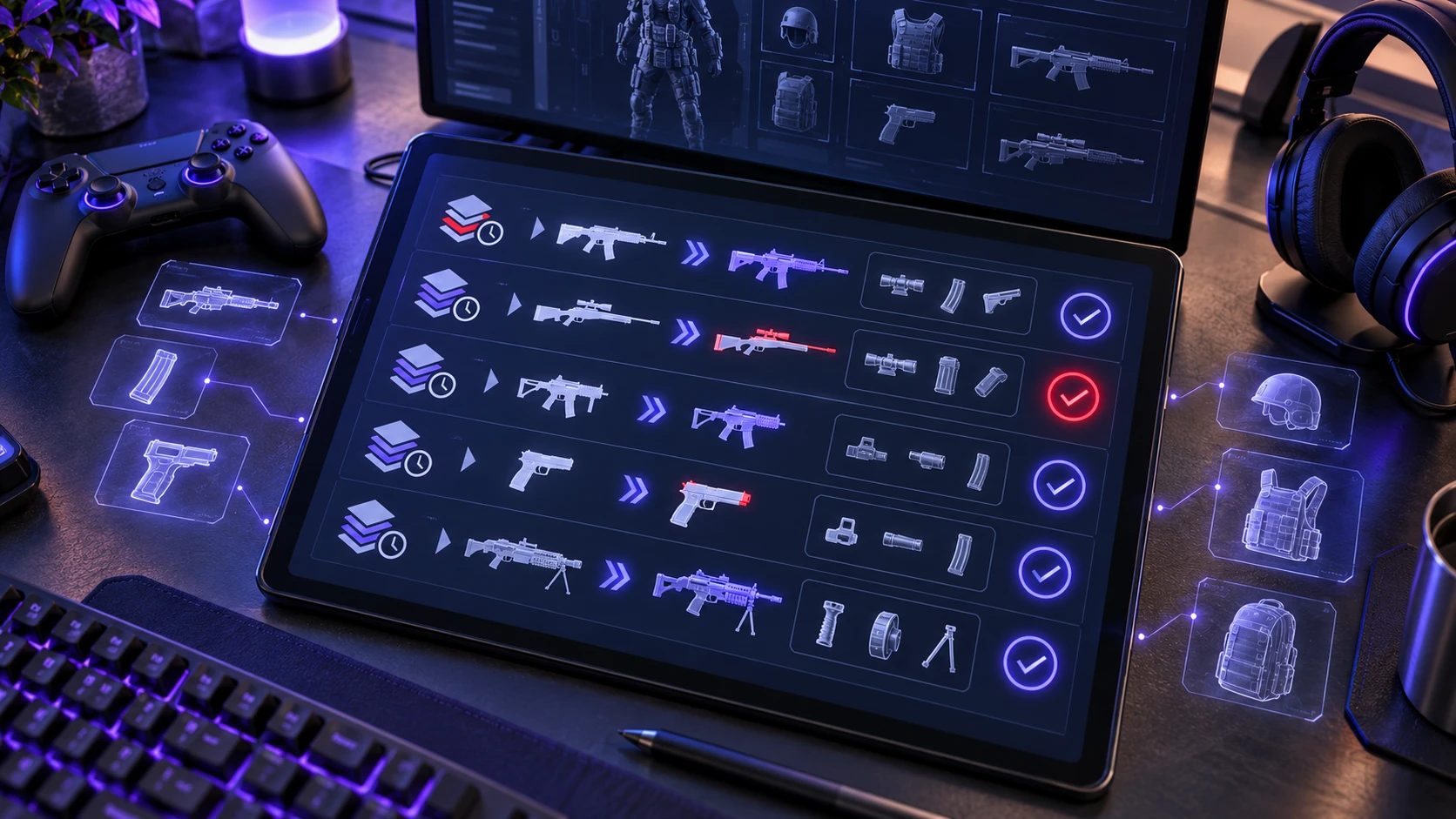
Patch notes become manageable when you keep a running record of what affects your pool. A small personal changelog saves time and reduces the need to reread old notes.
Write down only the parts that change your decisions. That includes item tuning, ability interactions, and anything that changes your typical match plan.
- Build Changes: Items that moved in cost, power, or synergy.
- Matchup Notes: Enemies that gained tools that punish your usual openings.
- Settings and Controls: Sensitivity curves, aim assist behavior, or keybind options that affect muscle memory.
You can keep a simple personal changelog without using complicated tools. For each important update, record the patch version, affected character or weapon, gameplay change, and action you need to test.
Use this quick format:
- Patch Version: Record the update number and release date.
- Affected Item or System: Write the character, weapon, map, ability, or setting that changed.
- Previous and New Behavior: Summarize what worked before and what the patch changes.
- Player Action: Identify the build, strategy, setting, or interaction you need to test.
- Testing Result: Record what you observed during practice or normal matches.
If an update seems to affect the responsiveness of your controls, avoid assuming that every delay comes from the patch itself. TechBonafide’s guide to input lag vs response time explains the differences between display responsiveness and motion clarity, helping players separate certain hardware-related effects from gameplay changes.
This habit turns long patch notes into a useful reference you can review before future matches.
Use Tools and Workflows That Reduce Noise
You do not need advanced software to organize gaming patch notes. A browser’s search function, a basic notes app, and the developer’s official update history are often enough to understand important changes.
Follow this simple workflow:
- Open the Official Notes: Start with the developer’s latest update and confirm the patch version.
- Search Relevant Keywords: Use Ctrl+F on Windows or Command+F on Mac to find your main character, weapon, map, or game mode.
- Compare Important Changes: Review previous patch notes when a change affects familiar mechanics or reverses an earlier adjustment.
- Save A Short Summary: Record three things: what changed, why it might matter, and what you need to test.
- Review After Playing: Update your notes after a few matches to distinguish expected effects from what actually happened.
Community guides, gaming websites, and video summaries can provide useful explanations, but their interpretations should be checked against original developer announcements. TechBonafide’s guide to spotting reliable gaming news and patch updates explains how to verify gaming information, recognize incomplete reports, and avoid relying on outdated claims.
The goal is to spend less time reading every change and more time practicing the adjustments that are relevant to your gameplay.
Frequently Asked Questions
What Should I Read First in Game Patch Notes?
Start by checking the patch version, release date, and supported platform to make sure the update applies to your game. Next, review gameplay balance, system changes, and updates affecting your preferred characters, weapons, or modes. Use the search function to find relevant keywords, then check bug fixes and known issues that might influence your matches. You can leave unrelated cosmetic and minor interface changes for later.
How Do I Know If A Small Number Change Matters?
Check whether it changes a threshold like one fewer hit to secure a takedown, one extra ability use per fight, or a new cost breakpoint in the economy. If it affects frequency or survivability, it is more likely to matter. Test it briefly rather than trying to compute every outcome.
Why Do Patch Notes Sometimes Feel Vague?
Developers often summarize complex fixes and avoid overpromising on edge cases. Some changes depend on hidden systems like matchmaking, netcode, or interaction rules that are hard to describe fully. When wording is broad, focus on what behavior you should watch for in your next sessions.
Conclusion
Patch notes are less intimidating when you read with intent, scan before you deep read, and translate each change into player meaning. Use an impact filter, focus on thresholds, and keep a personal changelog for your mains and modes.
When you treat patch notes as a short decision document instead of a full story, you will stay current without getting lost in the details.