

Not every technology guide deserves the same level of trust. Before following a TechTrendery guide, check whether its instructions are technically accurate, supported by reliable sources, regularly reviewed, transparent about commercial interests, and safe to follow. This article explains five practical checks you can apply to an individual guide before making changes to your devices, accounts, or business systems.
Before evaluating any TechTrendery guide, confirm the exact website address and article you are reading. TechTrendery.com and TechTrendery.org are different web addresses that use the TechTrendery name, and similar names do not automatically establish shared ownership or editorial standards. The checks below help you assess the specific guide you intend to follow rather than assuming every article carrying the same publication name has identical reliability.
Evaluating one tutorial is only part of the process. The publisher’s identity, editorial practices, and overall website security also deserve attention. For a broader assessment, read our guide on how to check whether a tech website is trustworthy before relying on its advice.
Accuracy and Technical Specificity

A trustworthy guide states what it tested, what it observed, and what conditions applied. It avoids sweeping claims and instead uses clear technical details like device models, OS versions, settings paths, and measurable outcomes.
Check whether the instructions match your actual device, software version, and available settings. For example, a Windows troubleshooting guide should identify the supported Windows version and describe menu options that readers can verify. If a guide recommends commands, downloads, or system changes without explaining the expected results, confirm those instructions against official documentation before following them.
- Precise Scope: The guide names the exact platforms and versions it covers and notes when instructions differ across environments.
- Clear Definitions: Key terms like encryption, backup, sync, cache, firmware, and telemetry are used consistently and correctly.
- Verifiable Outputs: It tells you what success looks like, such as a setting toggle state, a log entry, or a specific screen confirmation.
Accuracy also shows up in restraint. A guide that flags uncertainty and offers safe checks is often more dependable than one that pretends every situation is identical.
Source Quality and Evidence Standards
Reliable tech writing stands on accountable sources, not vague references. Strong guides separate firsthand testing from information pulled from vendor documentation, change logs, and security advisories.
Google’s recommendations offer another useful reference for evaluating technical information. Google Search Central’s guidance on helpful, reliable content encourages clear authorship, evidence of expertise, original information, and trustworthy sourcing. These principles can help readers recognize when an article provides genuine technical value rather than unsupported claims.
A reliable technology guide should identify important information sources clearly and provide direct references whenever practical. For example, instructions about software updates should point readers toward official release notes, while security claims should reference credible advisories or technical documentation. Naming a source without providing enough detail to locate it independently makes verification more difficult. Readers should also distinguish between information that the author tested directly and claims that were summarized from another source.
- Primary References: It relies on official docs, release notes, standards bodies, or vendor advisories when describing specifications.
- Testing Notes: It clarifies what was tested directly and what was inferred from documentation or community reports.
- Evidence Over Opinions: Recommendations are tied to requirements like performance, compatibility, security posture, and support lifecycle.
If a guide makes a strong claim, it should also show the basis for that claim. Evidence is the difference between a helpful guide and a persuasive rant.
Update Signals and Maintenance Practices
Technology changes fast, but trustworthy guidance shows signs of maintenance. It acknowledges that firmware updates, OS patches, API changes, and policy shifts can alter steps or outcomes.
Software updates are especially important when they address known security weaknesses. CISA’s guidance on software updates explains why users should install important updates promptly and enable automatic updates where appropriate. When reviewing a technology guide, check whether its instructions reflect supported software versions and current security recommendations.
Check when the guide was published or last reviewed, but do not assume a recent date guarantees accuracy. A reliable guide should explain meaningful revisions, identify supported software versions, and update instructions when features or settings change. For example, if a security setting has moved after a software update, the article should reflect the current location rather than continuing to recommend an outdated menu path. Revision notes and version details provide stronger evidence of maintenance than a date alone.
- Revision Clarity: It states what changed and why, especially for security settings, privacy options, and account recovery flows.
- Deprecation Awareness: It flags end-of-life software, discontinued features, and replaced settings so readers do not chase dead menus.
- Compatibility Notes: It calls out known conflicts such as browser extensions, VPNs, MDM policies, and regional feature limits.
Maintenance is also about removing outdated advice. A guide that leaves broken steps uncorrected signals weak quality control.
Bias Checks and Monetization Transparency

Every publication has incentives, but trust improves when those incentives are disclosed and managed. A dependable guide differentiates between editorial recommendations and revenue-driven placements.
Commercial relationships can affect how readers interpret product recommendations. The FTC’s guidance on endorsement disclosures explains why material financial relationships, including relevant affiliate arrangements and sponsorships, should be disclosed clearly. Readers evaluating a technology guide should look for these disclosures near the recommendations they may influence.
Bias can also show up as one-sided comparisons that ignore tradeoffs. A useful guide admits when a tool is strong in one area but weak in another, especially around privacy, total cost, and long-term support.
- Balanced Comparisons: Pros and cons are tied to real constraints like budget, skill level, compliance needs, and device ecosystem.
- Clear Criteria: Rankings and picks follow stated criteria such as security features, update policy, performance tests, and customer support quality.
- Separation of Ads and Advice: Sponsored elements are visually and editorially distinct from the main guidance.
When comparing technology guides, examine how each publisher selects and recommends products or services. Look for clear testing criteria, meaningful disadvantages, and explanations of who each recommendation suits. If an article contains sponsored placements, affiliate links, or commercial partnerships, readers should be able to recognize those relationships. Transparent disclosures do not automatically make a recommendation correct, but they help readers evaluate whether financial incentives may influence the advice.
Safety, Privacy, and Risk Handling
A tech guide earns trust by protecting readers from unnecessary harm. That includes avoiding risky shortcuts, warning about data loss, and recommending safer defaults for security and privacy.
Be especially careful when a technology guide recommends installing browser add-ons or granting access to website data. Some extensions request permissions that go beyond their advertised features. Our guide to browser extension permissions explains which requests deserve attention and how to evaluate them before installation.
Strong guides also specify when you should stop and escalate to a professional, especially for firmware flashing, registry edits, account recovery, and enterprise settings. They treat your data as valuable and your time as limited.
Account permissions deserve similar caution. If a guide asks you to connect an unfamiliar application to your Google account, review the permissions being requested before approving access. Our walkthrough on checking third-party access to your Google account explains how to identify connected apps and remove access you no longer need.
- Risk Labels: High-impact actions are identified clearly so readers can back up data and confirm prerequisites first.
- Privacy First Defaults: It advises on permissions, telemetry settings, and account security without pushing invasive configurations.
- Rollback Guidance: It includes a safe way to undo changes, such as restoring settings, removing profiles, or reverting updates.
Before following any guide that changes important system settings, removes files, installs unfamiliar software, or affects account access, check whether it explains the risks and recovery options. If the guide provides no warning about possible data loss, security problems, or irreversible changes, pause and verify the instructions elsewhere. For business systems and sensitive accounts, consider testing changes in a controlled environment or consulting a qualified professional before proceeding.
A Quick Trust Checklist You Can Use
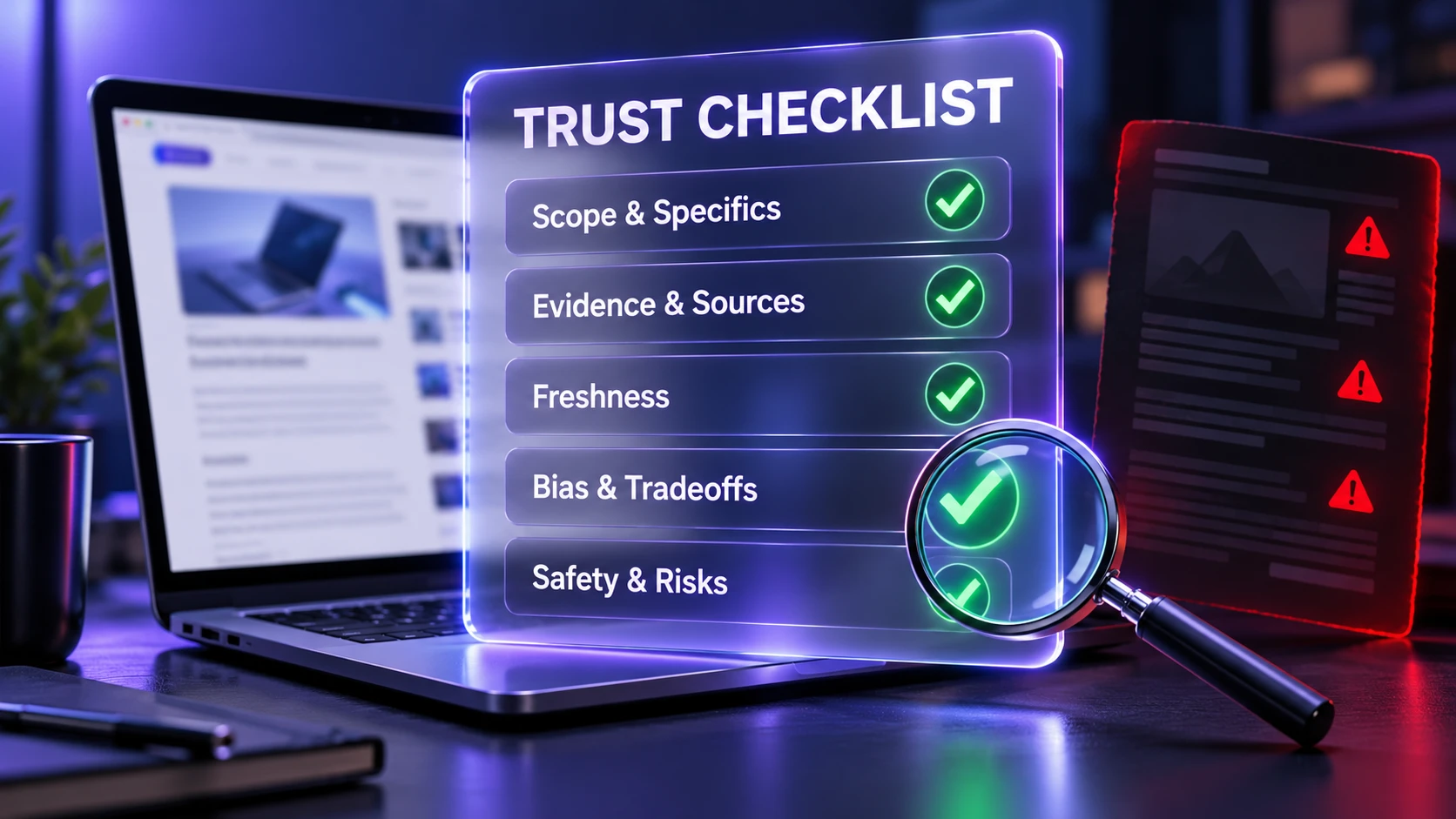
If you only have a minute, use a structured scan. This helps you decide whether to follow a guide immediately, cross-check it, or avoid it entirely.
| What To Check | What Good Looks Like | Red Flags |
|---|---|---|
| Scope And Specifics | Exact devices, OS versions, and settings paths are named | Generic instructions that could fit anything |
| Evidence And Sources | Claims are tied to testing notes or credible documentation | Strong claims with no basis or vague references |
| Freshness Signals | Revision notes and deprecation awareness are visible | Outdated screenshots and broken menu paths |
| Bias Controls | Criteria are stated and tradeoffs are acknowledged | One-sided praise and hidden monetization incentives |
| Safety And Risk Handling | Clear warnings, backup instructions, prerequisites, and recovery options | Risky commands, unexplained downloads, missing warnings, and no rollback guidance |
When several checks fail, treat the guide as a starting point only. In that case, verify steps against official documentation or run tests in a low-risk environment.
Conclusion
A TechTrendery tech guide deserves greater confidence when its instructions are specific, its claims can be verified, its information is current, its commercial relationships are transparent, and its safety advice is clear. However, no single checklist can guarantee that a guide is correct or safe. The best approach is to evaluate each article individually and confirm important instructions against official documentation before applying them.
Before applying changes to important systems or accounts, pause for a quick checklist scan. That small habit helps you avoid bad advice and keeps your tools, data, and security posture in good shape.