Wi-Fi 7 routers promise faster speeds, steadier connections, and better handling of busy homes. The real question is whether those gains show up in your rooms, with your devices, and at a price that makes sense. This guide breaks down what Wi-Fi 7 changes, what you need to benefit, and how to decide.
What Wi-Fi 7 Really Changes?
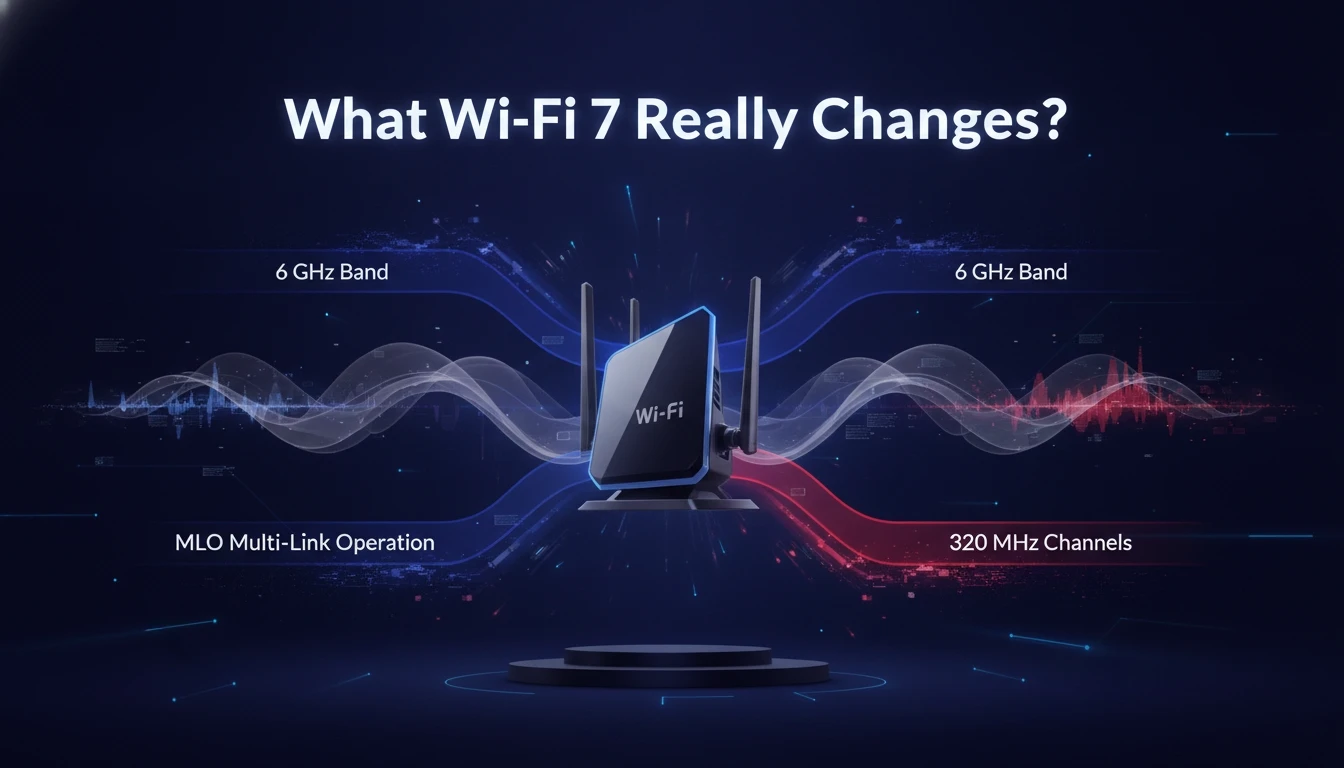
Wi-Fi 7 is the consumer name for IEEE 802.11be. It focuses on higher peak throughput, lower latency, and more consistent performance when many devices compete at once. Those improvements matter most when your network is already under strain.
The biggest technical upgrade is Multi-Link Operation, often shortened to MLO. With MLO, a compatible client can use multiple bands at the same time, which can reduce stalls and keep speeds steadier during interference.
Wi-Fi 7 also expands channel options. It can use 320 MHz channels in the 6 GHz band where regulations allow, which increases capacity for short-range, high-speed links. It also improves modulation and scheduling so networks can move more data per slice of airtime.
Home Benefits You Can Actually Feel
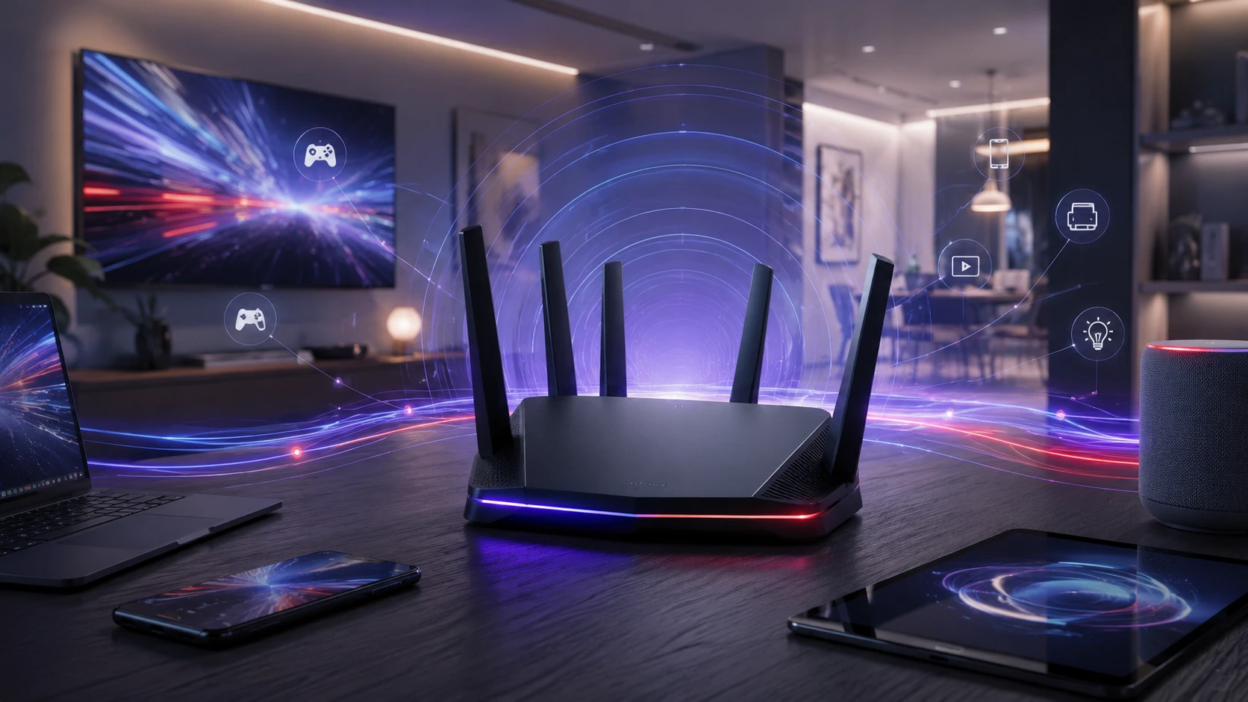
For most households, the most noticeable win is not headline gigabits. It is fewer slowdowns when multiple people stream, game, work on video calls, and run smart home gear at the same time. A strong Wi-Fi 7 system can keep those activities stable when the network is busy.
Latency improvements can also be real, especially with modern mesh systems and wired backhaul. Gaming, cloud streaming, and video conferencing benefit when jitter drops and packets take a more predictable path.
Wi-Fi 7 can help future-proof a home with growing device counts. Phones, laptops, TVs, cameras, doorbells, and smart speakers all share the same air. When a router manages airtime more efficiently, the whole network feels smoother.
Device Compatibility And The Upgrade Catch
Wi-Fi 7 benefits require Wi-Fi 7 clients. If your phone, laptop, or desktop adapter is Wi-Fi 6 or Wi-Fi 6E, it can still connect, but it will not use Wi-Fi 7-only features like MLO. In that case, a Wi-Fi 7 router may behave similarly to a high-end Wi-Fi 6E router for that device.
Many homes also rely on older 2.4 GHz smart devices. Those devices usually work fine on a Wi-Fi 7 router, but they do not gain speed. What you gain is a better managed network where slow devices are less likely to drag down everything else.
Before buying, check your most important devices. Look for Wi-Fi 7 support on your primary laptop, your newest phone, and any high-bandwidth gear such as a desktop with a modern adapter. If none are Wi-Fi 7, the value is more about system quality than about Wi-Fi 7 itself.
6 GHz Support And What It Means Indoors?
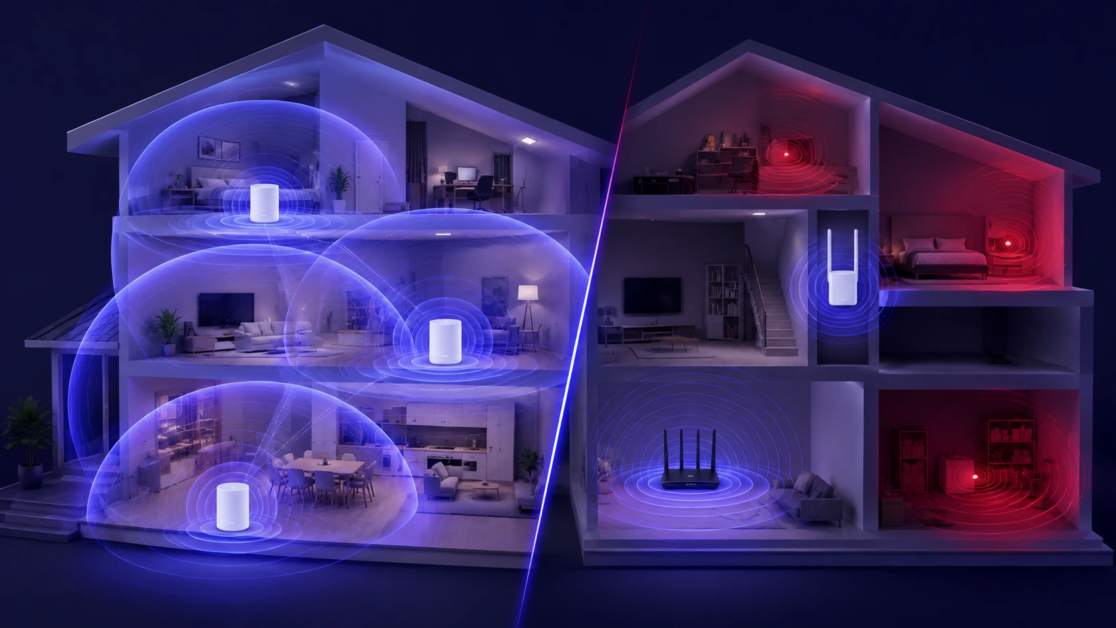
Wi-Fi 7 can use 2.4 GHz, 5 GHz, and 6 GHz. The 6 GHz band is the cleanest, but it has shorter range and weaker wall penetration than 5 GHz. Many buyers expect 6 GHz to cover the whole house, but it often shines in the same room or one room away.
If your home is larger, has dense walls, or spans multiple floors, a mesh setup matters more than the standard name on the box. A well-placed mesh system with a strong backhaul can deliver more consistent performance than a single powerful router.
When 6 GHz works well, it can feel like a private highway. It reduces interference from neighbors and older devices, which helps stability for work and gaming in the spaces where coverage is strong.
Internet Speed Versus Wi-Fi Speed
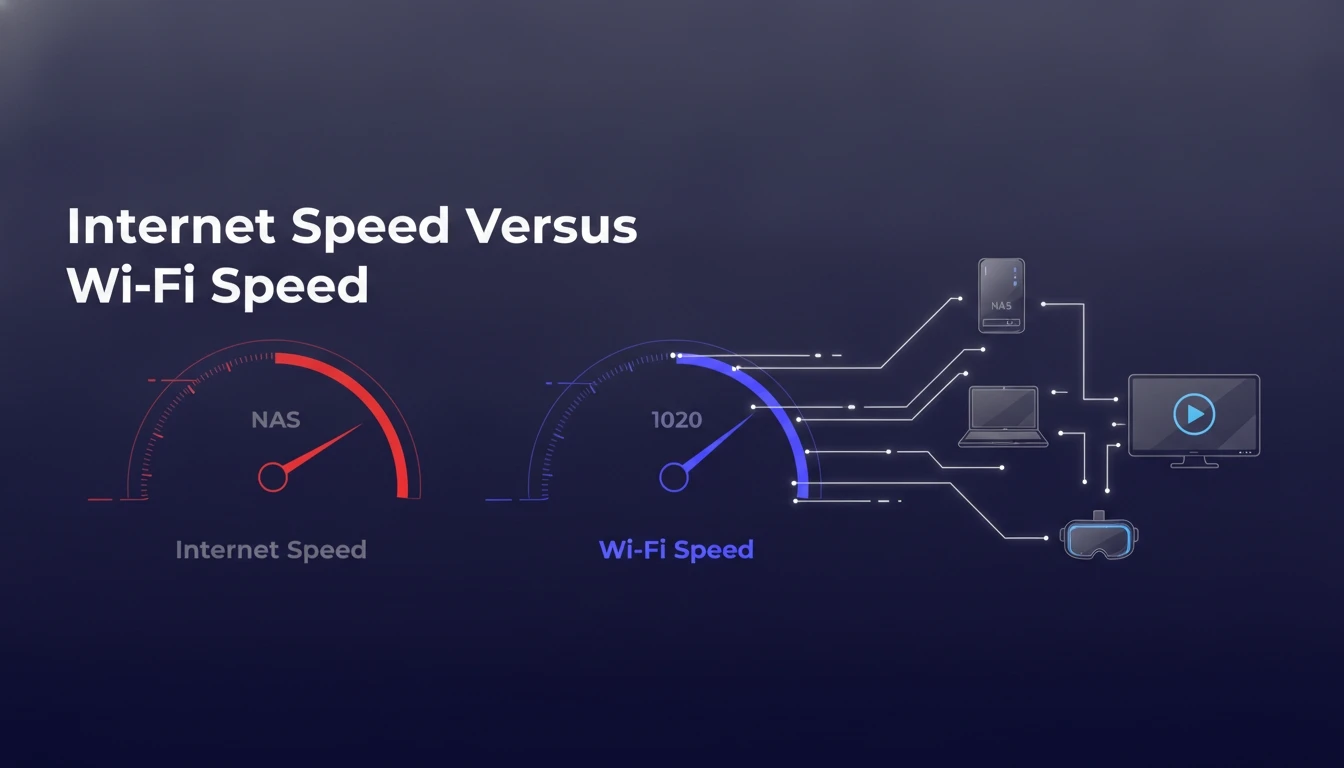
Your internet plan caps what you can pull from the web. If you have a 300 Mbps connection, a Wi-Fi 7 router will not make downloads from the internet exceed that limit. What it can do is improve how multiple devices share that 300 Mbps and reduce slowdowns caused by airtime congestion.
Wi-Fi 7 matters more when you move data inside your home. Large file transfers to a NAS, local backups, 4K or 8K media streaming from a local server, and fast wireless VR all benefit from stronger local throughput and lower latency.
Also consider your wired network. Many Wi-Fi 7 routers include 2.5 GbE or faster ports. If your modem, switch, and cabling are limited to 1 GbE, your best-case local performance may still be constrained.
Wi-Fi 7 Router Cost And Value Compared To Wi-Fi 6E
Wi-Fi 7 hardware still carries an early adopter premium. In many homes, a top-tier Wi-Fi 6E router or mesh kit delivers most of the practical benefit at a lower price, especially if your devices are not yet Wi-Fi 7.
The value equation changes if you are buying anyway due to coverage problems, instability, or a failing router. When you already need an upgrade, choosing Wi-Fi 7 can be a reasonable way to avoid buying twice, as long as the model has strong radios, good firmware support, and the right ports.
Tech Bonafide readers usually care about clean setups and long-term reliability. If you want help comparing router classes, mesh layouts, or figuring out whether your modem and ISP plan are bottlenecks, Tech Bonafide-style guidance focuses on practical fit rather than spec sheet hype.
Quick Comparison Of Wi-Fi Generations
This table summarizes what tends to matter in a typical home. Real performance varies with walls, neighbors, and the quality of the router or mesh system.
| Wi-Fi Generation | Typical Home Advantage | Most Common Limitation |
|---|---|---|
| Wi-Fi 5 | Solid basic streaming and browsing | More congestion and weaker performance with many devices |
| Wi-Fi 6 | Better efficiency in busy networks | Still crowded on 5 GHz in dense areas |
| Wi-Fi 6E | Access to cleaner 6 GHz channels | Shorter range on 6 GHz, device support varies |
| Wi-Fi 7 | Lower latency and stronger multi-band performance | Needs Wi-Fi 7 clients to unlock full gains |
Who Should Buy A Wi-Fi 7 Router Right Now?
Wi-Fi 7 is worth buying now for certain homes, especially when you can actually use its features. The easiest wins appear when your network is heavily loaded or when you do high-speed local transfers.
- You Already Have Wi-Fi 7 Devices: A Wi-Fi 7 phone or laptop can take advantage of MLO and higher capacity where coverage is good.
- Your Home Network Is Congested: Many active devices at once benefits from improved scheduling and efficiency.
- You Use A Fast Local Network: NAS backups, media servers, and large file transfers gain more than basic internet browsing.
- You Need Better Latency: Competitive gaming and stable video calls improve when jitter and interference are reduced.
- You Are Replacing Old Hardware Anyway: If your router is aging, unstable, or underpowered, buying once with a newer standard can be sensible.
After that check, the next decision is picking the right form factor and deployment.
Who Should Wait And What To Do Instead?
Wi-Fi 7 is not automatically the best move if the rest of the chain is limiting you. If your internet plan is modest, your devices are older, and coverage is the main issue, spending on placement and mesh design can deliver bigger gains.
- No Wi-Fi 7 Clients Yet: A strong Wi-Fi 6E setup can be the better value until your devices refresh.
- Coverage Is The Main Problem: A mesh system or adding wired access points often beats a single expensive router.
- Your Home Has Tough Materials: Concrete, brick, metal lath, and radiant barriers reduce high-band performance and demand more nodes.
- Your Wired Network Is Outdated: Without 2.5 GbE switches, ports, or cabling, you may not see full local gains.
These alternatives set you up for a smoother upgrade later and can improve reliability immediately.
Key Specs To Check Before You Buy
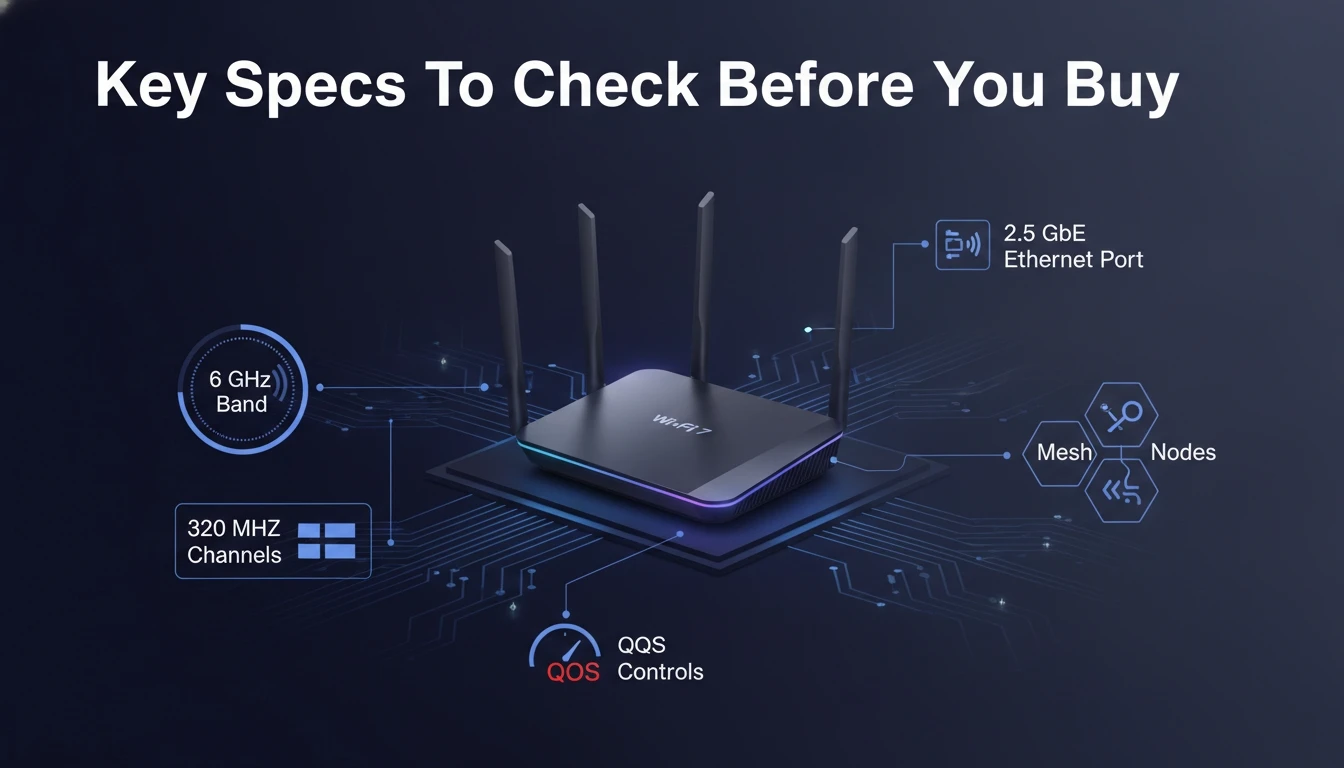
Not all Wi-Fi 7 routers are equal. Some models lean on marketing while cutting corners in radios, antennas, ports, or software support. The specs below help you choose based on real home outcomes.
- Band Support: Tri-band support with 6 GHz is important if you want cleaner spectrum and high-capacity links.
- Ethernet Ports: Look for 2.5 GbE or faster WAN and LAN if you have multi-gig internet or a fast NAS.
- Mesh Capability: If you need multiple nodes, confirm the system supports true mesh with seamless roaming.
- Firmware Track Record: Stability, security updates, and clear controls matter more than peak throughput numbers.
- QoS And Parental Controls: Smart traffic management can keep calls and games stable when the network is busy.
Once you choose hardware, setup quality determines how much performance you actually get.
Installation Tips That Improve Performance
Placement and configuration can make a midrange router feel premium. A top-end router placed poorly can still disappoint. Keep the basics tight and most homes see immediate improvement.
- Place It Centrally: Keep the router away from basements, metal racks, and inside cabinets to reduce signal loss.
- Separate Bands When Needed: If some smart devices struggle, dedicated SSIDs can improve stability and onboarding.
- Use Wired Backhaul If Possible: Ethernet between mesh nodes usually beats wireless backhaul for consistency and latency.
- Update Firmware Early: Run the latest stable firmware to improve security and fix early hardware quirks.
- Enable WPA3 Where Supported: Strong encryption improves security, while mixed modes keep older devices connected.
These steps help any router generation, and they matter even more as you add 6 GHz and multi-gig gear.
Conclusion
A Wi-Fi 7 router is worth buying right now when you have Wi-Fi 7 devices, run heavy simultaneous usage, or need stronger local network performance with lower latency. It is also a solid choice when you must replace aging hardware and want a longer runway for future devices.
If your home has coverage issues, few modern clients, or a limited wired backbone, value often favors a well-designed Wi-Fi 6E mesh or access point setup. Focus on placement, backhaul, and stable firmware first, then upgrade to Wi-Fi 7 when your devices and network can use it fully.
Frequently Asked Questions
Will A Wi-Fi 7 Router Make My Internet Faster?
It will not exceed the speed of your ISP plan. It can improve how your devices share bandwidth and reduce slowdowns caused by congestion. The biggest gains usually show up in local network transfers and busy household usage.
Do I Need Wi-Fi 7 Devices To Benefit?
You need Wi-Fi 7 clients to unlock the main Wi-Fi 7 features such as Multi-Link Operation. Older Wi-Fi devices will still work and may feel more stable if the router has better radios and traffic management. The upgrade is most worthwhile when at least one primary device is Wi-Fi 7.
Is Wi-Fi 7 Better Than Wi-Fi 6E For A Large House?
Range is more about layout and node placement than the Wi-Fi generation. A good mesh setup with wired backhaul often beats a single high-end router. Wi-Fi 7 helps most when you can maintain strong signal quality, especially on 6 GHz, in the rooms where you need performance.