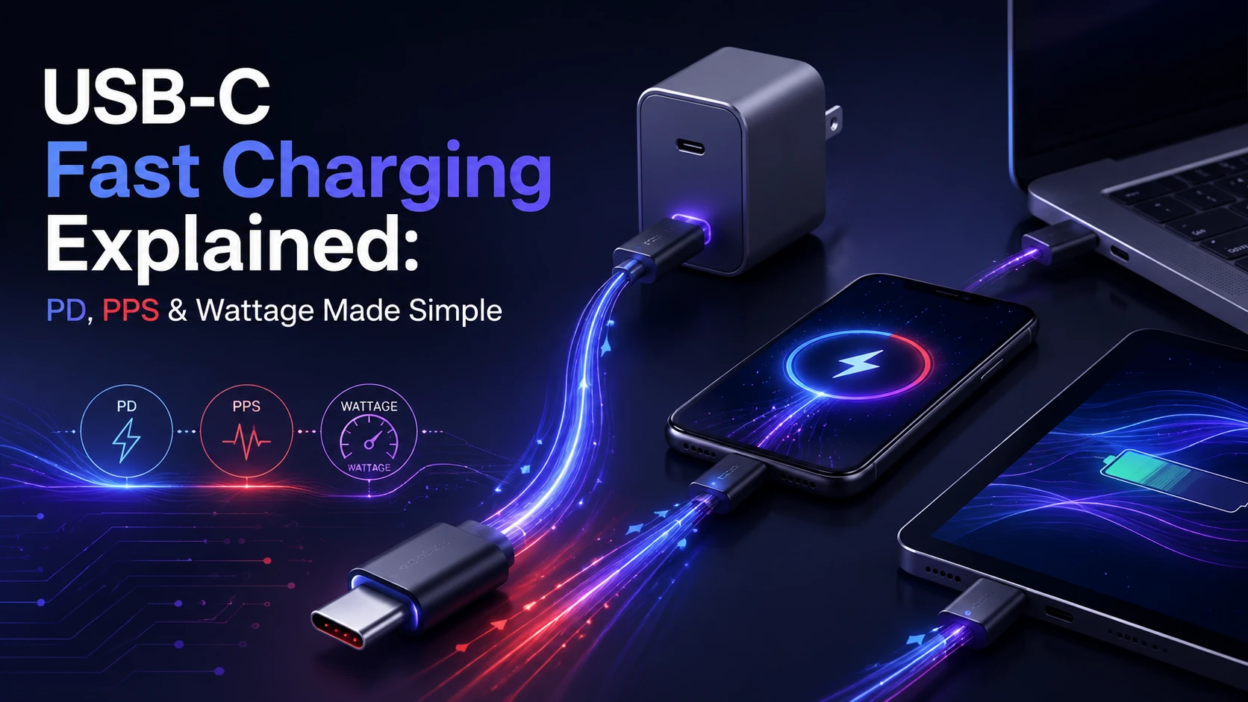
USB-C fast charging can feel confusing because the same port can deliver very different speeds. The good news is that once you understand USB Power Delivery, PPS, and wattage, it becomes easy to pick the right charger, cable, and device pairing without guessing.
What USB-C Fast Charging Really Means?
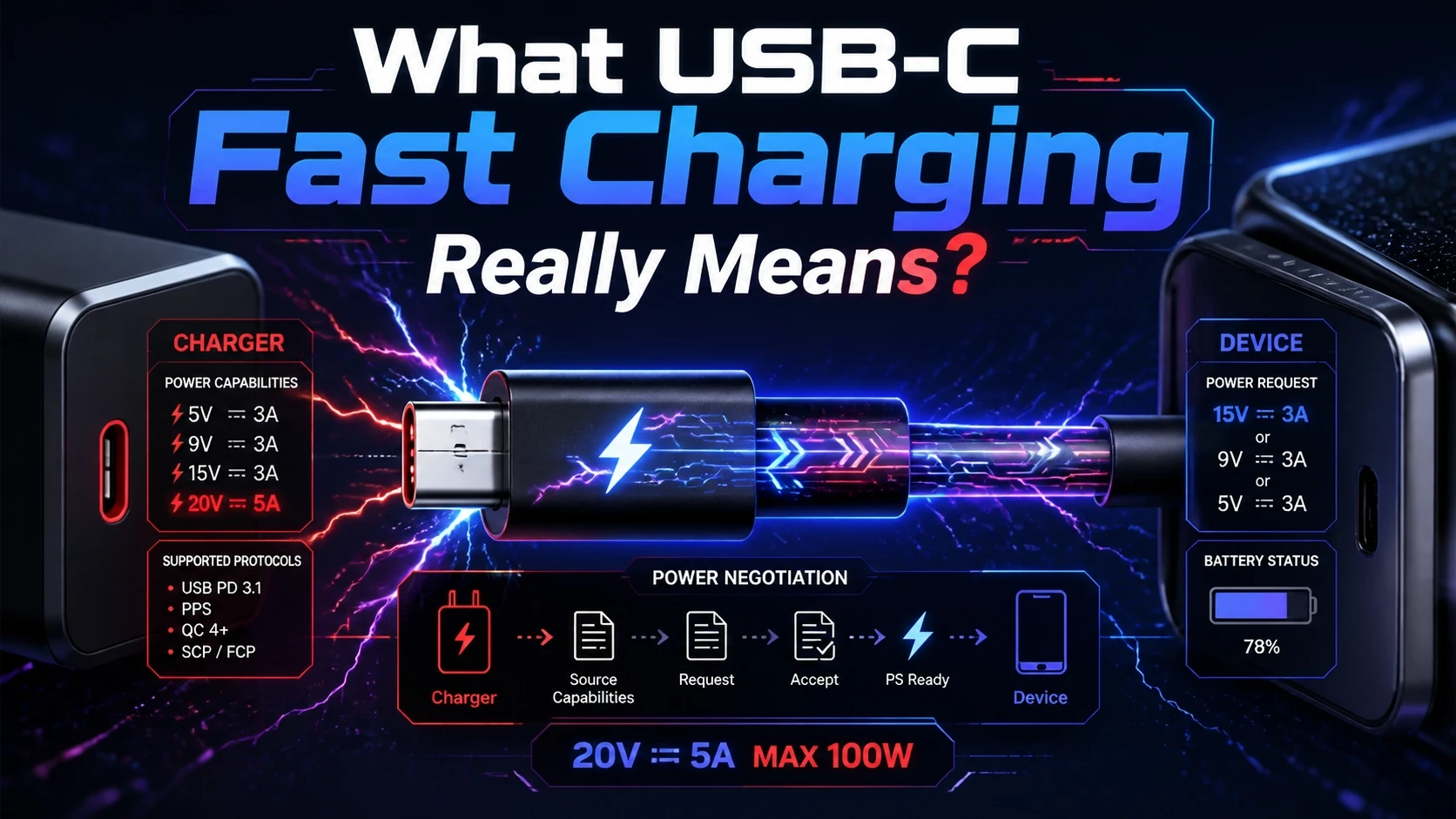
USB-C is a connector shape, not a promise of charging speed. A USB-C port can charge slowly at basic USB power levels, or it can support advanced fast charging with higher voltage and current.
Fast charging is a negotiation between the power source and the device. If both sides support compatible standards, the charger increases power delivery while staying within safety limits.
USB Power Delivery PD Made Simple
USB Power Delivery, often shown as USB PD, is the most common fast charging standard over USB-C. It uses a digital handshake so a device can request a specific power level that it can safely accept.
With PD, a charger can offer multiple voltage levels such as 5V, 9V, 15V, and 20V depending on its design. The device picks the best match for its battery state and charging circuitry.
How PD Negotiation Works?
When you plug in a USB-C cable, the charger advertises a set of supported power profiles. The phone, tablet, or laptop responds by choosing one profile, then charging begins at that level.
If the device heats up or the battery approaches full, it can request a lower power level. That is why charging often slows near 80 to 90 percent.
PPS Explained And Why It Matters
PPS stands for Programmable Power Supply. It is an optional feature inside USB PD that lets the charger adjust voltage in smaller steps rather than jumping between fixed voltage levels.
This fine control can reduce wasted energy and heat, especially on modern phones that charge at high power for short periods. Lower heat helps preserve battery health over time.
PD Versus PD With PPS
Standard PD generally offers fixed voltage options with a matching current limit. PD with PPS can continuously tune voltage and current within a safe range that both the charger and device support.
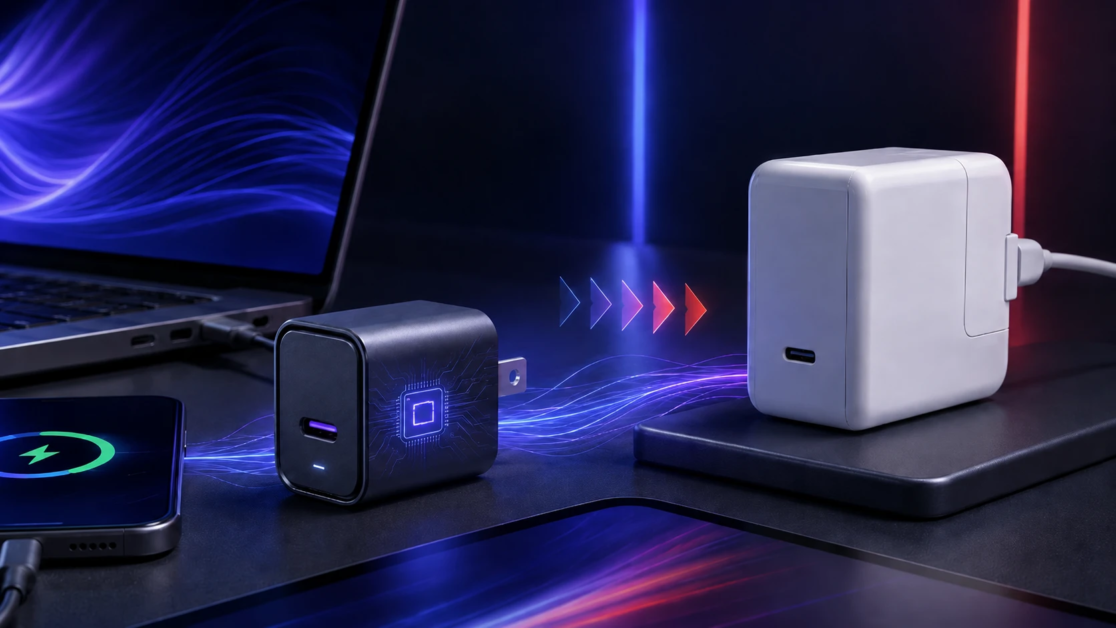
Not every PD charger includes PPS, and not every device can use it. When both support it, the charging experience is usually cooler and more consistent at the top speeds.
Wattage Explained Without The Math Headache
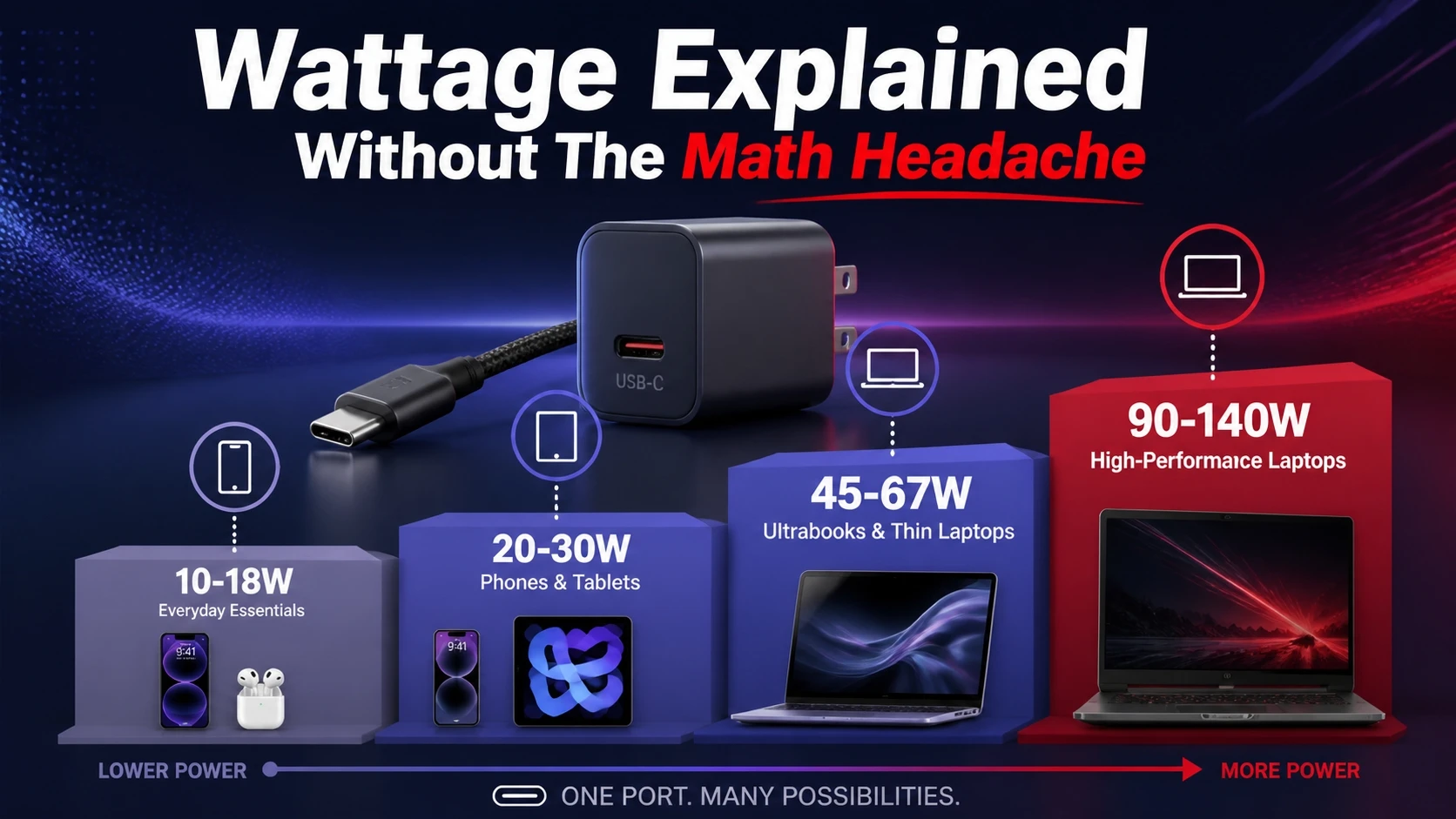
Wattage is the total charging power delivered to your device. Higher wattage can charge faster, but only if the device can accept that much power.
Power is a combination of voltage and current. You do not need to calculate it in daily use, but it helps to recognize common wattage tiers used for phones, tablets, and laptops.
| Typical Wattage Tier | Common Devices | What To Expect |
|---|---|---|
| 10W To 18W | Budget Phones And Accessories | Noticeably faster than basic charging but not the fastest supported by many modern phones |
| 20W To 30W | Most Modern Phones And Compact Tablets | Strong everyday fast charging when the device supports PD or PD with PPS |
| 45W To 67W | Large Phones, Tablets, Ultrabooks | Faster top ups and better sustained charging under heavier use |
| 90W To 140W | Laptops And Power Hungry Workloads | Designed for notebooks, often requires a high quality cable rated for higher power |
These tiers are guidelines, not guarantees. Your device will only draw what it is designed to handle, even if you use a higher watt charger.
Cable Quality Is The Hidden Limiter
A fast charger cannot perform well with the wrong cable. Many USB-C cables look identical but support different current limits and data capabilities.
For higher power charging, you need a cable that is rated for the wattage you want to use. Some higher power USB-C cables include an E-marker chip that helps devices verify safe current levels.
- Look For Clear Ratings: Choose cables labeled for 60W or 100W if you charge tablets or laptops.
- Prefer Certified Builds: Well made cables reduce voltage drop and overheating risk, especially during long charging sessions.
- Replace Worn Cables Early: Loose connectors and frayed jackets can cause slow charging and unstable connections.
Once cable limits are removed, PD and PPS features are more likely to deliver the speed your charger advertises.
Why Your Phone Still Charges Slowly Sometimes?
Slow charging is often caused by a standards mismatch. A charger may support PD, while a device expects a different fast charging method, or the charger may not include PPS when the phone is tuned for it.
Heat also changes everything. Many devices reduce power when the battery is warm, when the screen is on, or when the device is running demanding apps.
- Standards Mismatch: The device falls back to a basic power mode when it cannot negotiate its preferred profile.
- Thermal Throttling: Charging slows to protect the battery and internal components.
- Background Load: Heavy use can consume part of the incoming power, making charging appear slow.
- Dirty Or Loose Ports: Poor contact increases resistance and reduces stable current delivery.
Checking the charger spec label and using a known good cable solves a large share of speed issues.
How To Choose A USB-C Charger The Smart Way?
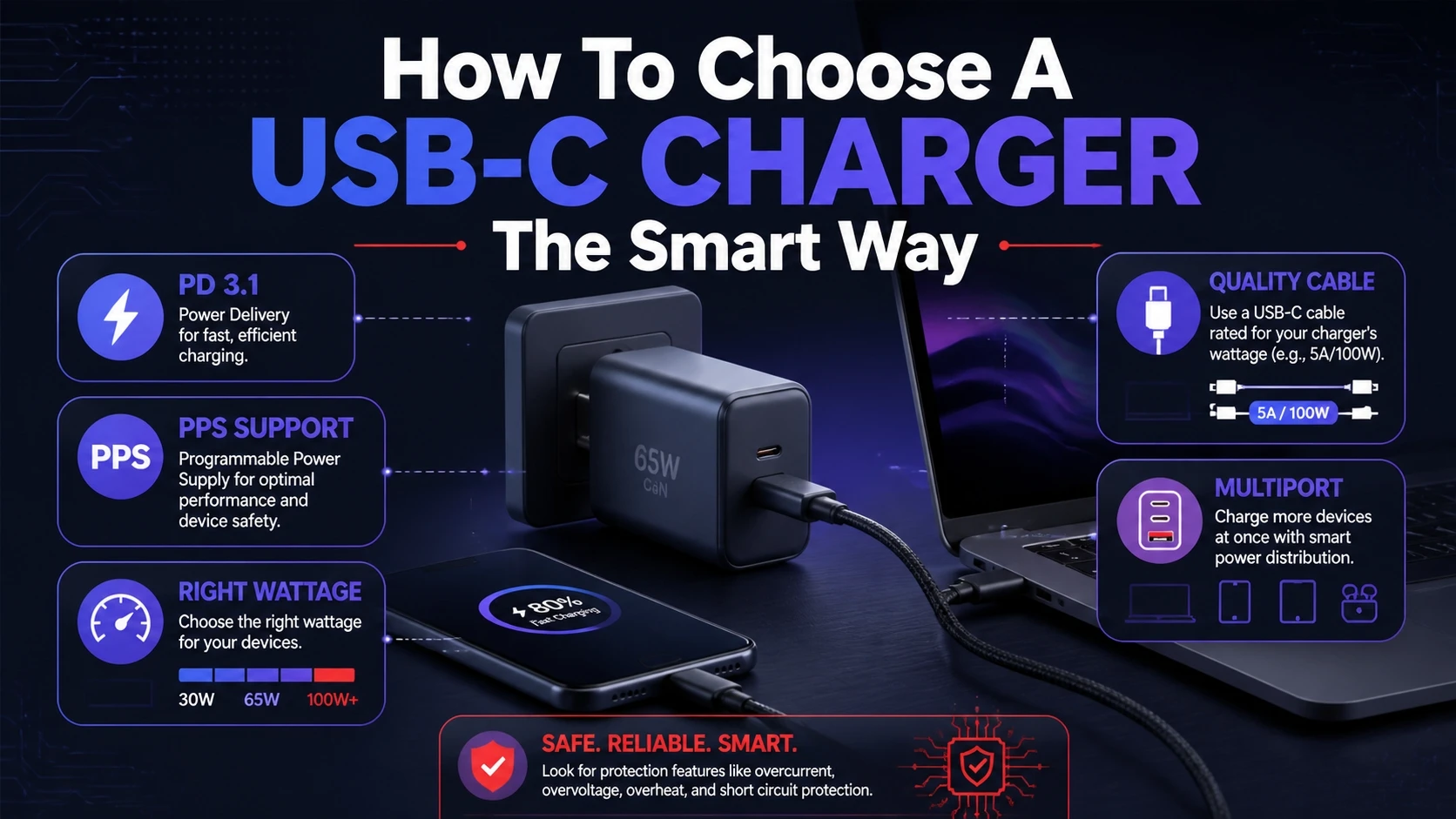
Start with your device category. Phones rarely benefit from extremely high watt chargers, while laptops often require 65W or more to charge reliably during use.
Then match features. If your phone supports PPS, choose a PD charger that lists PPS support to get better sustained speed and lower heat.
- Confirm Device Support: Check whether your device supports USB PD and whether it also supports PPS.
- Pick A Sensible Wattage: Choose a charger wattage that meets or slightly exceeds your device maximum for headroom.
- Match The Right Cable: Use a cable rated for the charger output, especially for 60W and above.
- Consider Port Count: Multiport chargers may split power across ports, which can reduce speed when charging several devices.
With these basics in place, you avoid buying overpowered gear that does not improve real charging results.
Safety And Battery Health Basics
Fast charging is designed to be safe when you use quality hardware. The biggest risks come from poor quality chargers, damaged cables, or running high power charging in extreme heat.
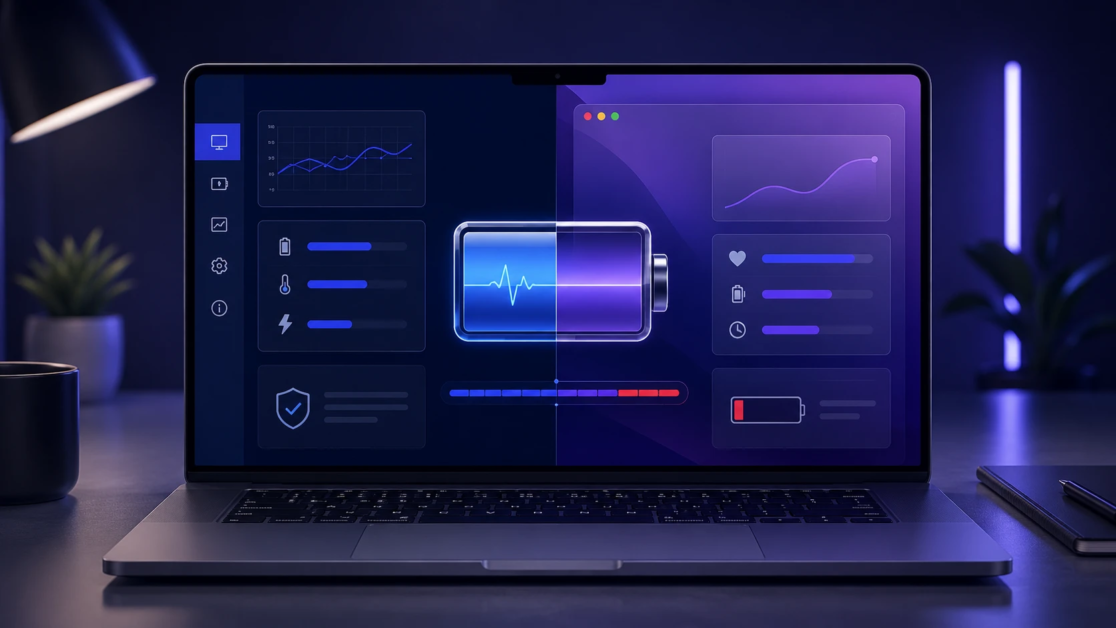
Battery health is strongly influenced by heat and time spent at very high charge levels. Many devices include optimized charging features that pause or slow charging near full to reduce stress.
- Use Reputable Chargers: Better power regulation reduces ripple, overheating, and unexpected disconnects.
- Avoid Heat Traps: Charging under a pillow or in direct sunlight can force throttling and stress the battery.
- Do Not Chase Maximum Speed Constantly: A moderate charger can be a good daily choice if you do not need the fastest top ups.
Consistency matters more than peak watt numbers when you want safe, predictable charging.
Conclusion
USB-C fast charging becomes simple once you separate the connector from the charging standard. USB PD handles the negotiation, PPS improves efficiency and heat control, and wattage tells you the ceiling a charger can provide.
Pick a PD charger with the right wattage for your device, add PPS when your phone supports it, and use a properly rated cable. That combination delivers the best mix of speed, safety, and long term battery health.
Frequently Asked Questions
Does USB-C Always Mean Fast Charging?
No. USB-C describes the port and cable shape, but charging speed depends on the power standard and the charger wattage. A USB-C charger can still deliver basic power if it does not support USB PD or if the device cannot negotiate higher levels.
Is A Higher Watt Charger Safe For A Phone?
Yes, in normal conditions. A phone draws only the power it is designed to accept, so a 65W charger does not force 65W into the phone. The important part is using a quality PD charger and a cable rated for stable current delivery.
How Can I Tell If My Charger Supports PPS?
Check the output specifications printed on the charger body. PPS support is usually listed as a range of voltages and currents rather than fixed values only. If PPS is not mentioned, it is likely standard PD without PPS.