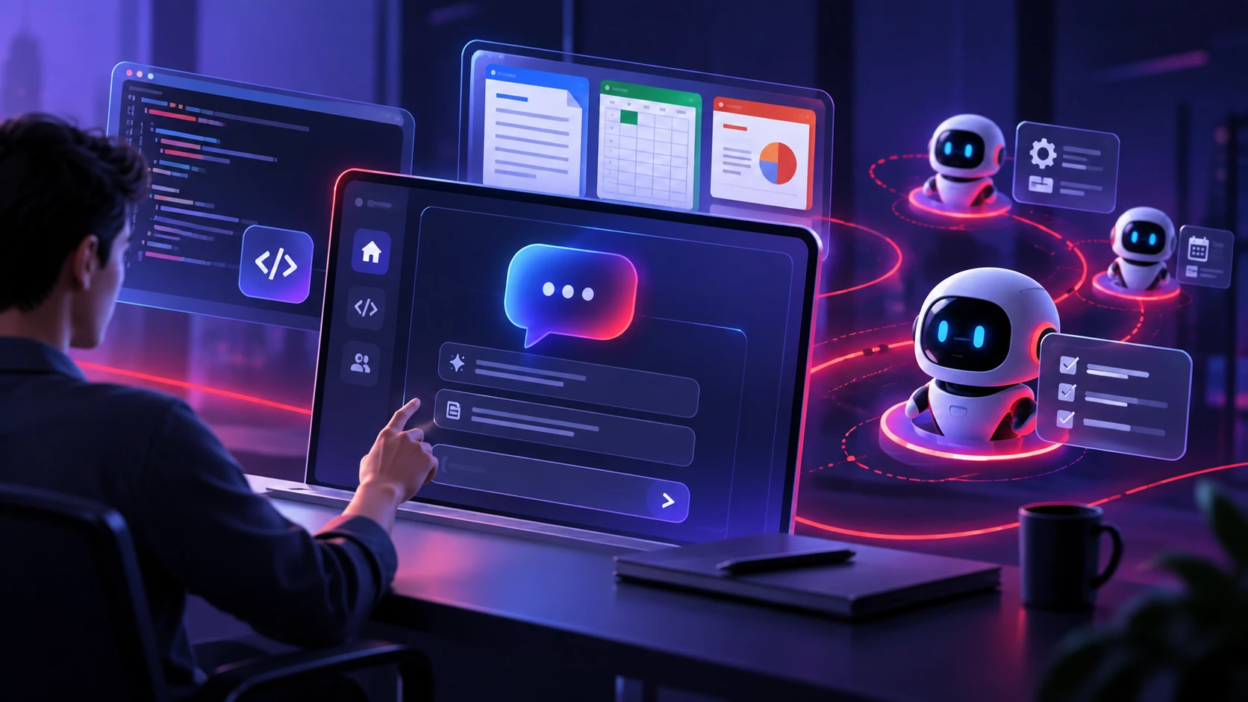
Microsoft has unveiled a major redesign of Copilot, turning its AI assistant into a more complete “super app” for work. The updated Copilot brings AI chat, coding tools, Microsoft Office apps and always-on AI agents together in one place.
The new Copilot experience is built around three main sections: Home, Code and Autopilot. Home combines the familiar Copilot chat experience with tools that can help users complete more complex work. Microsoft also plans to make this area useful for checking recent activity and important work information.
One of the biggest additions is Code. This feature allows users to describe what they want to build using normal language. Copilot can then help create apps, dashboards, trackers and automations without requiring users to write everything manually. The technology behind the feature is connected to the same foundation used for GitHub Copilot.
This could make coding tools useful to more than professional developers. Business users may be able to create simple internal tools by explaining what they need instead of starting with traditional programming.
Microsoft is also introducing Autopilot, an always-on AI agent designed to continue working even when the user is not actively using Copilot. Autopilot is based on Microsoft’s earlier Scout agent technology and can handle longer-running or repeated tasks.
An Autopilot agent can have its own identity, memory and workspace inside an organization. Users can give it tasks such as watching Teams conversations, following up on work, tracking important information or handling recurring processes. Microsoft is also building permissions, auditing and management controls around these agents so businesses can control what they are allowed to access and do.
Another important change is deeper Microsoft 365 integration. Full versions of Word, Excel and PowerPoint are being brought into the Copilot experience, allowing people to create and edit documents, spreadsheets and presentations without constantly moving between different apps.
For example, someone could ask Copilot to work with information in Excel, update content in a Word document and then use that material to create a PowerPoint presentation. Co-workers can still collaborate on the same files through regular Microsoft 365 apps.
The redesign also shows Microsoft’s wider plan for AI at work. Instead of keeping AI as a simple chatbot that answers questions, the company wants Copilot to become a central workspace where people can chat with AI, build software, create documents and assign jobs to autonomous agents.
Microsoft is taking a gradual approach to the rollout. Home and Code are expected to reach users in the Frontier early-access program in the coming weeks, while Autopilot is moving into private preview. Code is also expected to become available in preview for Microsoft 365 Premium and Pro subscribers later in 2026.
Some of the more advanced AI features will also use consumption-based pricing. This means organizations may pay according to how much they use tools such as Cowork, Code and Autopilot, while standard Copilot features remain connected to user subscription licenses.
With the revamped Copilot, Microsoft is moving beyond the idea of an AI chatbot. Its goal is to make Copilot a single AI-powered workspace where users can create, communicate, code and hand off tasks to agents that can keep working in the background.