

Choosing a laptop screen is not just about sharpness. The panel type affects battery life, eye comfort, how readable text looks, and how consistent colors stay as you move around during the day.
For most people, IPS is a practical choice for long hours of reading, spreadsheets, and web browsing, while OLED stands out for movies, deep blacks, and vivid-looking content. Neither panel type wins in every laptop because brightness, resolution, screen finish, and the quality of the specific display can change the result.
What OLED and IPS Mean in Simple Terms?
IPS is a type of LCD panel that uses a backlight. The pixels act like tiny shutters that let light through, which helps IPS deliver stable colors and wide viewing angles.
OLED uses self-lit pixels. Each pixel can turn on and off independently, which changes how blacks, contrast, and power use behave across different content.
If terms such as RGB, resolution, and pixel density are unfamiliar, our guide to how pixels work explains how individual pixels create images and why their arrangement affects screen quality.
Contrast and Black Levels
OLED is known for near-perfect blacks because pixels can fully switch off. This creates very high contrast that makes movies and dark themes look deep and clean.
IPS cannot fully block the backlight, so blacks look more like dark gray in dim rooms. A well-tuned IPS panel can still look great, but it will not match OLED for pure black depth.
Some premium laptops also use mini-LED backlighting to improve the contrast and brightness of LCD screens. If you are considering this alternative, our OLED vs mini-LED comparison explains how local dimming changes picture quality and what buyers should consider.
Brightness and Outdoor Visibility
Brightness matters for working near windows, in cafes, or under office lighting. Many IPS laptop screens reach strong sustained brightness levels, which helps with glare management and readability.
Some OLED laptops achieve impressive peak brightness when displaying HDR content, but their sustained brightness across a mostly white screen can be lower. For everyday office work, compare the measured full-screen brightness and reflection handling of the specific laptop. A bright OLED with a good anti-reflective coating may still be easier to use than a dimmer IPS screen.
Peak HDR brightness and sustained full-screen brightness are different measurements. VESA’s DisplayHDR performance criteria explain why displays are tested using both short brightness peaks and longer full-screen measurements. When comparing laptops for everyday work, also look for measured SDR brightness and information about screen reflections.
Color Accuracy for Photo and Video Editing
Both OLED and IPS can be color accurate when calibrated, and both can cover wide color gamuts. What matters most is the specific panel quality, factory calibration, and whether the laptop offers color profiles.
OLED screens often appear more vivid because their high contrast makes colors stand out, but vivid colors do not automatically mean better accuracy. Similarly, an IPS screen is not necessarily more accurate simply because it looks less saturated. For photo editing, video production, and design work, check measured color accuracy, sRGB or DCI-P3 coverage, and the available calibrated color modes rather than relying on panel type alone.
Text Clarity for Everyday Reading
Everyday use usually means lots of text in browsers, documents, and messaging apps. IPS typically renders text cleanly with predictable subpixel layouts, especially at common resolutions like 1080p and 1440p.
Some OLED panels use subpixel layouts that differ from the RGB arrangements commonly found on IPS LCD screens. On Windows, Microsoft’s ClearType technology uses subpixel information to improve how text appears on compatible displays. This helps explain why small letters may show slight color fringing on certain screen types. Higher pixel density and suitable display scaling can make these differences less noticeable.
Eye Comfort and Flicker Concerns
Many laptops control brightness using PWM dimming, which can cause flicker that some people find fatiguing. PWM can appear on both OLED and IPS, but it is more common and more noticeable on many OLED laptops at lower brightness.
If you are sensitive to screen flicker, look for independent measurements taken at different brightness levels rather than relying only on marketing claims. For example, Notebookcheck’s measured PWM results for an OLED laptop show why checking the exact model matters. Choose a comfortable brightness level and use available flicker-reduction settings when appropriate. An IPS screen is not automatically flicker-free, and increasing brightness does not necessarily improve comfort.
Battery Life and Power Efficiency
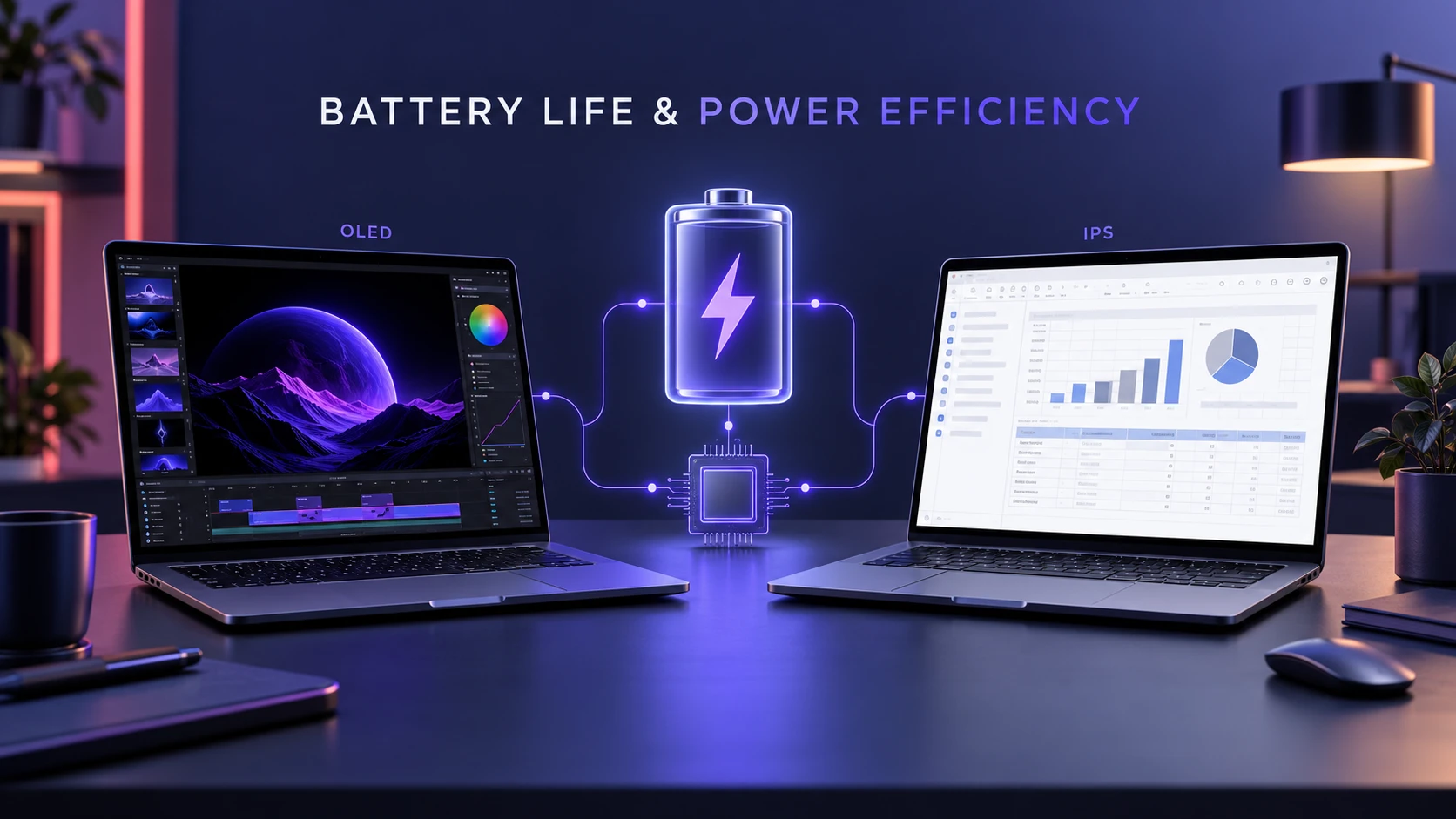
IPS power use is relatively steady because the backlight stays on regardless of what is displayed. This can be an advantage for office tasks dominated by bright white pages, where the backlight is working hard either way.
OLED display power consumption changes with the brightness and colors shown on the screen. Dark interfaces may reduce display power use, while bright websites, documents, and spreadsheets can increase it. However, total laptop battery life also depends on the processor, graphics hardware, battery capacity, refresh rate, and background applications. Compare battery test results for the exact laptop configuration before assuming one display technology will last longer.
If your current laptop loses power faster than expected, start by checking laptop battery health on Windows and macOS. This can help you identify battery wear before assuming that the display technology is the main reason for shorter runtime.
Burn-In and Long-Term Wear
OLED pixels gradually age as they are used, and repeated exposure to static screen elements can eventually cause permanent burn-in. This is different from temporary image retention, where a faint image remains visible for a short period but may disappear. Windows taskbars, browser toolbars, application menus, and other fixed interface elements can increase long-term wear when displayed for extended periods.
Modern OLED laptops may include panel-care features such as pixel shifting, refresh routines, and shorter screen sleep times. ASUS provides practical OLED burn-in prevention guidance explaining how users can reduce prolonged exposure to static images. These precautions can lower the risk but cannot completely eliminate it. IPS remains a lower-risk choice for people who regularly work with static interfaces for many hours.
Refresh Rate and Motion Smoothness
Both panel types are available in high refresh rate options, which makes scrolling and animation feel smoother. Gamers often prioritize refresh rate, response time, and VRR support over panel type alone.
OLED typically offers very fast pixel response, which can reduce motion blur. IPS can still be excellent for gaming, especially in well-tuned 120 Hz to 240 Hz panels with strong overdrive.
Refresh rate, pixel response time, and input lag affect gaming performance in different ways. Our guide to input lag vs response time explains how these measurements influence responsiveness and motion clarity, helping gamers make a more informed display choice.
Everyday Use Comparison Table
| Category | OLED Laptop Screen | IPS Laptop Screen |
|---|---|---|
| Black Levels | True blacks with very high contrast | Dark gray blacks due to backlight |
| Bright Office Work | Can be excellent but may vary in sustained brightness | Often strong and consistent for bright pages |
| Battery Behavior | Depends on content and benefits from dark themes | More predictable power use across content |
| Long-Term Risk | Some burn-in risk with static UI over time | Very low burn-in risk and stable uniformity |
| Text Clarity | Depends on pixel density and subpixel layout; some panels may show text fringing | Generally predictable text rendering, especially with conventional RGB layouts |
| Eye Comfort | Flicker behavior varies by model and brightness setting | Some models offer flicker-free dimming; others may also flicker |
| Gaming and Motion | Typically very fast pixel response and excellent motion clarity | Can deliver smooth gaming, depending on refresh rate and response-time tuning |
How to Choose Based on Your Routine?
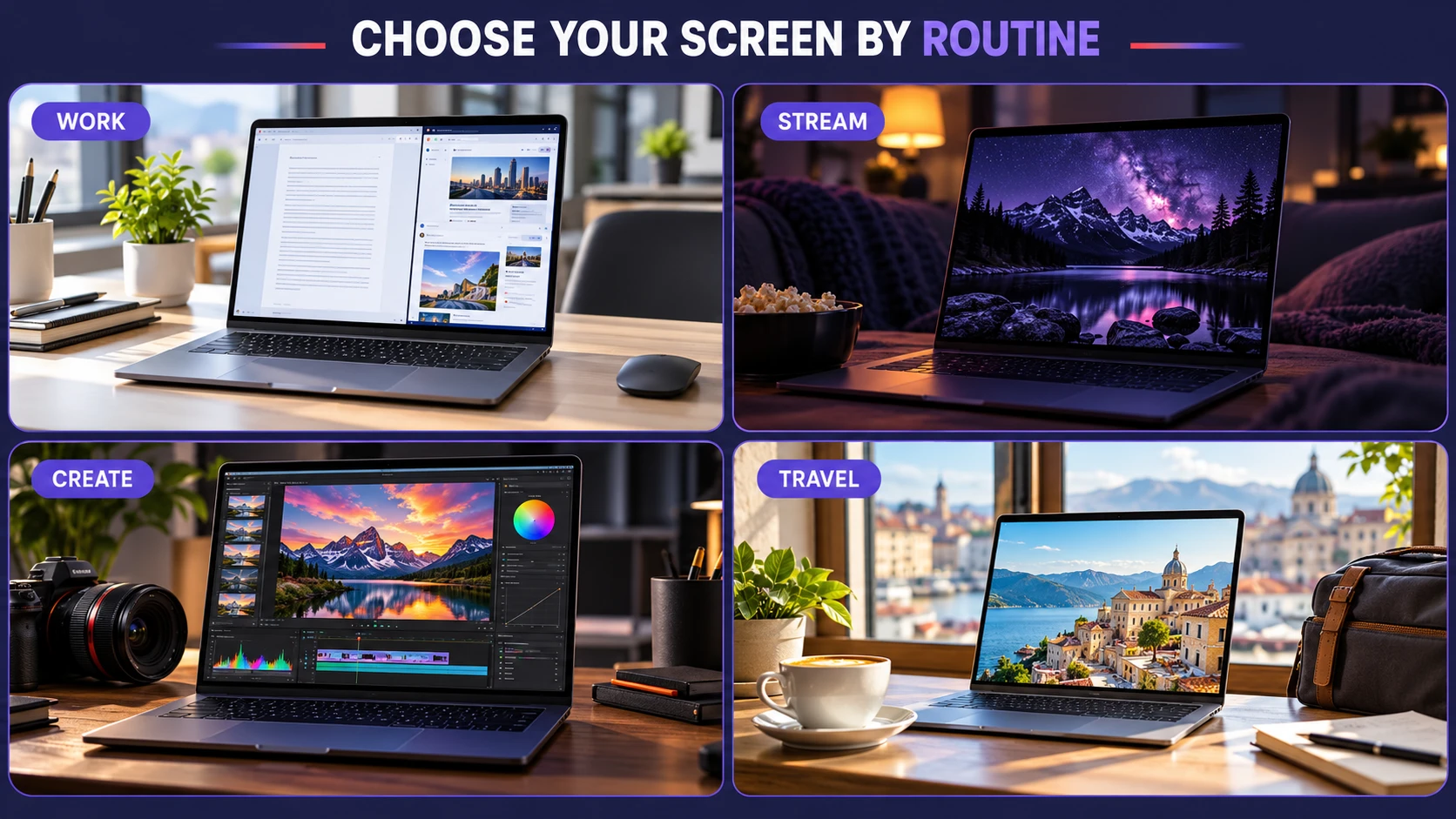
The best choice depends on what fills your screen most of the day. Small differences in panel behavior can matter more than headline specs when you use the laptop for hours.
- Mostly documents and web pages: IPS is often the safer pick for consistent brightness, text clarity, and long-term static UI use.
- Lots of streaming and dark mode: OLED can look stunning with deep blacks and strong contrast, and it can save power with darker content.
- Photo and video editing: Either can work if color accuracy is proven, but check gamut coverage, calibration, and whether the panel is glossy or matte.
- Frequent travel and mixed lighting: Favor higher sustained brightness, good anti-reflective coating, and comfortable dimming behavior over panel type alone.
Once your usage pattern is clear, it is easier to choose the panel type that fits without paying extra for specs you will not benefit from daily.
Specs That Matter More Than Panel Type
Two laptops with the same panel type can look very different. A high-quality IPS can beat a mediocre OLED, and the reverse can also be true.
- Resolution and pixel density: Higher PPI improves text sharpness and reduces visible pixel structure.
- Panel finish: Glossy screens boost perceived contrast but can reflect lights, while matte screens cut glare at the cost of some punch.
- Color coverage and calibration: Look for accurate sRGB for general use and measured accuracy for creative work.
- Brightness control method: Flicker-free dimming is a major comfort win for long sessions.
Focusing on these practical specs helps you avoid regrets after the first week of real use.
Before buying, test the actual laptop display whenever possible. Open a white document to check brightness and reflections, read small text at your usual viewing distance, and watch a dark video scene to assess contrast. Try different brightness levels to see whether the screen feels comfortable. If you cannot examine the laptop in person, look for independent reviews with display measurements and battery tests for the exact configuration.
Conclusion
OLED is hard to beat for contrast, deep blacks, and a cinematic look that makes media and dark themes pop. IPS remains a dependable everyday choice with consistent brightness, clean text rendering, and lower long-term risk for static interfaces.
If your day is mostly documents, tabs, and productivity apps, IPS is often the calmer and more predictable option. If you value visual impact and spend a lot of time watching video or using dark mode, OLED can be the more satisfying screen to live with.
Frequently Asked Questions
Is OLED Always Better Than IPS for Laptops?
No. OLED wins on contrast and black levels, but IPS can be better for sustained brightness, predictable battery behavior, and long sessions with static UI. The better choice depends on your routine and sensitivity to flicker.
Will an OLED Laptop Screen Get Burn-In With Normal Use?
Burn-in is possible, especially with static elements shown for many hours over long periods. Many laptops include protections that reduce risk, but IPS is still the safer option if your workflow keeps the same layout on screen daily.
What Should I Check Before Buying Besides OLED or IPS?
Look at measured brightness, color accuracy, and whether the display uses flicker-free dimming. Also consider resolution, surface finish, and refresh rate, since these often affect daily comfort more than the panel label.