Modern devices rarely rely on a single kind of compute engine. A CPU, GPU, and NPU can sit side by side, each tuned for different workloads, and the system gets faster and more efficient by sending the right job to the right processor.
What A Processor Does In Simple Terms?
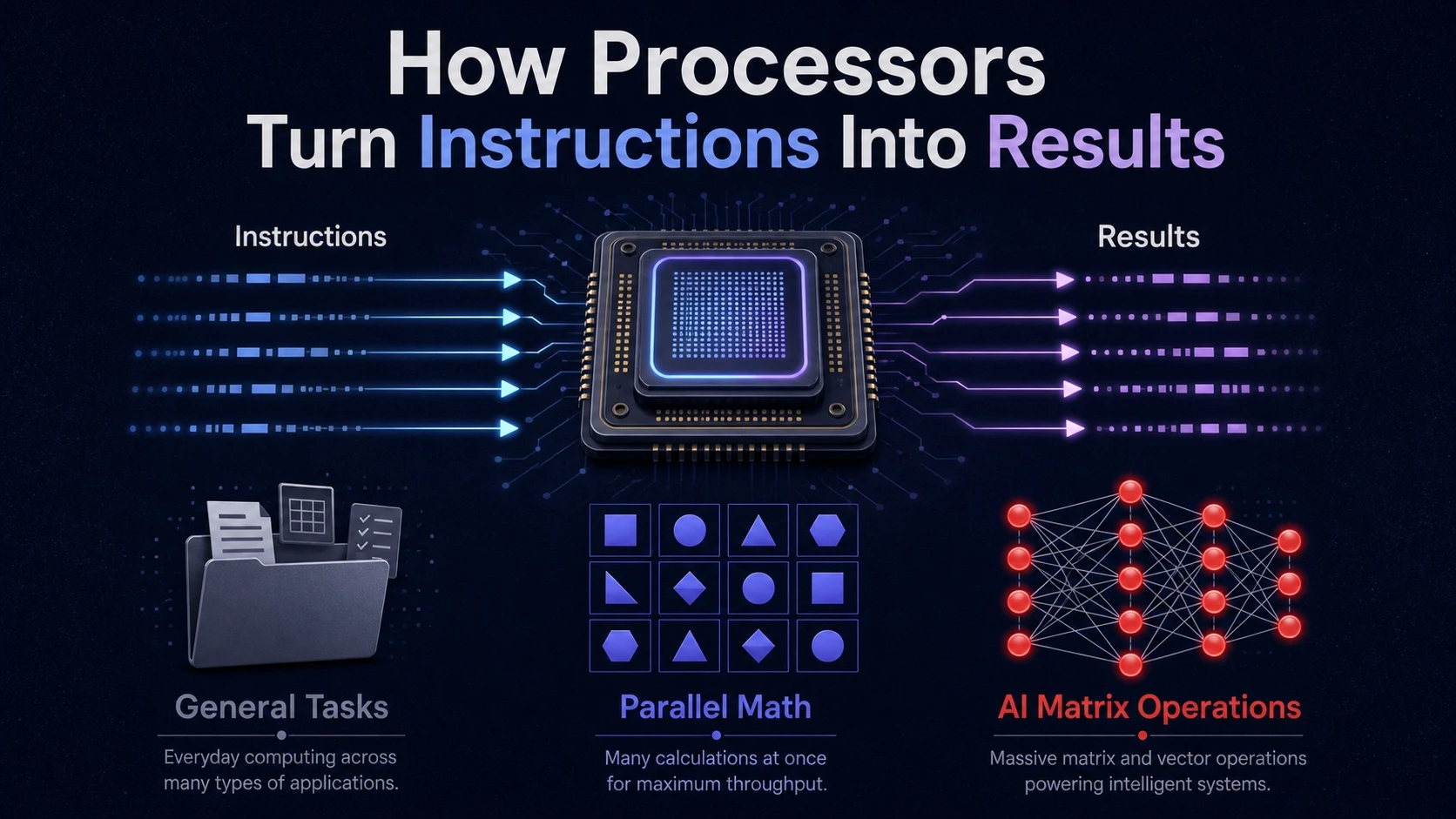
A processor takes instructions and turns them into results. Those instructions can be general tasks like opening files, highly parallel math for graphics, or specialized matrix operations for machine learning.
The key difference is how each processor is built to run instructions. Architecture shapes speed, power use, and how well it handles certain patterns of work.
CPU Basics And Why It Still Runs Everything
The CPU is the general-purpose brain of a computer. It handles many different kinds of instructions, switches tasks quickly, and manages the operating system, apps, memory, and input devices.
CPUs focus on low-latency performance. That means they finish single tasks quickly and respond well to changing workloads.
How CPU Cores And Threads Matter?
A CPU core is a full execution engine that can run instruction streams. Threads let the CPU schedule work so that cores stay busy, even when one task waits on data from memory.
More cores help when software can split work cleanly. Higher clock speed and strong single-core performance matter when tasks are sequential or depend on many small decisions.
CPU Strengths You Actually Feel
CPU performance shows up in everyday responsiveness. It also determines how quickly a system can juggle background services while staying smooth in the foreground.
- Task Scheduling: Keeps multiple apps responsive by prioritizing work and switching context efficiently.
- System Control: Coordinates memory access, storage operations, networking, and device drivers.
- Mixed Workloads: Handles unpredictable instruction mixes better than highly specialized processors.
Those strengths explain why the CPU remains central even when GPUs and NPUs do heavy lifting.
GPU Basics And Why Parallelism Wins?
The GPU is built for massive parallel workloads. Instead of optimizing for fast decision-making on a single stream of instructions, it runs many similar operations at the same time.
This design started with graphics. Rendering needs the same math repeated across many pixels and vertices, which matches GPU hardware very well.
Why GPUs Excel At Graphics And Compute?
GPUs contain many smaller compute units that process data in parallel. They thrive on workloads with regular patterns, high arithmetic intensity, and predictable memory access.
Beyond gaming, GPUs accelerate video encoding and decoding, scientific computing, and many AI training tasks. The common thread is lots of identical math applied to large data sets.
Where GPUs Struggle Compared To CPUs?
GPUs are less efficient on branching logic and small, irregular tasks. When code constantly changes direction based on conditions, parallel units can sit idle and waste cycles.
Data transfer and memory constraints can also limit performance. If a workload spends more time moving data than computing, raw GPU power helps less than expected.
NPU Basics And What Makes It Different?
An NPU is a specialized processor designed for neural network workloads. It targets operations common in deep learning, especially matrix multiplications and tensor computations.
NPUs focus on throughput per watt for inference. That makes them attractive in phones, laptops, and edge devices where battery life, heat, and privacy matter.
What NPUs Accelerate In Real Systems?
NPUs speed up inference for tasks like image segmentation, speech recognition, and on-device language model features. They can also handle AI features embedded into operating systems, including camera pipelines and transcription.
Many NPUs use lower precision math such as INT8 or FP16 to boost speed and reduce power use. That works well when models are optimized and quantized for the hardware.
Limits Of NPUs You Should Know
NPUs are not universal accelerators. They perform best when a workload maps neatly to supported neural network operators and data types.
If a model includes unsupported layers or unusual control flow, parts of it may fall back to the CPU or GPU. This can reduce the benefit and complicate performance tuning.
CPU Vs GPU Vs NPU Key Differences
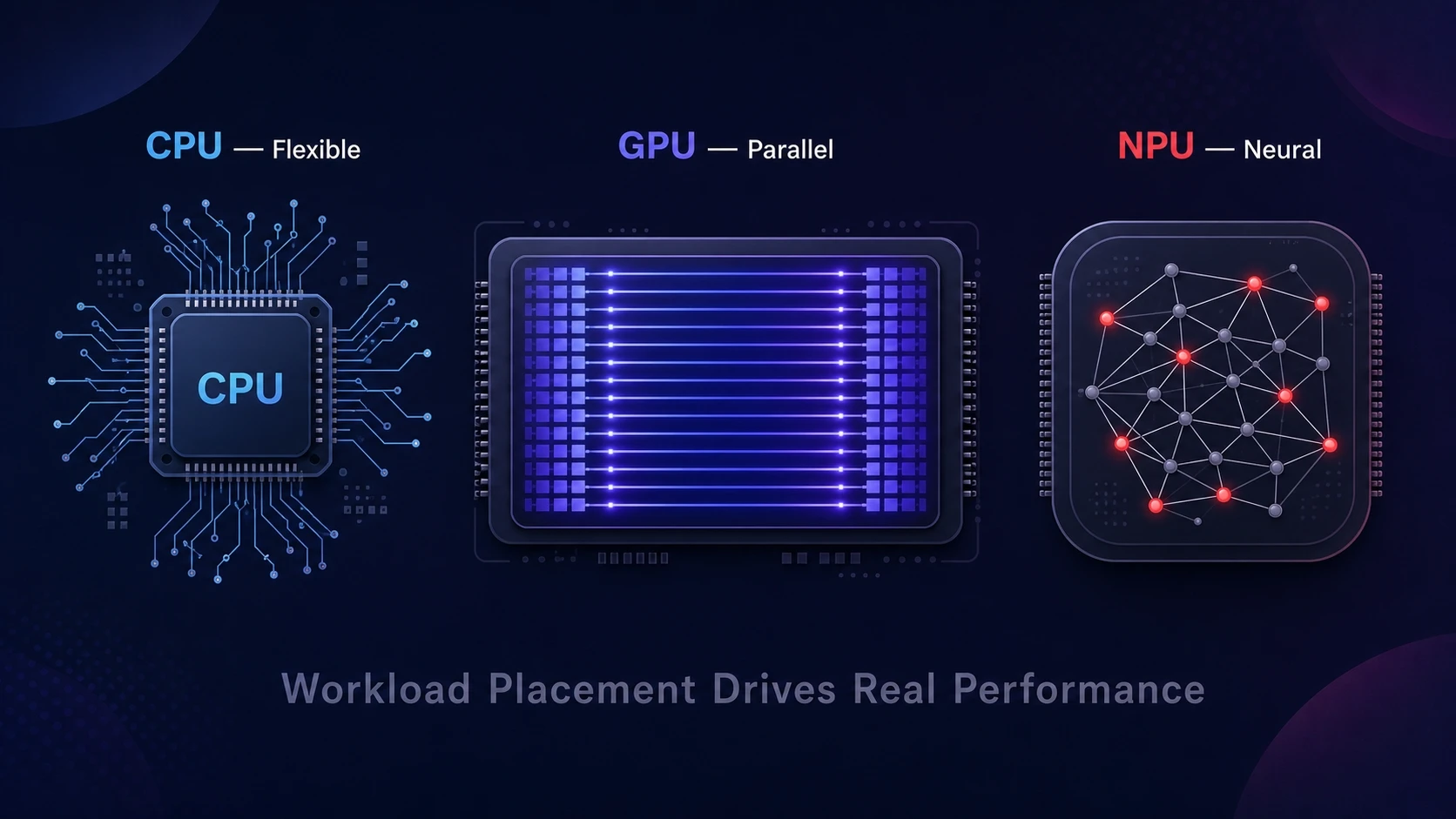
These processors differ mainly in how they trade flexibility for speed and efficiency. A CPU is flexible and low-latency, a GPU is massively parallel, and an NPU is specialized for neural network operations.
Many devices use all three at once. The best performance comes from good workload placement and good software support in the OS, drivers, and frameworks.
| Processor | Best At | Typical Limits |
|---|---|---|
| CPU | General computing, OS tasks, branching logic, low-latency work | Lower throughput on highly parallel math, higher energy per operation at scale |
| GPU | Graphics rendering, parallel math, video pipelines, many AI training workloads | Inefficient on irregular control flow, performance sensitive to memory and data movement |
| NPU | AI inference, tensor operations, efficient on-device machine learning | Limited operator support, relies on model optimization and framework integration |
| Hybrid Use | Balanced performance by splitting tasks across CPU GPU NPU | Needs compatible drivers, runtimes, and careful workload partitioning |
This comparison makes it easier to map workloads to the right silicon without guessing.
How Workloads Get Assigned Across CPU GPU And NPU?
Most users do not manually choose the processor. The operating system, drivers, and frameworks decide where code runs based on performance, compatibility, and power targets.
In AI workloads, a runtime may try the NPU first, then fall back to GPU, then CPU if needed. Graphics-heavy apps often prioritize GPU, while control and orchestration stay on the CPU.
Common Patterns In Modern Apps
A typical pipeline mixes different compute types. Preprocessing may run on CPU, parallel transforms on GPU, and neural network inference on NPU when available.
- UI And App Logic: Runs on CPU for fast response and frequent branching.
- Rendering And Effects: Runs on GPU where parallel shaders and kernels shine.
- On Device AI: Runs on NPU for efficient inference, with fallback when unsupported.
Knowing these patterns helps when troubleshooting performance, heat, or battery drain.
Buying And Upgrade Guidance Based On Your Needs
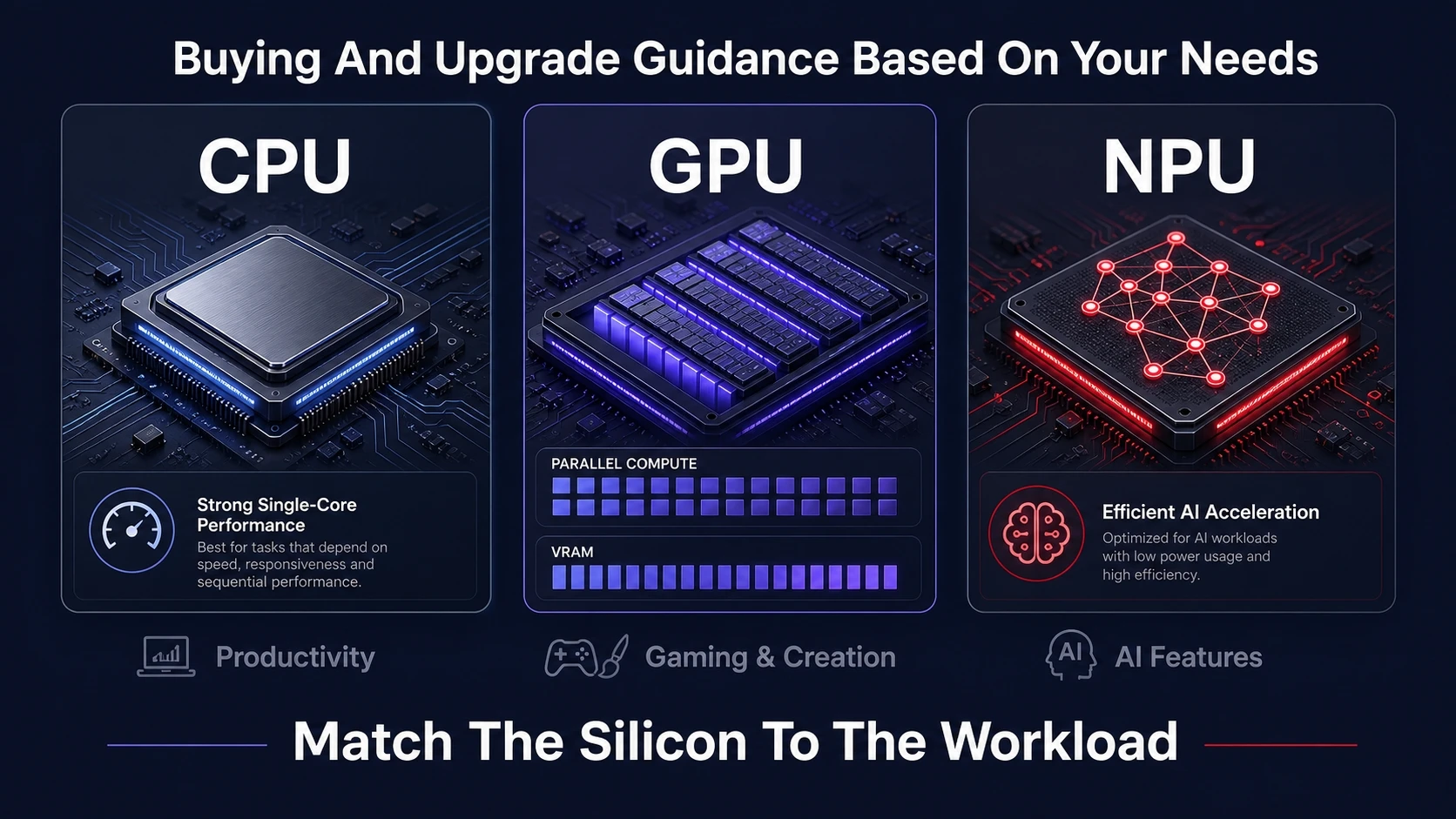
The right hardware depends on the workloads you care about most. A strong CPU improves general responsiveness, a capable GPU boosts graphics and parallel compute, and an NPU helps with on-device AI features.
If you are comparing devices, look beyond core counts and marketing labels. Pay attention to memory bandwidth, thermal limits, and software support for your tools.
What To Prioritize
- Productivity And Multitasking: Favor a CPU with strong single-core performance and enough cores for background tasks.
- Gaming And Content Creation: Favor a GPU with adequate VRAM, strong drivers, and good video encode support.
- AI Features And Battery Life: Favor devices with a capable NPU and mature runtime support for local inference.
Balanced systems often feel best because each processor can focus on what it does well.
Conclusion
A CPU runs the broad set of tasks that keep a system responsive and stable. A GPU accelerates parallel math, which makes it ideal for graphics and many compute workloads. An NPU specializes in neural network inference and can deliver strong AI performance at low power.
When these processors work together, devices can be faster, cooler, and more efficient. The practical takeaway is to match your primary workload to the processor that is built for it and to value strong software support as much as raw specs.