

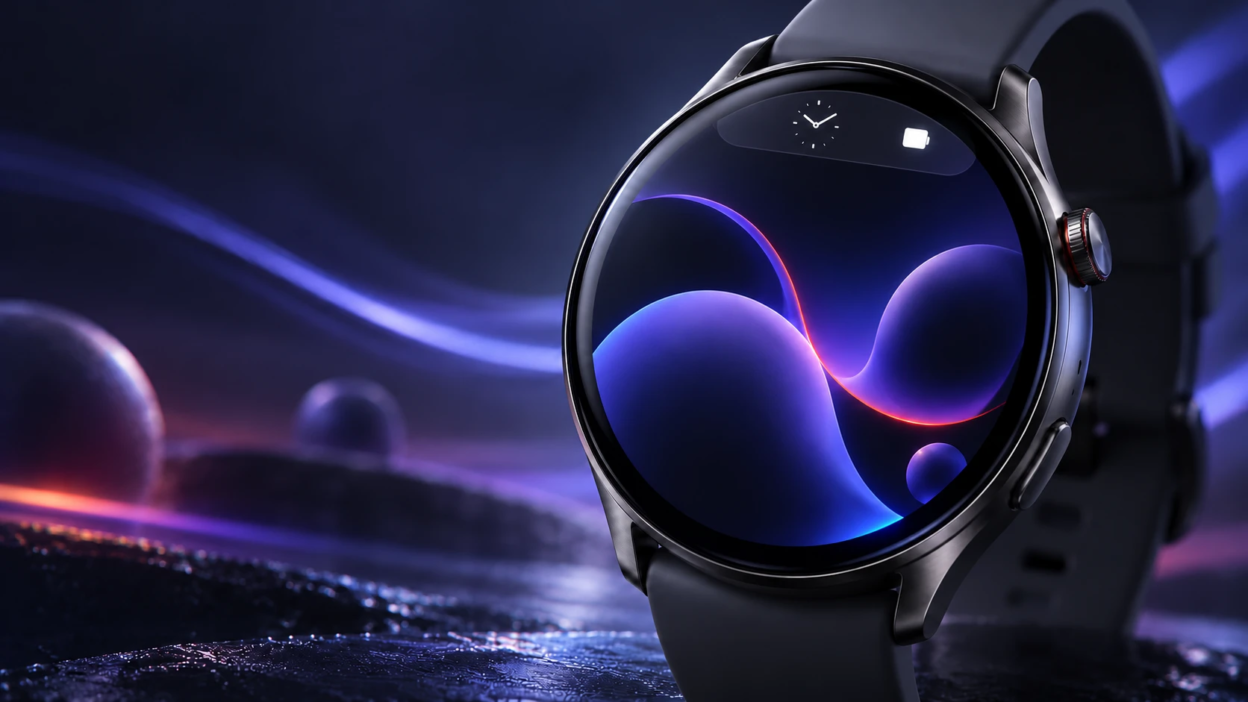
Google is testing a new system status bar for Wear OS smartwatches that could make everyday applications easier to use. The feature is designed to show the current time and important device indicators at the top of the screen, giving users a more consistent experience when switching between apps. The system status bar is currently available only in a developer emulator preview and is planned for Wear OS 8.
Google released a Wear OS 7.1 Canary emulator on October 26, 2026, allowing developers to test upcoming smartwatch interface changes. According to Google’s official Wear OS emulator release notes, the system status bar is included exclusively for early testing. It will not appear in the upcoming stable Wear OS 7.1 emulator. Instead, Google plans to introduce the feature on physical smartwatches through a future Wear OS 8 release.
On Wear OS 7 and earlier versions, applications generally control the entire watch screen because the operating system does not display a system status bar over app windows. Developers can add their own clock, curved headings, or other controls near the top of the display. This flexibility can result in different clock styles and placements across applications, making the experience less consistent for smartwatch users.
The upcoming system status bar aims to solve this problem by introducing a more consistent way to show important details. It will appear near the top of the smartwatch’s circular display, around the 12 o’clock position, allowing users to check the time without depending on each application’s individual design.
The new system status bar is designed to show indicators for activities such as microphone use, location access, connectivity, and battery information. Google says the bar will display only one status icon at a time, based on priority, to avoid overcrowding the small smartwatch screen. However, the current developer preview uses a placeholder star icon instead of the final system indicators. Google’s official system status bar documentation explains how the feature will work and how developers should prepare their applications.
Microphone and location indicators may also help users notice when applications access sensitive device features. For additional background on why these permissions matter, TechBonafide’s Android app permissions guide explains the privacy considerations involved. The guide focuses on Android phone permissions rather than the upcoming Wear OS status bar.
Another useful improvement involves how the status bar behaves when someone scrolls through an application. In compatible apps, the bar can automatically disappear while the user moves through content, creating more room for information. When scrolling stops, it can return after a short delay of approximately two seconds.
This approach could improve the experience of using fitness applications, messaging services, navigation tools, and other smartwatch features. For example, users checking notifications or reading information on their watches may benefit from having more screen space while still being able to see the time when needed.
The update will also require application developers to prepare their layouts for the system status bar. To support the feature, apps must target Android API level 35 or higher and use a compatible Wear OS interface library or explicitly enable the feature. Apps using the latest supported alpha version of Compose for Wear OS 1.8 can automatically adjust their layouts through AppScaffold and ScreenScaffold. These components help prevent duplicate clocks and keep text, buttons, and other controls from overlapping the status bar. Developers using other supported layouts must handle the necessary adjustments themselves.
Google is also designing the status bar to work with different types of smartwatch screens. Full-screen dialogs, time pickers, date pickers, and other compatible interactive controls can temporarily hide the bar when they need additional display space. Once these controls are closed, the status bar can return. Apps running on Wear OS 7 or earlier can continue displaying their existing in-app clocks, helping developers maintain compatibility with older devices.
Google has not announced an exact public release date or confirmed which smartwatch models will support the new status bar. Although the feature is planned for Wear OS 8, its arrival on existing devices will depend on future software updates and manufacturer support. For now, Google has not provided a confirmed list of compatible Pixel Watch, Galaxy Watch, or other Wear OS devices.
In other Google smartwatch news, TechBonafide has reported on Pixel Watch 2 and 3 Safety Signal support changes. That announcement concerns emergency connectivity on specific watch models and is separate from the upcoming Wear OS interface update.
The upcoming change reflects Google’s continued efforts to improve Wear OS as a platform for smartwatches. Although the status bar may appear to be a small design improvement, it addresses an important challenge for wearable devices: displaying useful information clearly on a limited screen.


