
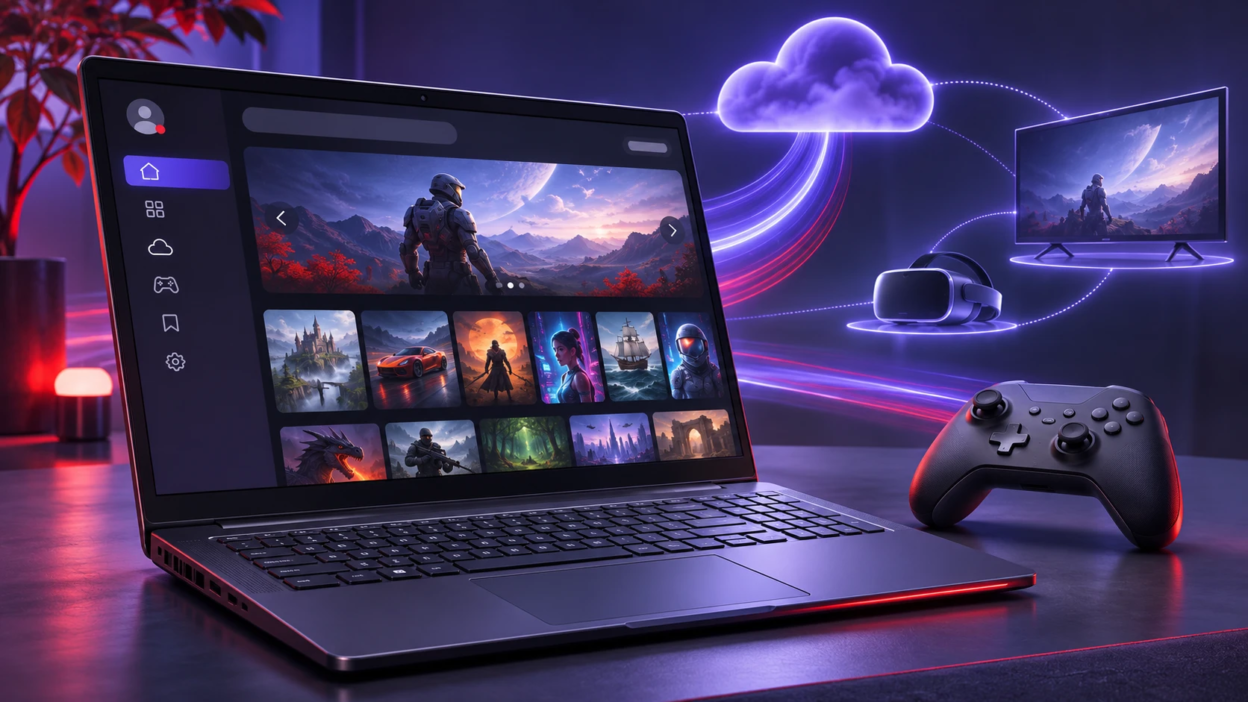
In its November 5 Xbox update, Microsoft announced a faster Xbox PC app and a redesigned Xbox Cloud Gaming web experience. The company is also refreshing the cloud gaming interface on supported smart TVs and virtual reality (VR) headsets. These updates are rolling out in stages, with the PC app improvements initially reaching Xbox Insiders.
One of the biggest changes is the improved Xbox PC app for Windows. According to Microsoft’s testing, the updated app can launch up to 60% faster than before. Pages such as Home, Store, and Game Pass can load up to 50% faster, while windows within the app can open up to 65% faster. These improvements focus on reducing waiting times when opening the app and navigating its features.
Microsoft says these performance results may vary depending on the device, internet connection, system configuration, and usage. The improvements are initially rolling out through the Xbox Insider program, giving participating Windows users early access. Microsoft has not confirmed when the updated app will become available to all PC users.
The updated Xbox PC app also makes finding and organizing games easier. Players can search for games, installed titles, add-ons, and other players from one place. The game library includes improved filters, simpler navigation, and additional organization options. Microsoft has also refreshed game cards, the Home page, Settings, and animations to make the interface easier to use.
Microsoft has also improved the social features inside the Xbox PC app. Friends and communication options are now easier to access through the main navigation. Players can quickly check what their friends are playing, start conversations, or join gaming parties.
Microsoft is also expanding its redesigned Xbox Cloud Gaming website to more players over the coming weeks. The updated browser experience, previously tested by Xbox Insiders, introduces simpler navigation and an improved game library. Players who want to try the refreshed experience sooner can visit Xbox Cloud Gaming at play.xbox.com.
The new Library tab brings together eligible cloud games that players own and titles available through Xbox Game Pass. Players can browse, sort, and filter games by genre, recently played titles, and supported input methods. However, not every purchased game or Game Pass title supports cloud streaming, and access may vary depending on the player’s region and account eligibility. For a recent example of games offered through the subscription service, TechBonafide previously covered the Xbox Game Pass October 2026 lineup, including titles available across supported gaming platforms.
The redesigned cloud gaming website also offers an improved layout for PCs and larger displays. Its desktop mode uses more available screen space, allowing players to see additional games while browsing. Users can switch between light and dark themes or choose from five high-contrast display options designed to support different visual needs.
Microsoft is also beginning to introduce the refreshed Xbox design to cloud gaming apps on supported smart TVs and VR headsets. The goal is to make Xbox feel familiar across different devices while keeping the interface suitable for each screen. One example of compatible cloud gaming hardware is the Meta Quest 3S Xbox Edition, which TechBonafide previously covered as a headset designed to let users stream supported Xbox games on a large virtual display.
For PC players, the faster Xbox app could reduce the time spent opening the software and navigating between different sections. Cloud gaming users may also benefit from easier game discovery, clearer menus, and improved organization. However, Microsoft’s announcement does not claim that these interface changes increase streaming resolution or reduce network latency. Players who want to understand how internet speed affects game streaming can read TechBonafide’s cloud gaming vs remote play comparison, which explains the differences between cloud streaming and playing remotely from an existing device.
However, not every player will receive all the improvements immediately. The PC app changes are being tested through the Xbox Insider program, while the updated web experience is expanding gradually. Microsoft has not announced a specific date for the complete rollout of every feature.
Players can also check the official Xbox Cloud Gaming requirements for supported devices, subscription options, eligible games, and regional availability.
For now, Windows players can check their Xbox Insider access to try the updated PC app, while browser users can visit Xbox Cloud Gaming to see whether the refreshed interface is available. Players using supported TVs and VR headsets may need to wait for the updated design to reach their devices. Microsoft says player feedback will continue to guide future improvements.