

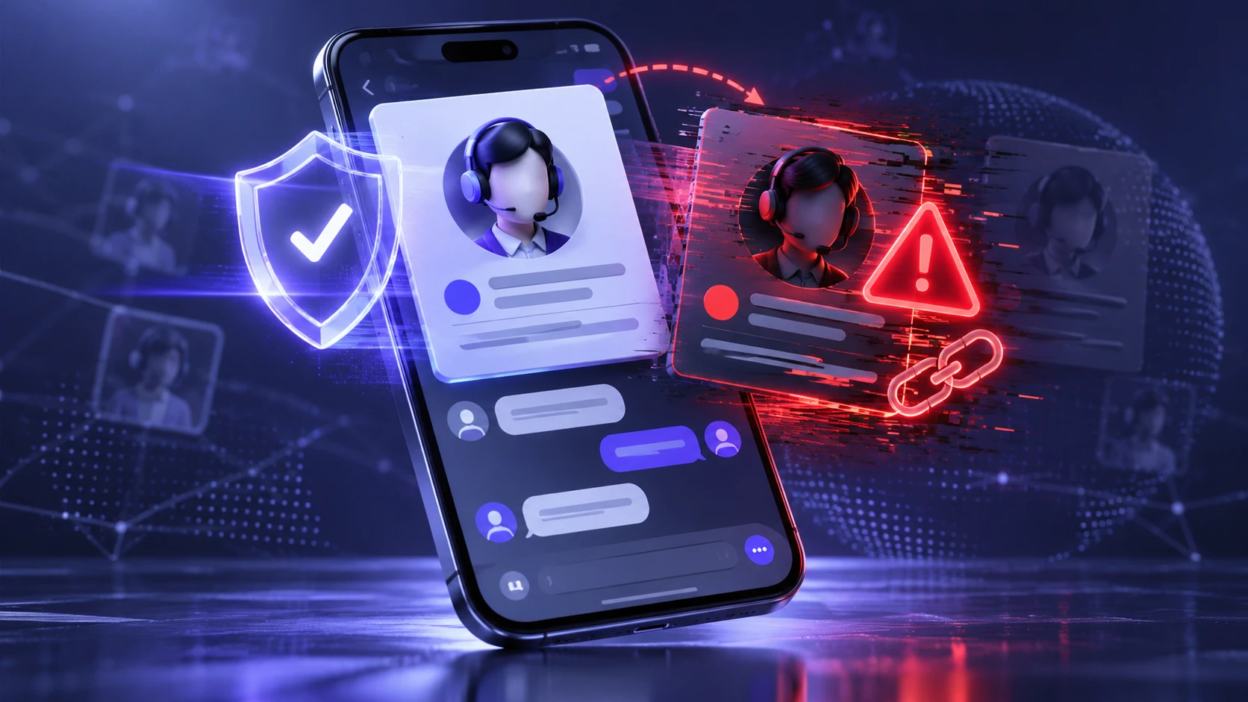
Fake customer support accounts on social media pretend to represent real brands while directing people toward unsafe links, payments, or account takeovers. Scammers often reply to public complaints or requests for help, a tactic sometimes called angler phishing. A few independent checks can help you verify a support profile before sharing personal information or opening suspicious links.
Why Fake Support Accounts are So Common?
Support scams work because they target urgency. When an order is delayed, a login fails, or a card charge looks wrong, people want a fast fix and scammers exploit that moment.
Social platforms also make impersonation easy. Display names can be copied, profile photos can be lifted, and replies can be posted in seconds under popular brand posts. The Better Business Bureau has warned about fake customer service accounts targeting social media users, particularly when people publicly ask businesses for help.
Profile Signals That Reveal Impersonation
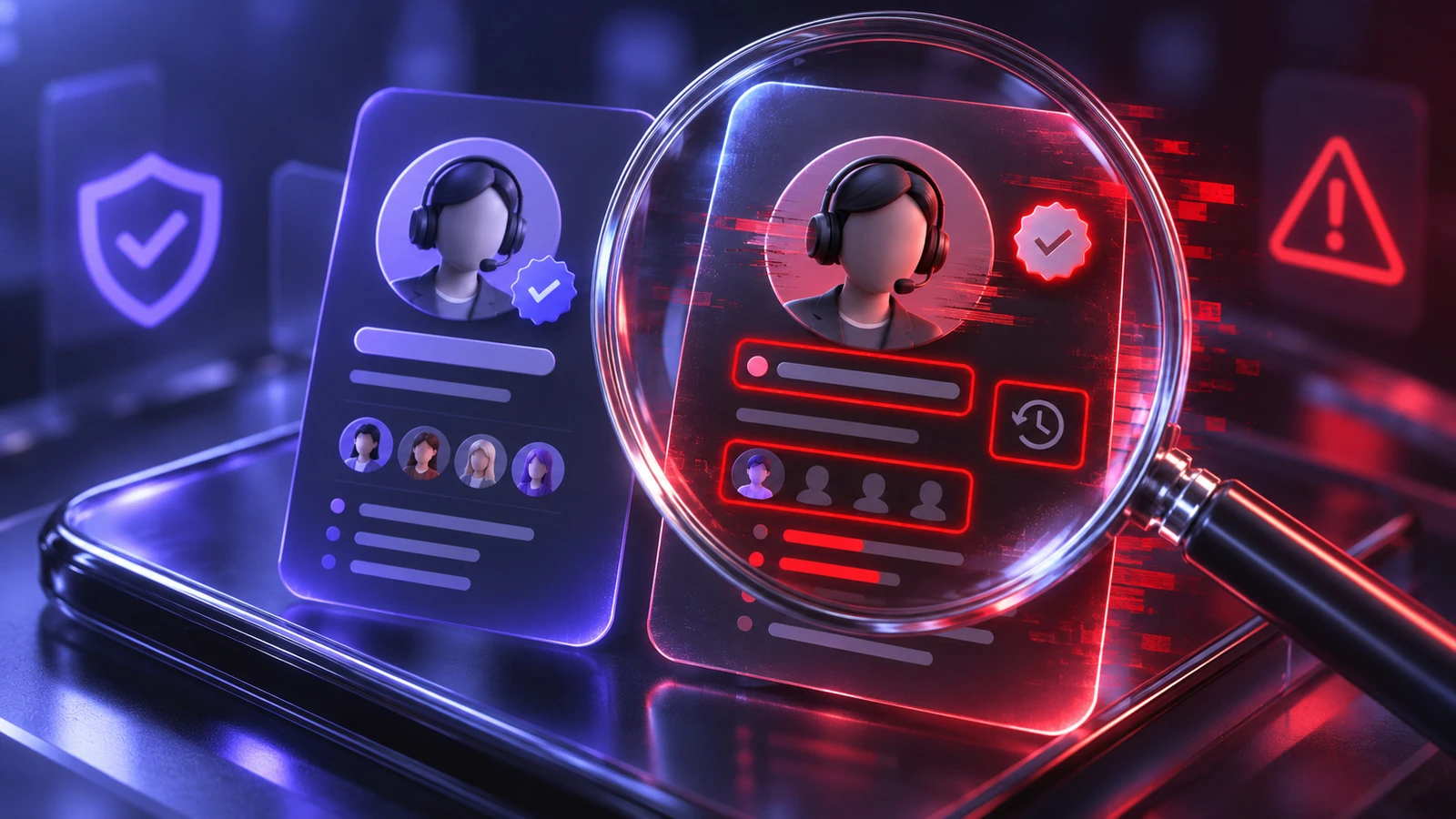
Start with the profile itself before reading any messages. Many fake accounts fall apart when you look closely at basic identity details.
- Handle and Username: Small changes like extra underscores, swapped letters, or added words such as “helpdesk” often indicate a copycat.
- Verification and Badges: A verified badge does not automatically prove that an account belongs to a legitimate support team. Verification systems vary across platforms, and some badges are available through paid subscriptions. The absence of a badge also does not automatically mean an account is fake. Always compare the profile with the official accounts listed on the brand’s website.
- Account Age and Activity: New or recently renamed accounts with limited history are higher risk, especially when they claim to represent major companies.
- Bio Quality and Consistency: Typos, generic slogans, or a bio that does not match the brand tone can signal a rushed setup.
- Follower Quality: Very low engagement, suspicious follower patterns, or sudden changes in activity can be warning signs. However, follower counts and engagement can be manipulated, so they should never be treated as reliable proof that a support account is official or fake.
After these checks, move to the way the account behaves when it contacts you or replies publicly.
Behavior Patterns Used By Fake Support
Impersonators follow predictable patterns because their goal is to move you off-platform or rush you into a risky action. Watch for pressure, secrecy, and unusual requests.
- Instant DMs After Public Comments: Scammers monitor brand mentions and reply quickly to pull you into private chat.
- Requests for Sensitive Data: Passwords, one-time login codes, full card numbers, and recovery phrases should never be shared with unverified support accounts. Our guide to one-time passwords and account security explains how temporary authentication codes work and why users should protect them from phishing attempts.
- Off-Platform Conversation Push: An unsolicited request to switch to WhatsApp, Telegram, or an unfamiliar support form can be a warning sign. Some legitimate companies also use these channels, so check whether the contact details or support form appear on the company’s official website before continuing.
- Unusual Payment Instructions: Gift cards, crypto, wire transfers, or “verification fees” are common scam moves.
- Threats or Urgency: Messages warning your account will be closed within minutes are designed to stop careful thinking.
These behaviors matter more than polite language. A friendly tone can still be part of a scam script. The FBI also warns that tech support scams may involve requests for remote access to a device, potentially exposing personal information, account credentials, and financial data.
Link and Domain Checks You Can Do in Seconds
Links are where most damage happens. Fake support accounts often send short links or lookalike domains that mimic a brand’s real site.
Some fraudulent websites go beyond fake login forms and display misleading verification challenges. These pages may ask visitors to complete unusual steps, execute commands, or install software before receiving supposed support. TechBonafide’s guide to fake CAPTCHA malware explains how deceptive verification screens can expose users to malware and account security risks.
Do not open links sent by an unverified support account. Instead, open the company’s official website or app independently and navigate to its support section. If you need to inspect a suspicious URL, check the actual domain for substituted letters, unexpected subdomains, or unfamiliar extensions without opening the page. Remember that a padlock icon or HTTPS connection does not automatically mean a website is trustworthy.
| Check | What A Fake Account Often Shows | Safer Action |
|---|---|---|
| URL Structure | Misspellings, added words, or odd subdomains | Type the official site in your browser instead |
| Link Shorteners | Short links with no brand context | Avoid clicking and navigate through official menus |
| Login Pages | Sign-in pages that look slightly off | Close the tab and sign in through the official app |
| File Downloads | Requests to install “support tools” or APK files | Use official app stores and trusted help centers only |
Not every dangerous support link leads to an obviously fake login page. A scammer may direct users to a genuine Google or Microsoft authorization screen and persuade them to approve access for a malicious third-party application. Our guide to OAuth phishing and unsafe app permissions explains why a legitimate login screen does not automatically mean the requesting application is trustworthy.
If anything feels inconsistent, stop and verify the request through a trusted official channel. Taking a moment to confirm the account and website can help prevent credential theft, unauthorized payments, and other avoidable security risks.
How Real Support Accounts Typically Operate?
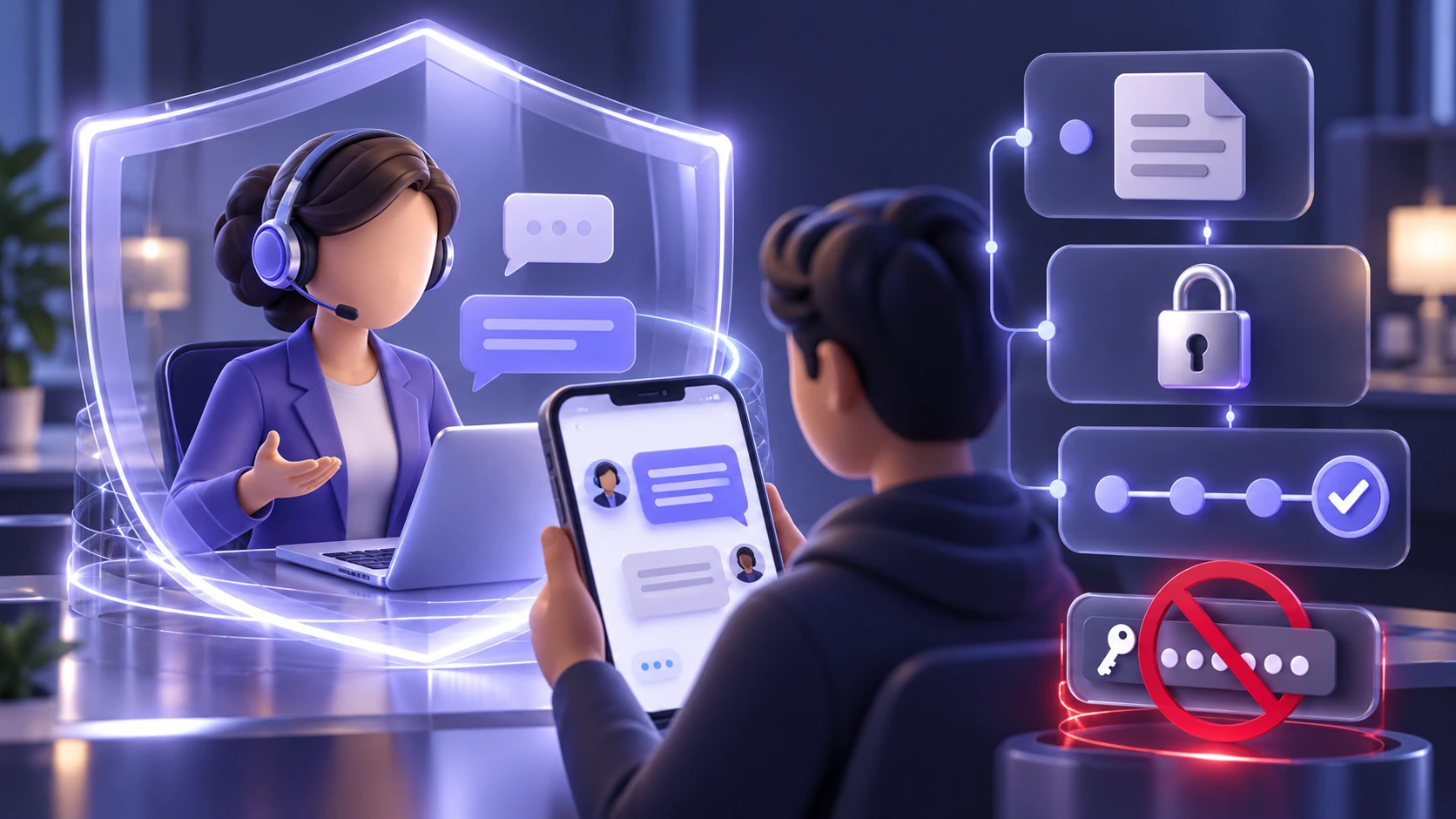
Legitimate support teams follow policies that protect user privacy. They also use predictable channels that match the brand’s published help process.
Legitimate support teams may request an order number, ticket ID, or limited account information to locate a customer’s case. The exact verification process depends on the company and the type of support needed. However, users should never send passwords, one-time login codes, recovery phrases, or complete payment card numbers through social media messages. If additional identity verification is required, complete it through the company’s verified website or official app.
- Clear Intake Process: They guide you to a help center, in-app support, or a ticket form on the official website.
- Limited Data Requests: They ask only what is required to locate your case.
- Transparent Resolution Steps: They explain what will happen next and what timeframe to expect.
When an account claims to be support but refuses to follow the brand’s normal process, treat it as suspicious.
Verification Steps Before You Reply or Click
Use a short routine to validate the account. This keeps you consistent when you are stressed or in a hurry. The Federal Trade Commission’s advice on avoiding impersonation scams recommends checking unexpected messages through contact information you independently know to be trustworthy.
- Check the Brand’s Official Website: Look for the brand’s listed social handles and compare them exactly to the profile contacting you.
- Confirm Through In-App Support: If the company has in-app chat or a help center, start there and reference the message you received.
- Review Past Posts and Replies: Scan the account history for long-term activity and consistent interactions with real customers.
- Inspect the Message Content: Refuse requests for passwords, codes, remote access, or payments.
- Use A Separate Channel to Verify: Contact the company through a known email address, phone number, or support form published on its official site.
Once you have done this routine a few times, it becomes quick and automatic.
What to Do If You Already Engaged With A Fake Account
Act quickly, but stay methodical. The right sequence helps limit damage and preserves evidence for reports.
- Stop Communication Immediately: Do not send more information, and do not follow new instructions from the account.
- Secure Your Account: Change your password, enable multi-factor authentication, and log out of active sessions where possible.
- Check for Account Changes: Review your recovery email, phone number, login history, active sessions, and connected applications for anything unfamiliar. Changing a password may not automatically terminate every existing session. Our guide to session hijacking and stolen cookies explains why reviewing and revoking suspicious sessions is important after a possible account compromise.
- Notify Your Payment Provider: If you shared card details or sent money, contact your bank or card issuer and follow their fraud process.
- Report the Account on the Platform: Use the platform’s built-in reporting tools and preserve screenshots of the suspicious messages and profile. For example, X provides an official process for reporting impersonation accounts, allowing users to flag profiles that misuse another person’s or brand’s identity.
Your next step depends on what happened during the interaction. If you only opened a suspicious webpage, close it and avoid downloading anything; opening a page does not automatically mean your account was compromised. If you entered your password, change it through the official website or app, update any other accounts using the same password, and review active login sessions. If you approved access for an unfamiliar connected application, remove its permissions. If you installed suspicious software or allowed remote access, disconnect the affected device from the internet and use a trusted device to seek security assistance before signing in to important accounts again.
Keep screenshots and timestamps. They help platforms and financial teams investigate faster. If you downloaded or installed a suspicious support tool, additional device-security checks may be necessary. Our guide to infostealer malware and stolen passwords explains how malicious software can collect saved credentials, browser information, and other sensitive account data.
How Businesses Can Reduce Impersonation Risk?

Brands get impersonated because scammers know customers look for help in comment sections. A few preventative steps reduce confusion and protect users.
Use consistent, clearly listed support handles across platforms. Pin a post that states the only official accounts and the approved support process.
- Publish A Single Source of Truth: Maintain an official support page listing social handles, emails, and escalation paths.
- Set Comment Moderation Rules: Hide or filter common scam phrases and block repeat offenders where possible.
- Train Support Teams: Use scripts that never request passwords or one-time codes and that reinforce safe verification habits.
- Monitor for Impersonators: Regularly search platform mentions and lookalike usernames, then report quickly.
Businesses can strengthen their protection by regularly reviewing account permissions, monitoring impersonation reports, and maintaining a clear process for responding to fraudulent profiles. They should also remind customers how to recognize official support channels and where to report suspicious accounts. For additional security education, TechBonafide publishes practical guides about phishing, account protection, and safer online practices.
Conclusion
Fake customer support accounts on social media exploit urgency, confusion, and trust to trick users into sharing information or making unsafe decisions. Checking profile handles, message behavior, and suspicious links can help you recognize warning signs before an attacker gains access to your accounts or personal information.
Use official channels you can verify, refuse sensitive requests, and report impersonators quickly. These habits protect your accounts, your money, and your personal information.
Frequently Asked Questions
How Can I Tell If A Support Account is Official Without Clicking Any Links?
Go to the company’s official website and look for a support or contact page that lists social media handles. Match the handle character by character, not just the display name. If the handle is not listed, use the company’s in-app support or official ticket form instead.
Is A Verified Badge Always Proof That the Account Is Real?
No. Verification systems differ by platform, and a badge may reflect a paid subscription rather than an independent check that the profile is a brand’s official support channel. Confirm the account against the brand’s website and never share login codes or payment details through unsolicited direct messages.
What Information Should I Never Share With Social Media Support Accounts?
Never share passwords, one-time codes, recovery phrases, or full payment card details. Avoid sending images of identity documents unless you are in a verified, official support flow you initiated. When in doubt, switch to the brand’s official help center and ask what minimum information is required.
What Should I Do If I Clicked A Link From A Fake Support Account?
If you clicked a suspicious support link, close the webpage and avoid downloading files or entering additional information. If you entered a password, change it immediately through the official website or app and review your active sessions. If you downloaded and ran suspicious software, check your device for malware and seek trusted security assistance. Contact your bank promptly if you also shared payment information.


