Power bank boxes are packed with numbers, yet many people still end up with a battery that charges less than expected or charges too slowly. Once you understand mAh, Wh, and wattage, the specs become a simple way to predict real charging capacity and speed.
What mAh Really Means?
mAh stands for milliampere-hours and measures electrical charge stored in a battery. However, mAh alone does not tell you how much energy a power bank contains because voltage also matters. Most power banks advertise the combined capacity of their internal lithium cells, commonly rated at a nominal voltage of around 3.6 V to 3.7 V, although some cell designs use different nominal voltages. This is why comparing power banks using mAh alone can sometimes be misleading.
The confusion starts because your phone charges at around 5 V and sometimes higher with fast charging. That voltage change means the printed mAh number is not the mAh that reaches your phone battery.
- Cell mAh: The capacity of the internal lithium cells at their native voltage.
- Output mAh: The amount of charge delivered at USB output voltage, which is lower after conversion losses.
- Useful Takeaway: mAh is a rough comparison metric, not a direct promise of phone recharges.
To estimate usable energy across different voltages, watt-hours provide a clearer comparison than mAh alone. Understanding the difference between power and energy also makes these calculations easier. TechBonafide’s guide to watts and watt-hours explains how these measurements relate to electricity consumption, battery capacity, and charging.
Why Wh is Better for Comparing Power Bank Capacity?
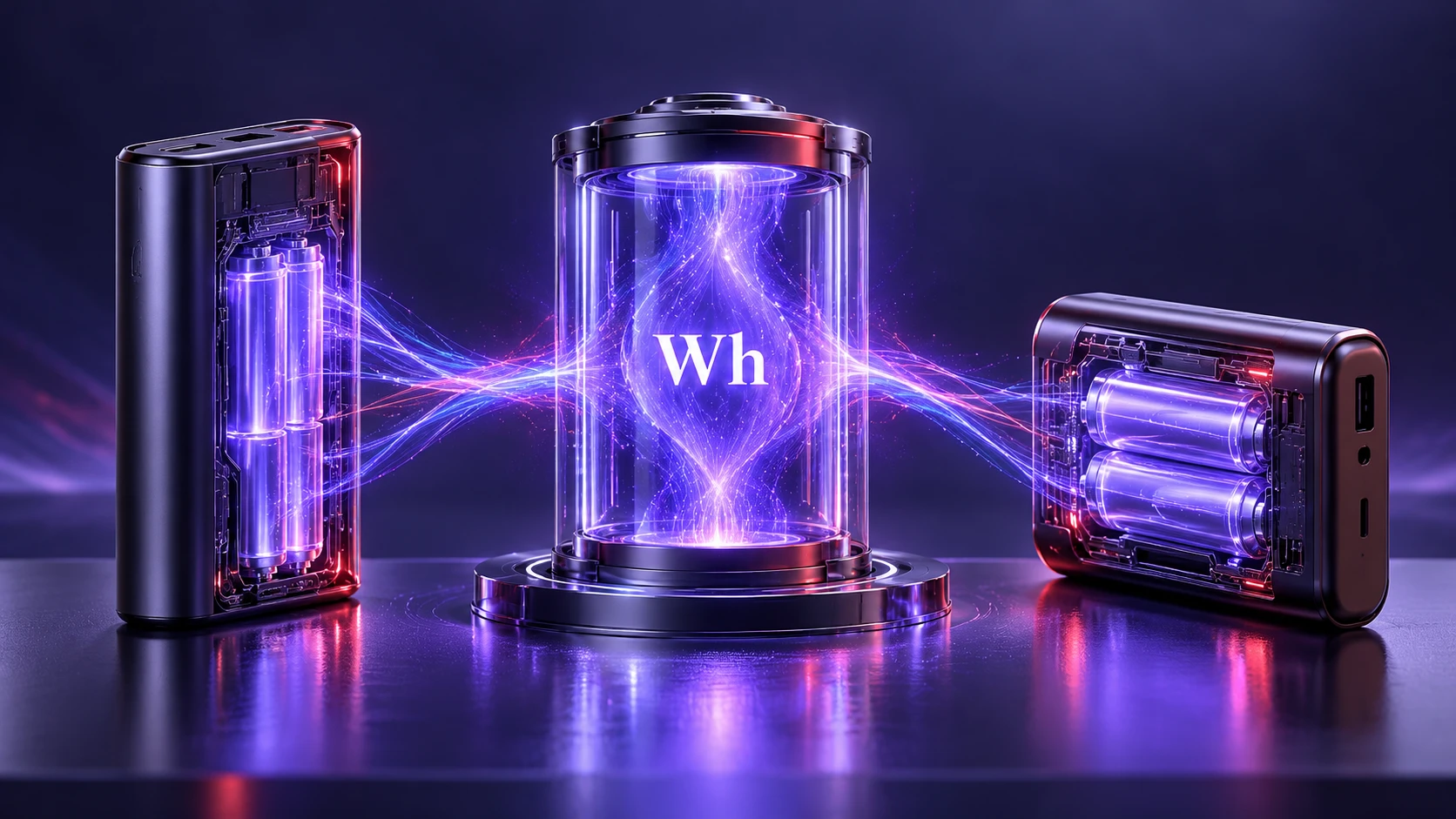
Wh stands for watt-hours and measures stored energy. Unlike mAh alone, Wh accounts for battery voltage, making it a more reliable measurement when comparing power banks, smartphones, tablets, and laptops. For example, two power banks can have different mAh ratings but similar energy capacities if their nominal battery voltages differ. However, the advertised Wh rating represents nominal stored energy, not the exact amount of energy that will reach your device after charging losses.
You can convert between mAh and Wh using voltage. Power banks rarely print both in an easy way, but many list rated energy in Wh for air travel compliance.
- mAh to Wh: To calculate watt-hours, divide mAh by 1,000 and multiply the result by the battery’s nominal voltage. For example, a 10,000 mAh battery rated at 3.7 V stores approximately 37 Wh of energy. The FAA’s watt-hour calculation guidance explains the same conversion method for lithium batteries.
- Wh to mAh At 5 V: mAh equals Wh divided by 5 multiplied by 1000, before losses.
- What This Solves: You can compare a 10,000 mAh bank and a 20,000 mAh bank fairly even when their outputs and cells differ.
After you know the energy, the next question is how fast that energy can be delivered.
Wattage and Charging Speed Basics
Wattage is power, which is how quickly energy is transferred. Higher wattage allows faster charging, but only when the power bank, cable, and device support the same fast charging standard.
Most USB output labels list volts and amps. Multiply volts by amps to get watts, which is the number that drives charging speed.
- USB-A Charging Output: A USB-A port rated at 5 V and 2.4 A delivers approximately 12 W. However, some USB-A ports support higher wattage through compatible fast charging protocols, so checking the printed output specifications is important.
- USB-C Power Delivery Output: USB-C Power Delivery allows compatible devices to negotiate different charging voltages and power levels. Although the USB PD specification supports power delivery up to 240 W, individual power banks have their own output limits. Always check the maximum wattage and supported profiles of the specific power bank.
- Real Impact: A high capacity bank with low wattage can still feel slow on modern phones.
Wattage is not only about peak speed. It also affects whether you can charge larger devices at all.
Real Charging Capacity and Conversion Losses
Power banks use electronic circuits to convert and regulate the energy stored in their internal batteries into the voltage required by a connected device. Depending on the charging mode, the USB output may operate at 5 V, 9 V, 12 V, or another supported voltage. This process creates some energy losses, primarily through heat and electrical resistance. As a result, the energy delivered through the USB output is generally lower than the power bank’s nominal stored energy in Wh.
Charging efficiency varies depending on the power bank’s internal electronics, cable quality, charging wattage, battery condition, temperature, and the device being charged. Energy is lost during voltage conversion and within the phone’s charging circuitry. There is no single efficiency percentage that applies to every power bank. For a rough recharge calculation, assuming that approximately 70% to 80% of the power bank’s nominal energy eventually reaches the phone battery can provide a useful starting estimate, but actual results may fall outside this range.
- Boost Conversion Loss: Energy is lost as heat while stepping voltage up.
- Cable And Connector Loss: Higher current increases voltage drop and heat.
- Device Charging Overhead: The phone or tablet also wastes some energy while managing charge.
This is why a 10,000 mAh power bank generally cannot fully recharge a 5,000 mAh phone twice under typical conditions. Charging losses vary with the equipment, charging power, temperature, and battery condition. If you also want to understand how charging speed and heat influence battery longevity, TechBonafide’s explanation of fast charging and battery health covers these factors in more detail.
How to Estimate Phone Recharges?
A practical estimate starts with Wh. Compare the power bank energy to the phone battery energy, then apply a realistic efficiency factor.
Many phone batteries are around 15 Wh to 20 Wh depending on size and voltage. Power banks can range widely, so this method scales well.
- Find the Bank Energy: Use the printed Wh rating or convert from mAh at 3.7 V.
- Estimate Energy Reaching the Phone Battery: Multiply the power bank’s Wh rating by an illustrative overall efficiency factor, such as 0.70 to 0.80. This factor accounts for approximate losses in the power bank, cable, and phone charging circuitry.
- Divide By Device Battery Wh: The result is an approximate number of full charges.
This approach avoids false expectations and helps you choose the right size for travel, commuting, or emergency use.
Example: How Many Times Can A 10,000 mAh Power Bank Charge A Phone?
Suppose you have a 10,000 mAh power bank with a nominal internal battery voltage of 3.7 V. Your smartphone has a 5,000 mAh battery rated at approximately 3.85 V.
First, convert both battery capacities into watt-hours.
Power Bank Energy:
10,000 ÷ 1,000 × 3.7 = 37 Wh
Phone Battery Energy:
5,000 ÷ 1,000 × 3.85 = 19.25 Wh
Next, estimate how much of the power bank’s energy reaches the phone battery after conversion and charging losses.
Assuming an overall efficiency of 70% to 80%:
- At 70% efficiency: 37 × 0.70 = 25.9 Wh
- At 80% efficiency: 37 × 0.80 = 29.6 Wh
Now divide the estimated usable energy by the phone battery’s energy capacity.
- Lower estimate: 25.9 ÷ 19.25 = 1.35 charges
- Upper estimate: 29.6 ÷ 19.25 = 1.54 charges
Under these assumptions, a 10,000 mAh power bank could provide approximately 1.3 to 1.5 full charges for this particular phone.
These figures are illustrative rather than guaranteed. Actual results depend on the phone’s battery condition, charging efficiency, temperature, and whether the phone is being used while charging.
Reading the Label on the Power Bank
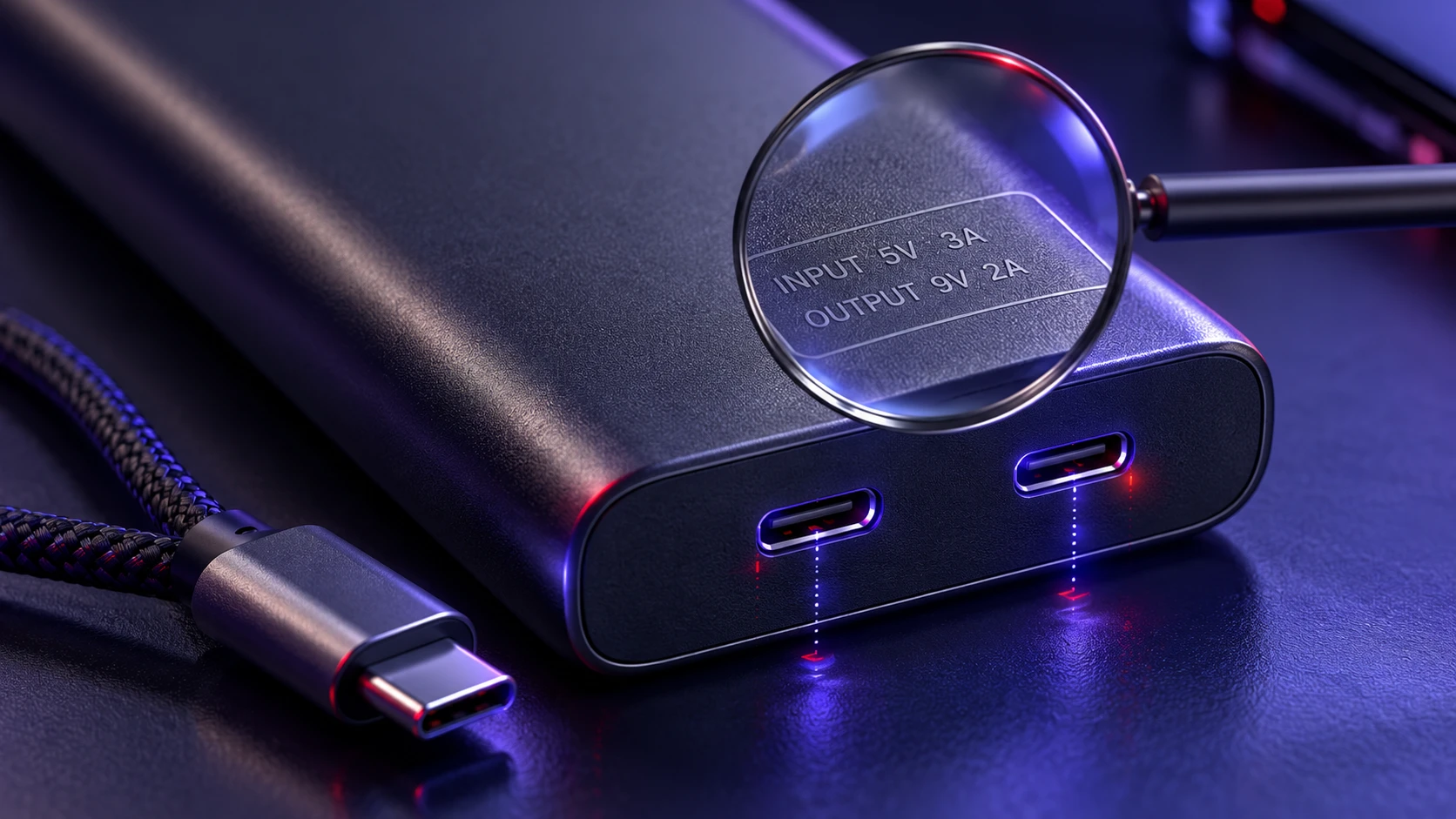
The label usually lists input, output, and sometimes multiple voltage profiles. These profiles indicate supported fast charging modes and the maximum wattage available.
Look for separate ratings per port, because the total output can be shared. A bank might advertise a high combined number, while each port has a lower limit.
- Input Rating: The input wattage indicates the maximum charging power the power bank can accept under supported conditions. A higher input rating can reduce recharge time, but the wall charger, charging cable, and power bank must support compatible power levels. Actual charging speed may also decrease as the battery approaches full capacity.
- Output Profiles: Multiple voltage options indicate fast charging capability.
- Shared Output Note: Two ports used at once can reduce speed per device.
If your goal is fast charging, matching the correct USB port and cable is just as important as selecting the right battery capacity. For higher-wattage devices, verify the cable’s supported power rating instead of assuming every USB-C cable performs the same way. The USB-IF cable and connector requirements explain the power markings used on certified USB-C cables and why cable compatibility matters.
Fast Charging Standards You May See
Power banks may support USB Power Delivery, Quick Charge, or manufacturer-specific fast charging technologies. USB-C Power Delivery is a widely supported option for many modern smartphones, tablets, and laptops, although compatibility depends on the connected devices and supported charging profiles. For a detailed explanation of how these technologies work, read TechBonafide’s guide to USB-C fast charging, PD, and PPS.
Some banks support PPS, which allows finer voltage control for better efficiency on supported phones. If a device does not support the same standard, it will fall back to a slower basic mode.
- USB-C Power Delivery: The USB Power Delivery standard allows compatible devices to negotiate charging power through supported USB-C connections. It is widely used for smartphones, tablets, handheld gaming devices, and many laptops. Available wattage depends on the power source, device, cable, and supported charging profiles.
- PPS Support: Can improve sustained fast charging and reduce heat on compatible devices.
- Fallback Behavior: When standards do not match, charging still works but at lower wattage.
Compatibility is the difference between getting the advertised speed and getting a slow trickle charge.
Capacity and Wattage Cheat Sheet
This table connects the common specs to what they typically mean in day to day use. Use it to sanity check marketing claims and pick a bank that fits your devices.
| Spec on the Box | What It Describes | What to Check Next |
|---|---|---|
| 10,000 mAh | Cell charge at about 3.7 V | Look for Wh and efficiency to estimate real phone recharges |
| 20,000 mAh | Approximately 74 Wh at a nominal 3.7 V | Estimate phone recharges using device battery Wh and charging losses |
| 37 Wh | Total stored energy | Compare to your device battery Wh and expect conversion losses |
| 5 V 2.4 A | About 12 W max output | Good for basic phone charging, slower for fast charge phones |
| 9 V 2 A | About 18 W fast charge profile | Verify device and cable support for the same fast charging mode |
After you map capacity to energy and speed to wattage, choosing a bank becomes straightforward.
Safety and Airline Limits That Affect Spec Choices
Airlines use watt-hour ratings to determine whether power banks can be transported safely. Under the IATA’s 2026 guidance for passengers travelling with lithium batteries, passengers are limited to a maximum of two lithium-ion power banks, each rated no higher than 100 Wh. Power banks must be carried in cabin baggage rather than checked luggage and must not be recharged from an aircraft power supply. Airlines may impose additional restrictions on storage and use, so passengers should always confirm the rules with their airline before travelling.
Safety is also about build quality. Look for protection features such as overcurrent, overvoltage, temperature control, and short circuit protection, because these determine how stable the bank is under load.
- Energy Labeling: Wh printed clearly helps with travel compliance and honest comparison.
- Thermal Management: Better designs sustain wattage without overheating or throttling hard.
- Protection Circuits: Reduce risk when charging multiple devices or using higher wattage modes.
If you carry a power bank daily, battery protection and build quality deserve as much attention as capacity and charging speed. Avoid using power banks that show signs of swelling, physical damage, or unusual overheating, and check for relevant product recalls. The CPSC’s battery safety information explains important hazards associated with batteries and charging equipment, including overheating, fire, and electrical injuries.
Common Spec Traps to Avoid
Large mAh alone does not guarantee more usable charging, and a high maximum wattage does not mean every port can deliver it. Some products also quote peak wattage that only works with one port and one protocol.
Another common mistake is ignoring how quickly the power bank itself can recharge. Even a large-capacity power bank may take several hours to refill when its input wattage is low or the connected wall charger cannot supply enough power. When choosing a suitable wall charger, consider its output wattage, supported charging standards, and efficiency. TechBonafide’s comparison of a GaN charger versus a regular charger explains how different charger technologies affect size, efficiency, and convenience.
- Marketing mAh Focus: Compare using Wh and real efficiency rather than mAh alone.
- Single Port Peak Claims: Check per port output and shared limits.
- Slow Input Charging: Match input wattage to your charger so the bank recharges quickly.
Reading the fine print prevents buying a bank that looks great on paper but underperforms in real use.
Conclusion
Understanding mAh, Wh, and wattage makes power bank specifications much easier to compare. mAh describes electrical charge at a stated voltage, Wh measures stored energy, and wattage indicates how quickly power can potentially be delivered. Since electrical conversion and charging processes create energy losses, the amount of energy that ultimately reaches your device is usually lower than the power bank’s nominal Wh rating.
Choose a power bank by checking Wh for capacity, wattage profiles for speed, and port specific ratings for compatibility. That combination leads to predictable recharges, safer charging, and fewer surprises.
Frequently Asked Questions
Is Higher mAh Always Better for A Power Bank?
Higher mAh usually means more stored charge, but it does not guarantee more usable charging at the USB output. Comparing Wh and efficiency gives a clearer picture of how many recharges you will actually get.
Why Does A 20,000 mAh Power Bank Not Charge My Phone Four Times?
The mAh rating is based on the internal cell voltage, not the 5 V or higher USB output. Conversion losses and the phone charging system reduce delivered energy, so the real number of full charges is lower.
What Wattage Should I Look for to Get Fast Charging?
Match the bank wattage and charging standard to your device. Many phones benefit from 18 W to 30 W over USB-C Power Delivery, while tablets and laptops may need higher supported profiles and a capable USB-C cable.