SIM-swapping is a takeover technique where an attacker convinces a mobile carrier to move your phone number to a new SIM. Once they control your number, they can intercept verification codes, reset passwords, and lock you out of critical accounts. Protecting your phone number is less about one setting and more about building layers of friction that make social engineering fail.
What SIM Swapping Is And Why It Works?
Mobile numbers are still treated like identity by many services, especially when SMS is used for account recovery. Attackers target carriers because a successful transfer gives them control over calls and texts in minutes. The weak spot is usually human process, not the SIM card itself.
Most SIM-swap attempts rely on stolen personal data, urgency, and persuasive pressure on support staff. That is why the best defenses combine carrier account hardening, safer authentication methods, and fast detection.
Warning Signs Your Number Is Being Targeted
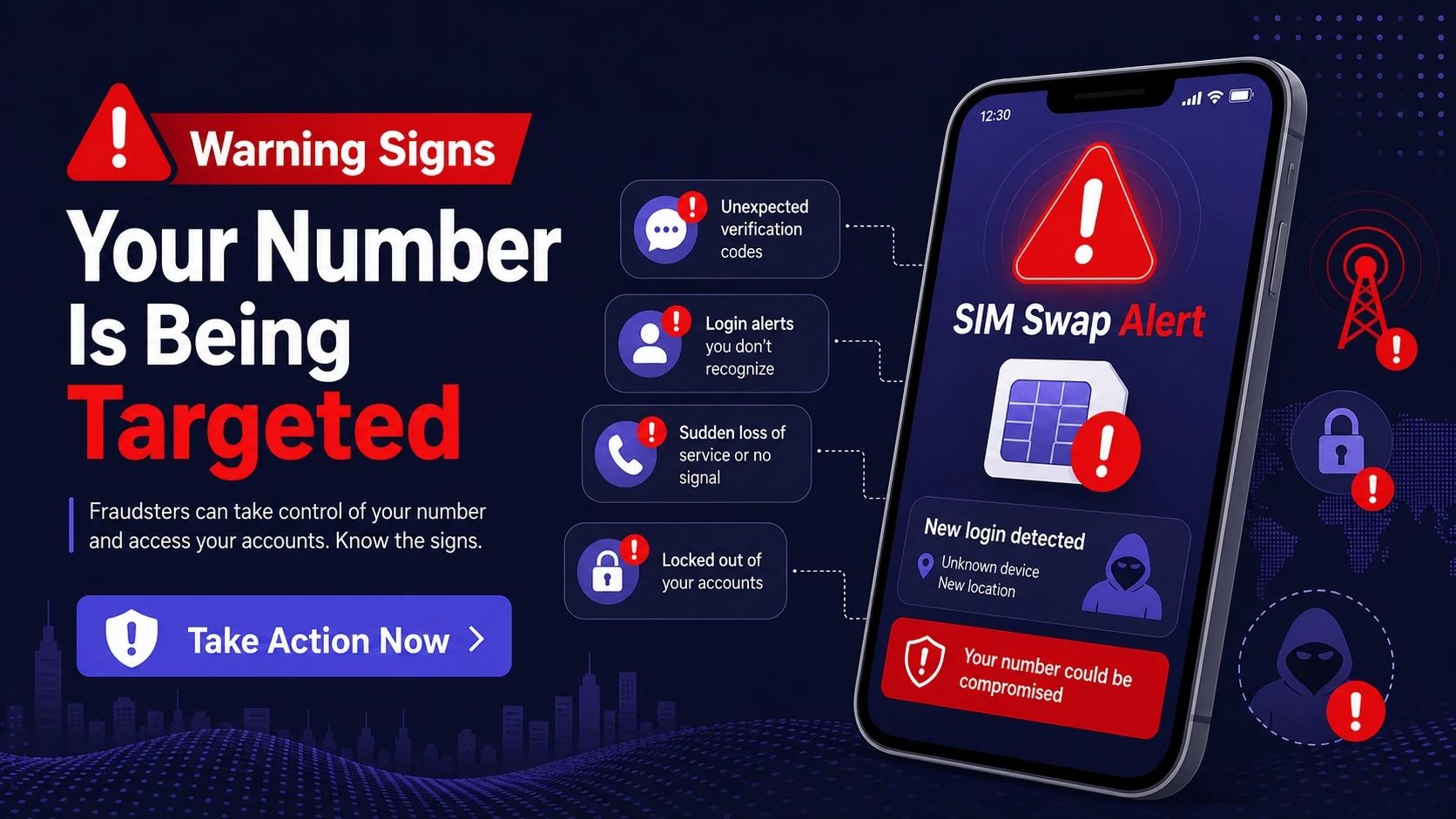
Spotting early signals can stop a full takeover. Many victims notice small changes before they lose service, but they dismiss them as carrier glitches.
- Unexpected carrier messages: You receive texts or emails about SIM changes, porting requests, or account updates you did not initiate.
- Sudden loss of service: Calls fail, texts stop, and mobile data disconnects even though your bill is current.
- Login alerts from key accounts: You get notifications about password resets, new device sign-ins, or security setting changes.
- Two-factor codes arriving you did not request: Multiple one-time codes appear without you trying to log in.
- Carrier support contacts you first: A call or message claims an urgent account issue and asks for verification details.
If two or more of these happen close together, treat it as an active attempt and move quickly.
Lock Down Your Mobile Carrier Account
Your carrier account is the control panel for your phone number. Tightening carrier security reduces the chance a support interaction can override your protections.
- Add a carrier account PIN: Use a unique PIN that is not your birthday, address number, or any reused code.
- Set a port-out or transfer lock: Many carriers offer a setting that blocks number porting unless you remove the lock.
- Require in-store verification: Ask if your account can be flagged to require photo ID for SIM changes.
- Use a separate email for carrier access: A dedicated email reduces the damage if your main inbox is compromised.
- Remove public-facing account data: Reduce profile fields that can be used for verification, such as alternate numbers or old addresses.
After you apply these changes, take a screenshot or note where the settings live so you can confirm them later.
Prefer Authenticator Apps And Security Keys Over SMS
SMS-based verification is convenient but fragile when your number can be moved. The safer approach is to treat your phone number as a routing tool, not a security factor.
Use app-based codes or passkeys where available, and reserve SMS for low-risk accounts. For critical accounts, hardware security keys add strong protection because they resist phishing and cannot be intercepted through a SIM swap.
- Authenticator apps: Time-based one-time passwords stay on your device and do not rely on your carrier.
- Passkeys: They can replace passwords on supported services and reduce account recovery reliance on SMS.
- Security keys: Physical keys provide high assurance for email, finance, and admin portals.
Once you switch methods, remove SMS recovery options where the service allows it.
Secure Your Email Because It Controls Everything Else
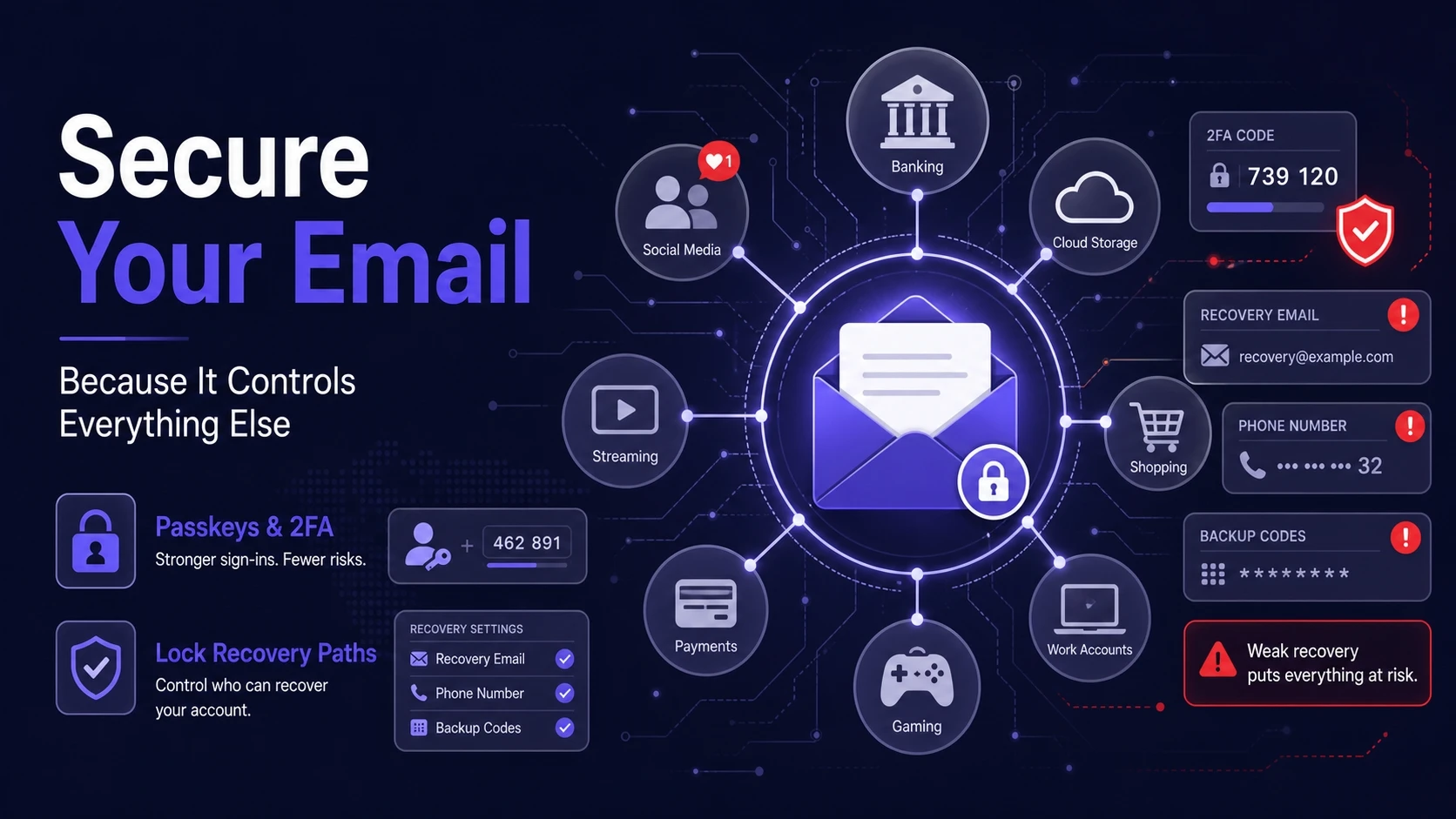
Email is the top target because it unlocks password resets across your digital life. A SIM swap often becomes dangerous only after the attacker reaches your primary inbox.
Turn on the strongest sign-in method your email provider supports and audit recovery settings. Ensure your recovery email and recovery phone are secured, and avoid using the same phone number for everything.
- Use a strong sign-in method: Prefer passkeys, security keys, or authenticator-based two-factor authentication.
- Review account recovery paths: Remove old phone numbers and outdated backup emails.
- Check active sessions: Sign out of devices you do not recognize and rotate passwords if anything looks off.
When your email is hardened, SIM swapping becomes far less profitable for attackers.
Reduce Personal Data Exposure That Helps Social Engineering
SIM-swappers need details that help them pass identity checks and sound credible. Limiting your public footprint makes it harder to impersonate you.
- Limit what you share publicly: Hide your phone number and birth date on social profiles and directories.
- Be careful with carrier-branded phishing: Never share one-time codes or account PINs over phone calls or texts.
- Use unique answers for security questions: Treat them like passwords, not factual prompts.
Data minimization is not about secrecy. It is about denying attackers easy validation signals during support calls.
Use A Fast Response Plan If You Lose Service
If your phone suddenly stops working, assume the worst until you confirm otherwise. Speed matters because attackers try to reset passwords quickly while you are distracted.
- Contact your carrier immediately: Use a known support number from a bill statement or the carrier website, not a number sent in a message.
- Request a fraud lock: Ask the carrier to freeze the line, reverse unauthorized SIM changes, and place a note requiring ID.
- Secure your email first: Reset your email password, enforce stronger two-factor authentication, and revoke unknown sessions.
- Reset passwords on high-value accounts: Prioritize banking, payment apps, password manager, and cloud storage.
- Notify financial providers: Ask for extra verification or temporary holds if you see suspicious activity.
After you regain control, review the timeline and tighten any recovery paths that relied on SMS.
Carrier And Account Hardening Checklist
A simple checklist helps you confirm you covered the high-impact settings. Focus on a few critical accounts first, then expand.
| Area | What To Do | Why It Helps |
|---|---|---|
| Carrier Account | Set an account PIN and enable transfer lock | Blocks or slows unauthorized SIM changes and port-outs |
| Use authenticator or security key and review recovery options | Prevents password reset takeovers that cascade to other services | |
| Financial Accounts | Remove SMS recovery and enable strong two-factor authentication | Stops attackers from using intercepted codes to access funds |
| Password Manager | Enable the strongest sign-in and store backup codes safely | Protects the account that unlocks all other passwords |
Revisit these items after changing devices, switching carriers, or updating your primary email.
Protect Business And High-Risk Numbers
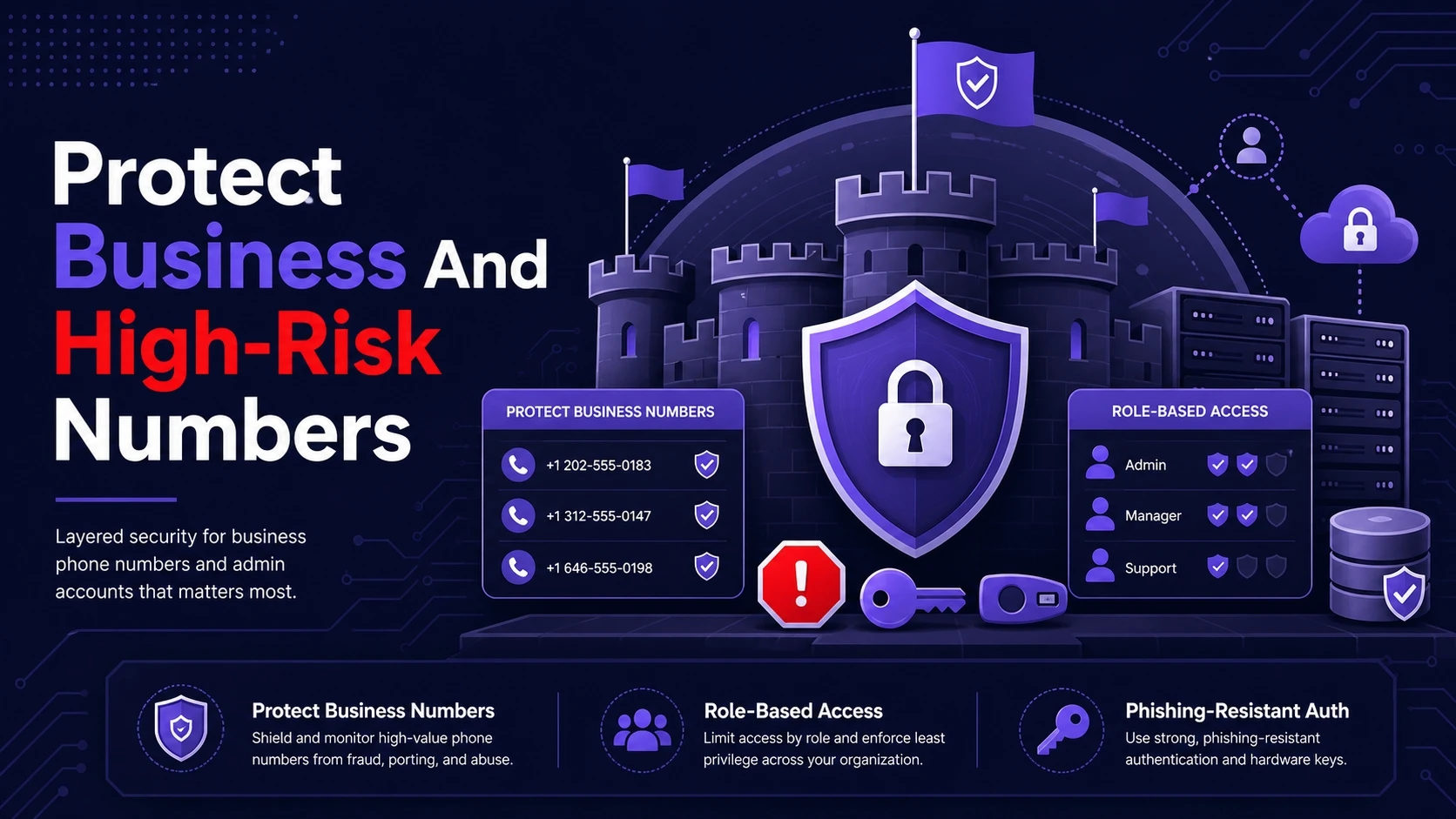
Work numbers, admin accounts, and public-facing lines attract more attempts. If your role involves payments, customer data, or infrastructure access, treat phone security as part of operational security.
Use role-based access controls, require phishing-resistant authentication for admin tools, and keep a documented recovery process. Tech Bonafide can help teams map authentication risk, harden account recovery flows, and build incident playbooks that reduce downtime during account takeovers.
Conclusion
Protecting your phone number from SIM swapping depends on two moves. First, lock down your carrier account so number transfers require strong verification. Second, reduce reliance on SMS by shifting critical logins and recovery to authenticator apps, passkeys, or security keys.
Keep your email secured, limit exposed personal data, and prepare a response plan so you can act fast if service suddenly drops. These steps add friction where attackers need speed, and that often stops the takeover before it starts.
Frequently Asked Questions
Is A SIM Swap The Same As A Number Port Attack?
They are closely related and often overlap. A SIM swap moves your number to a different SIM on the same carrier, while a port attack transfers the number to another carrier. Both aim to intercept calls and texts, so the defenses are similar.
Should I Change My Phone Number To Stop SIM Swapping?
Changing your number can reduce nuisance targeting, but it does not fix the root issue. Without a carrier PIN, transfer lock, and stronger account authentication, the new number can be attacked the same way. Focus on hardening your carrier account and removing SMS recovery for critical services.
What Is The Safest Two-Factor Method If I Want To Avoid SMS?
Security keys and passkeys are among the most resilient options because they are designed to resist phishing and interception. Authenticator apps are also strong and widely supported. Use SMS only when better options are not available and the account is low risk.