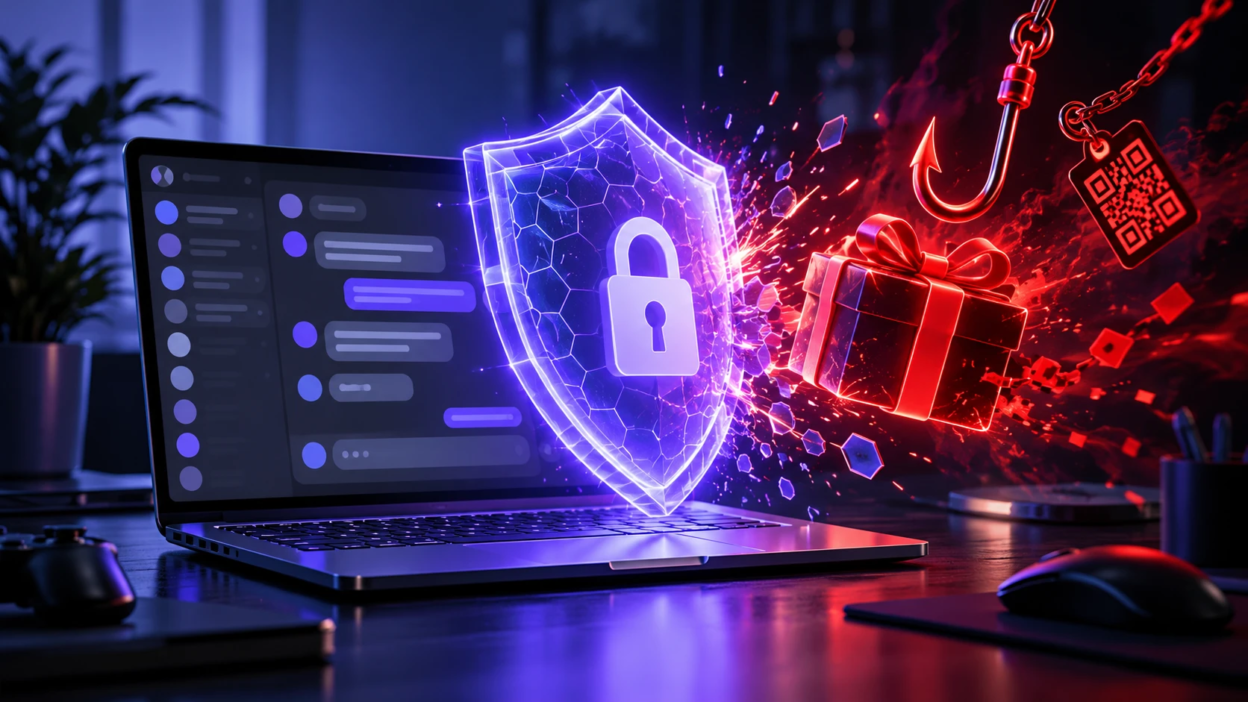
Discord account takeovers can begin with a convincing message, a fake login page, or a rushed click on a giveaway link. Phishing and “free Nitro” scams exploit trust in friends, moderators, and familiar bots.
Why Discord Phishing Works So Well?
Trust spreads quickly in Discord communities. When attackers compromise an account, they may use it to send malicious links to friends and server members. Scams often create urgency or appear to come from someone familiar.
- Trust Hijacking: Stolen accounts spread links that appear to come from trusted people.
- Lookalike Pages: Fake Discord login screens collect passwords and authentication codes.
- Reward Pressure: Limited-time gifts encourage users to act before checking details.
Common Phishing and Fake Giveaway Tactics
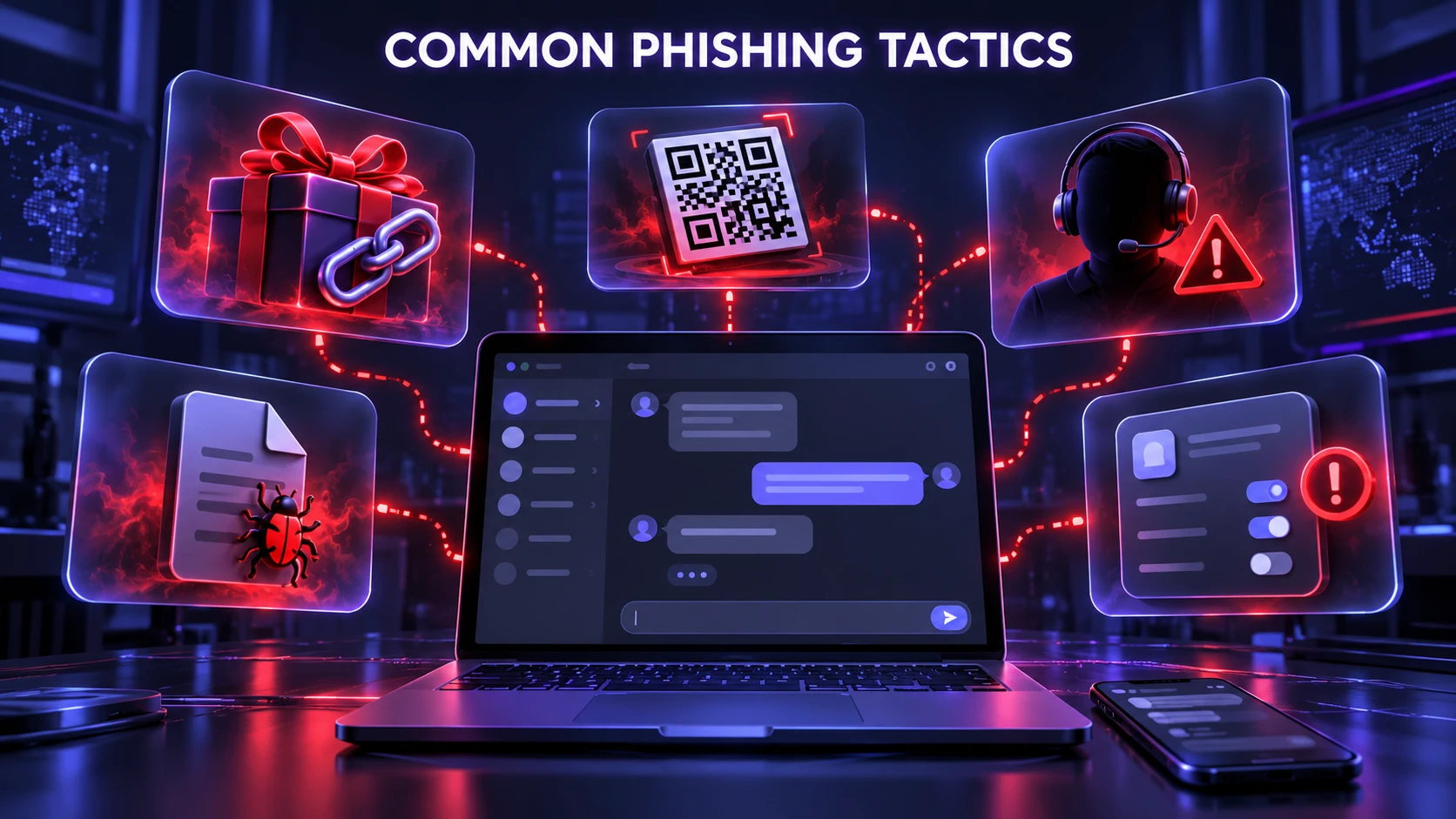
Scammers reach users through direct messages, channels, compromised moderator accounts, bots, and webhooks. Their wording changes, but the underlying tactics remain similar.
- Free Nitro and Gift Links: Messages promise rewards but redirect to fake sign-in pages.
- Giveaway Winner Claims: A supposed prize requires a login or QR scan. Some attempts use QR code phishing to hide malicious destinations or trigger login requests.
- Support Impersonation: Fake staff ask for passwords, backup codes, or payment details. Discord staff do not provide account support through unsolicited in-app messages.
- Attachment Bait: A file marked “proof,” “invoice,” or “game mod” may install infostealer malware that collects credentials and session data.
- OAuth Permission Traps: An unfamiliar app requests unnecessary access. Our guide to OAuth phishing and third-party authorization risks explains why legitimate-looking approval screens still need scrutiny.
Patterns matter more than exact wording. Read Discord’s guide to avoiding scams for more safety advice.
Quick Checks Before You Click Anything
Treat unexpected links, files, and QR codes as untrusted, even if they come from a friend whose account may have been compromised.
- Check the Domain Carefully: Open discord.com yourself before signing in. Watch for misspellings, misleading subdomains, and redirects. HTTPS alone does not prove a page is genuine.
- Pause on Login Prompts: If a giveaway immediately asks you to sign in, close the page and use Discord directly.
- Avoid QR Code Logins From Messages: Never approve a login you did not initiate. Cancel unexpected verification prompts.
- Inspect App Authorization Screens: Reject apps requesting permissions unrelated to their purpose.
- Do Not Open Unknown Attachments: Suspicious downloads may steal passwords or session tokens.
For the correct login process, see Discord’s QR code login safety instructions.
Account Settings That Reduce Takeover Risk
Strong security settings limit the impact of stolen passwords and improve recovery options. Review them regularly. Follow Discord’s passkey and security key setup guide for supported authentication methods.
- Use A Long Unique Password: Avoid reusing your Discord password on other websites. A password manager can help.
- Enable Strong Multi-Factor Authentication: Prefer a phishing-resistant passkey or security key when supported. An authenticator app also helps; SMS is weaker. Protect your backup codes.
- Secure Your Recovery Email: Use a unique password and MFA on your email account. Watch for unexpected account-change alerts.
- Review Authorized Apps: In User Settings, remove integrations you do not recognize or need.
Privacy and Message Controls That Limit Attack Surface
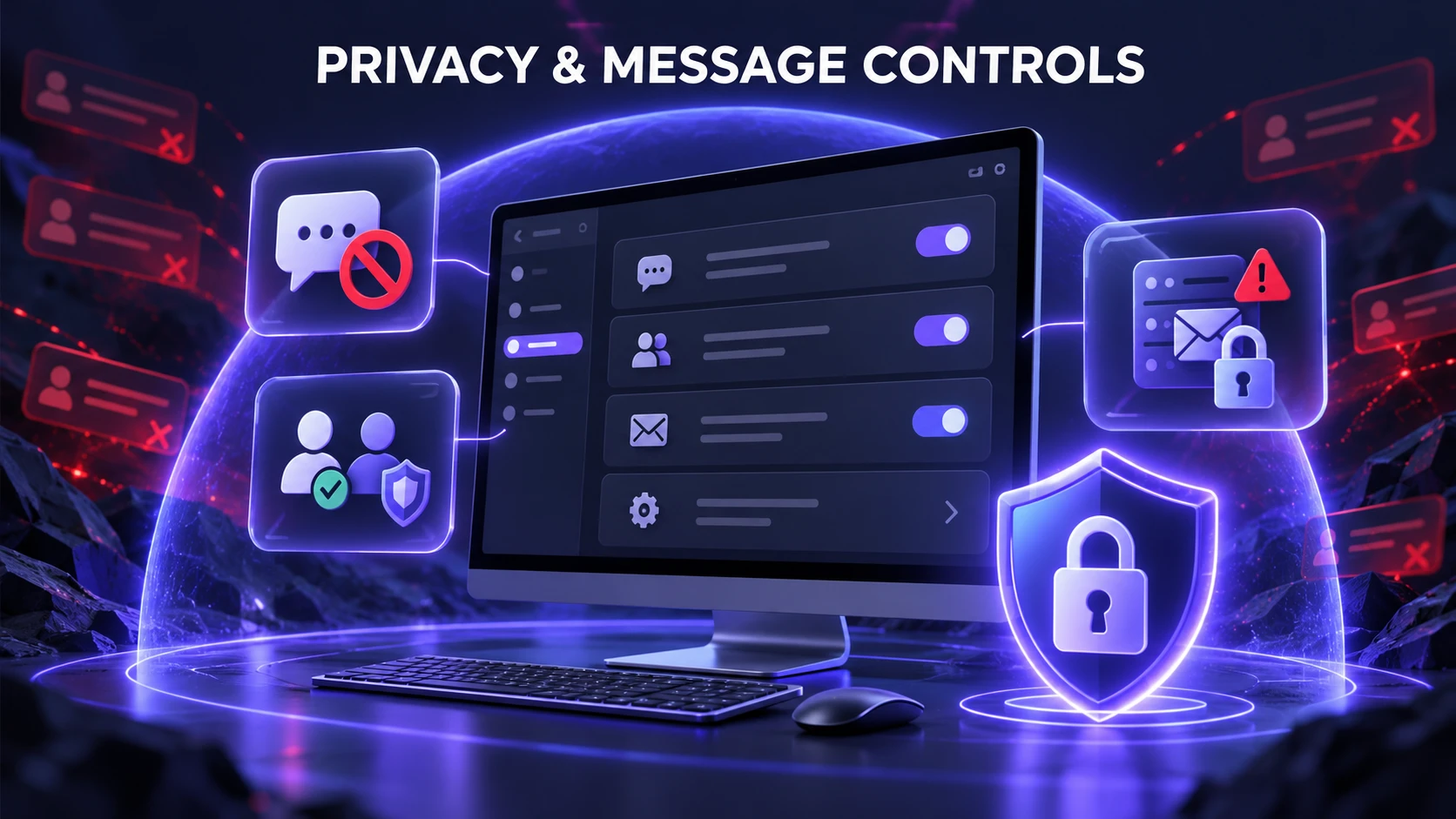
Reducing unwanted DMs can lower your exposure to phishing attempts. If you join large public servers, review who can contact you. Use Discord’s privacy and blocking settings for detailed instructions under User Settings > Content & Social.
- Limit Direct Messages In Servers: Disable DMs from non-friends in large or unfamiliar servers when appropriate.
- Use Friend Requests Carefully: Restrict who can send requests, especially during spam campaigns.
- Be Cautious With Server Invites: Verify unfamiliar communities before joining, particularly when rewards are promised.
How to Verify Giveaways Without Getting Scammed?
Real giveaways exist, but fraudulent promotions may imitate moderators, bots, and established communities. Verify the organizer and the original announcement before participating. A credible promotion should not demand passwords, authentication codes, unexpected downloads, or rushed payments.
- Confirm the Organizer Identity: Check prior announcements and contact a moderator through a separate, known channel.
- Verify Giveaway Announcements: Do not assume a bot or admin account is safe just because its name looks familiar.
- Refuse Credential Requests: Never share passwords, backup codes, or one-time login codes.
- Watch for Payment Traps: Unexpected “shipping fees,” “tax,” or “verification charges” can signal fraud.
If the details do not check out, stop and report the suspicious promotion.
Phishing Red Flags Compared Side By Side
Use this comparison when a message pushes you toward a login, download, or authorization request.
| Signal | What It May Mean | Safer Response |
|---|---|---|
| Unexpected Nitro gift | Fake reward or login bait | Ignore the link and check Discord directly |
| Urgent deadline or threat | Pressure to act without checking | Pause and verify independently |
| Unusual login domain | Possible credential theft | Close it and open discord.com yourself |
| Broad app permissions | Potential OAuth consent scam | Deny access and review Authorized Apps |
What to do If You Clicked A Suspicious Link
Your response depends on what happened. If you only opened a page, close it without interacting further. If you entered credentials, approved a QR login, authorized an unfamiliar app, or ran a file, act quickly.
- Change Your Password: Use a trusted device, choose a new unique password, and secure your linked email account.
- Review Multi-Factor Authentication: Check for unfamiliar security methods. Reconfigure compromised methods and store fresh backup codes safely.
- Invalidate Suspicious Sessions: Changing your Discord password signs the account out of all devices, including unauthorized logins.
- Remove Unknown Authorized Apps: Revoke suspicious connections under User Settings.
- Scan Your Device for Malware: Investigate suspicious downloads and extensions with reputable security software.
Warn moderators if your account sent scam messages. If you lose access or notice unauthorized changes, follow Discord’s compromised account recovery guide.
How to Report Phishing and Protect Your Servers?
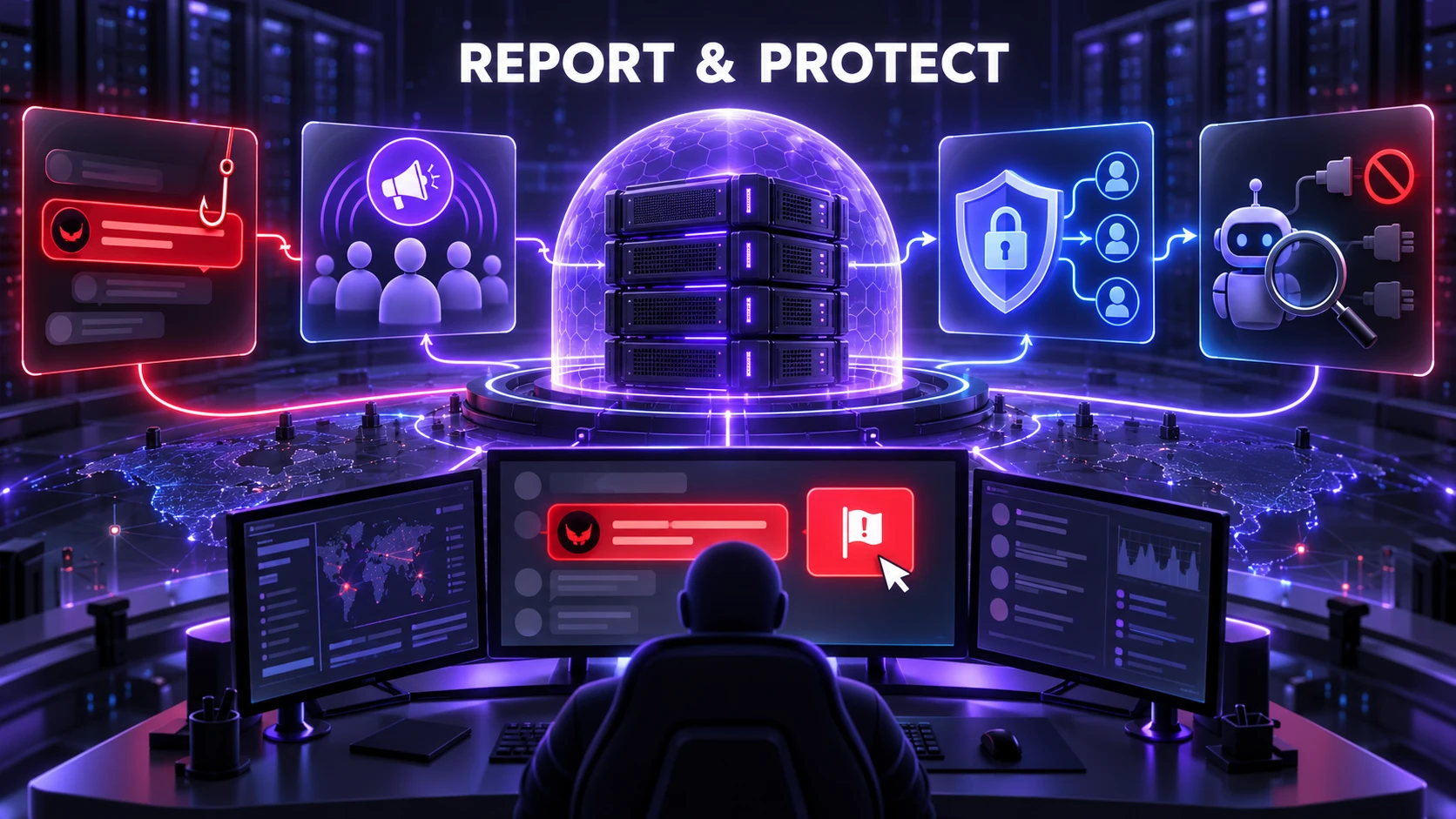
Reporting suspicious messages can limit their spread. Server administrators should also review permissions and integrations.
- Report the Message In Discord: Right-click the message on desktop or long-press it on mobile, then select Report Message.
- Warn Your Community: Ask moderators to post a clear alert and remove malicious content.
- Harden Server Permissions: Limit unnecessary access to announcements, invites, and webhooks.
- Audit Bots and Integrations: Remove unused bots and review the permissions of remaining tools.
A clear response plan helps moderators alert members and contain fraudulent posts quickly.
Conclusion
Protecting your Discord account means checking links, rejecting suspicious requests, and keeping strong login protections enabled. Use a unique password, phishing-resistant authentication where possible, cautious DM settings, and regular app reviews. If something goes wrong, respond according to what you clicked, shared, or installed.
Frequently Asked Questions
Is Two-Factor Authentication Enough to Stop Discord Phishing?
No. It reduces risk, but stolen sessions can sometimes bypass fresh login checks. Learn how session hijacking works, and combine MFA with careful link checks and device security.
How Can I Tell If A Discord Giveaway is Legitimate?
Check the organizer’s identity, past announcements, and official server channels. Avoid offers requiring unfamiliar sign-in pages, downloads, codes, or surprise payments. Confirm doubts through a separate trusted channel.
What Should I Do If My Discord Account Starts Sending Scam Messages?
Change your password from a trusted device, review MFA and authorized apps, and warn moderators. Scan your device if you downloaded or executed a suspicious file.